Play Dark War Survival on PC and Mac
Download Dark War Survival on PC or Mac with MuMuPlayer, get a PC like gameplay along with smart control and high graphics performance.
MuMuPlayer, the top Android emulator for PC and Apple silicon Mac, delivers an optimal gaming experience with minimal RAM usage and high FPS. It also allows you to create multiple instances of the emulator and run several games simultaneously, thanks to its Multi-instance feature. Its advanced emulator features ensure smooth gameplay, even on low-end PCs.
Download and play Dark War Survival on PC or Mac with MuMuPlayer and start enjoying your gaming experience now.
About the Game
Gear up and brace yourself for the ultimate test of zombie apocalypse survival! Dive into thrilling gameplay and uncover captivating events that await your exploration!

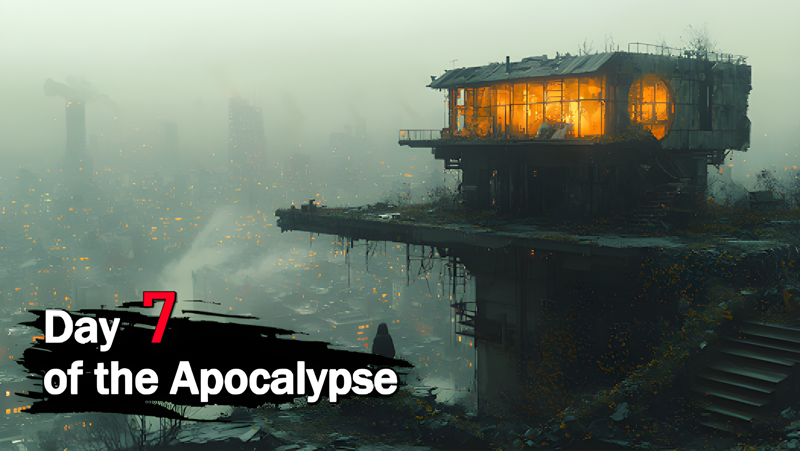
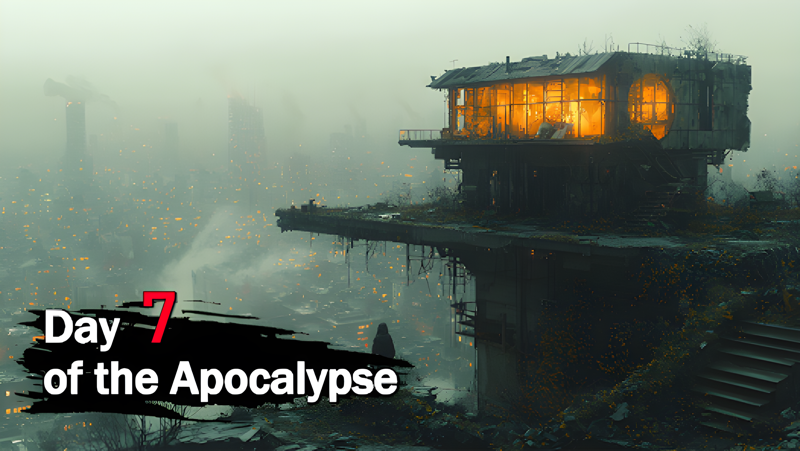
As a sudden and catastrophic zombie virus ravages human society, your once cozy life is shattered. Family and friends turn into the walking dead before your very eyes. Escaping the chaos of your crumbling home, you now face the ultimate challenge: setting up a shelter to survive the zombie apocalyptic world, and reigniting the flames of human civilization.

Can you successfully adapt to the hostile environment teeming with dangers, and lead your fellow survivors in rebuilding civilization? It's time for you to step up!

UNIQUE FEATURES

Assign Jobs
Assign your survivors to specialized work to maximize your shelter's growth. Don't forget to keep an eye on their health and happiness to ensure their productivity!

STRATEGIC MECHANICS

Gather & Explore
Venture into the desolate wastelands in search of valuable resources and rare items. Uncover hidden treasures and unlock new territories where dangers also lurk around every corner.

Build & Expand
Construct a sturdy shelter and fortify it against the ever-evolving zombie threats. Upgrade your defenses, unlock powerful weapons, and establish a safe haven for fellow survivors.

Recruit & Research
As the leader, you must assemble a diverse team of survivors with unique skills and abilities. Train them and equip them with powerful weapons and technologies to maximize their potential in battles against the undead.

Ally & Conquer
Join forces with other survivors to create a legendary alliance. Work together to conquer difficult challenges, win epic battles, and strategize to reclaim the world from the clutches of the undead.

Do you have what it takes to survive and thrive in the zombie apocalypse? Download the game and dive in now!
Emulator Features

With a smart button scheme and image recognition function, provide a more concise UI, and support custom button mapping to meet different needs.

Run multiple games independently at the same time, easily manage multiple accounts, play games while hanging.

Break through FPS limit, and enjoy a seamless gaming experience without lag and delay!

Get a 3-second startup with 52% less memory usage and 65% more stability.
How to Download and Play Dark War Survival on PC and Mac
Installation Guide
Download MuMuPlayer
Download and install MuMuPlayer on your PC or Mac
Sign-in Google Store
Complete Google sign-in to access the Play Store
Search and Install
Search Dark War Survival in the Play Store
Enjoy Gaming
Enjoy 120 FPS high-def gameplay with big screen
System Requirements
Windows PC
Vulkan / DirectX supported. 4 cores + 4GB RAM recommended. Up to 240 FPS. VT required.
macOS
Recommended: Apple Silicon Mac with 8GB RAM or above. Up to 240 FPS.