Play Dragonstride: Legacy Reborn on PC and Mac
Download Dragonstride: Legacy Reborn on PC or Mac with MuMuPlayer, get a PC like gameplay along with smart control and high graphics performance.
MuMuPlayer, the top Android emulator for PC and Apple silicon Mac, delivers an optimal gaming experience with minimal RAM usage and high FPS. It also allows you to create multiple instances of the emulator and run several games simultaneously, thanks to its Multi-instance feature. Its advanced emulator features ensure smooth gameplay, even on low-end PCs.
Download and play Dragonstride: Legacy Reborn on PC or Mac with MuMuPlayer and start enjoying your gaming experience now.
About the Game
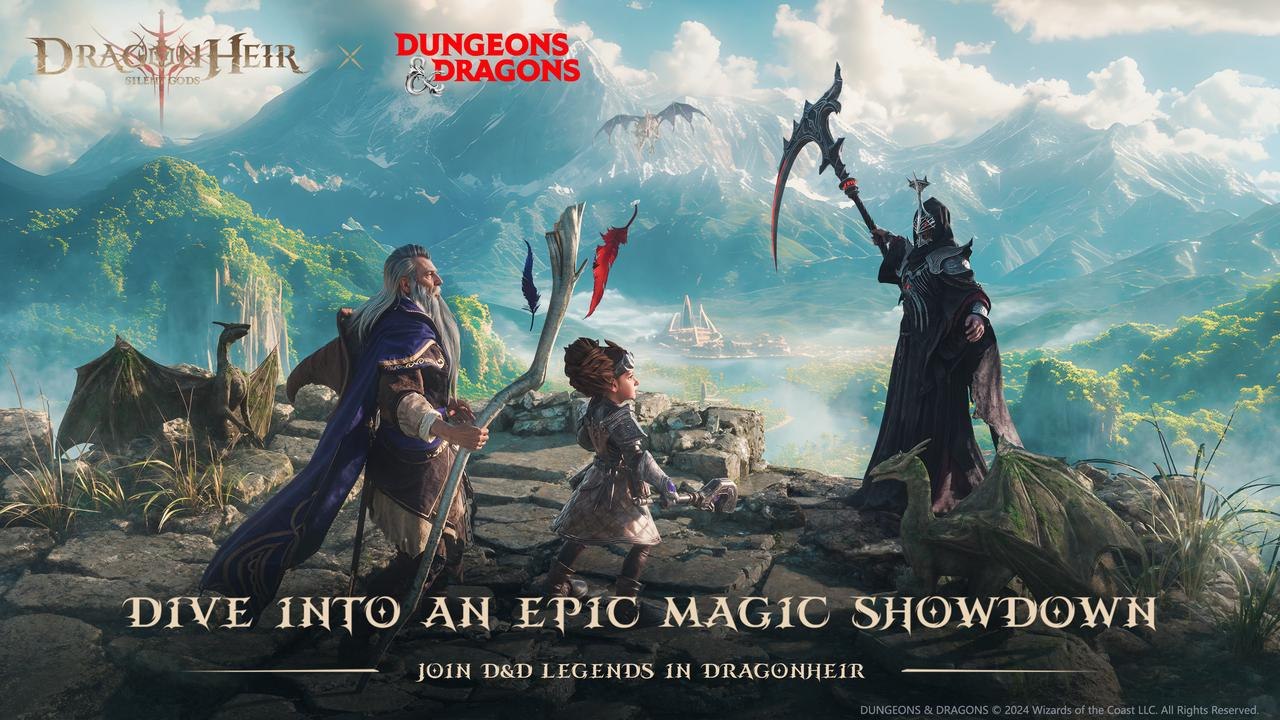
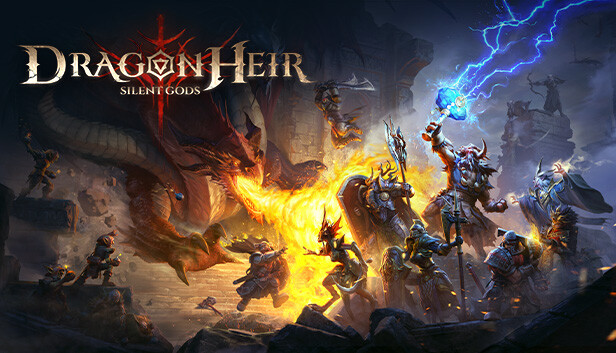
A New Legacy Begins — Welcome to Dark Fantasy Epic Strategy  RPG Dragonstride: Legacy Reborn (formerly Dragonheir) !The game masterfully blends classic TRPG strategy with a new auto-chess mode, delivering a rich and tactical experience. In fast-paced battles, every decision you make — from hero positioning and skill timing to team synergies — can build momentum that turns the tide. With the dice of fate cast, seasonal barriers have crumbled. Join your friends and plunge into the infinite joy of adventure! Dragonstride: Legacy Reborn invites you into an unprecedented world of strategy, where possibilities know no bounds and exploration never ends.

◉ Game Features ◉

〓 Epic Celebration Carnival: 1,000+ Pulls Up For Grabs 〓
The anniversary celebration is now live. Unprecedented rewards for the entire server! Returning veterans can claim up to 1,500 draws and 12 SSR heroes, reclaiming their peak with top-tier Artifacts and Monthly Cards. All players will instantly enjoy over 800 draws and multiple SSRs upon login. Plus, premium custom skins, collaboration Familiar, and limited-edition appearances are being given away to everyone. Join the carnival now and build your ultimate dream team with zero barriers!

〓 HoMM Collab: Reignite the Strategic Epic 〓
Carry the legacy forward into a brand-new journey. You will explore the classic fog of war, wondrous structures, and spell mysteries across the continent of Antagarich. Gelu awaits in the world of Heroes of Might and Magic, ready to fight alongside you!

〓 Tactical Auto Chess 〓
Master the bonds between heroes to unlock deeper strategic possibilities. You will dive into diverse school builds, elemental resonance, and tactical counters on an ever-changing chessboard. Your heroes follow your command in fast-paced ten-minute battles, joining forces to secure the ultimate victory!

〓Boundless Freedom in Exploration〓
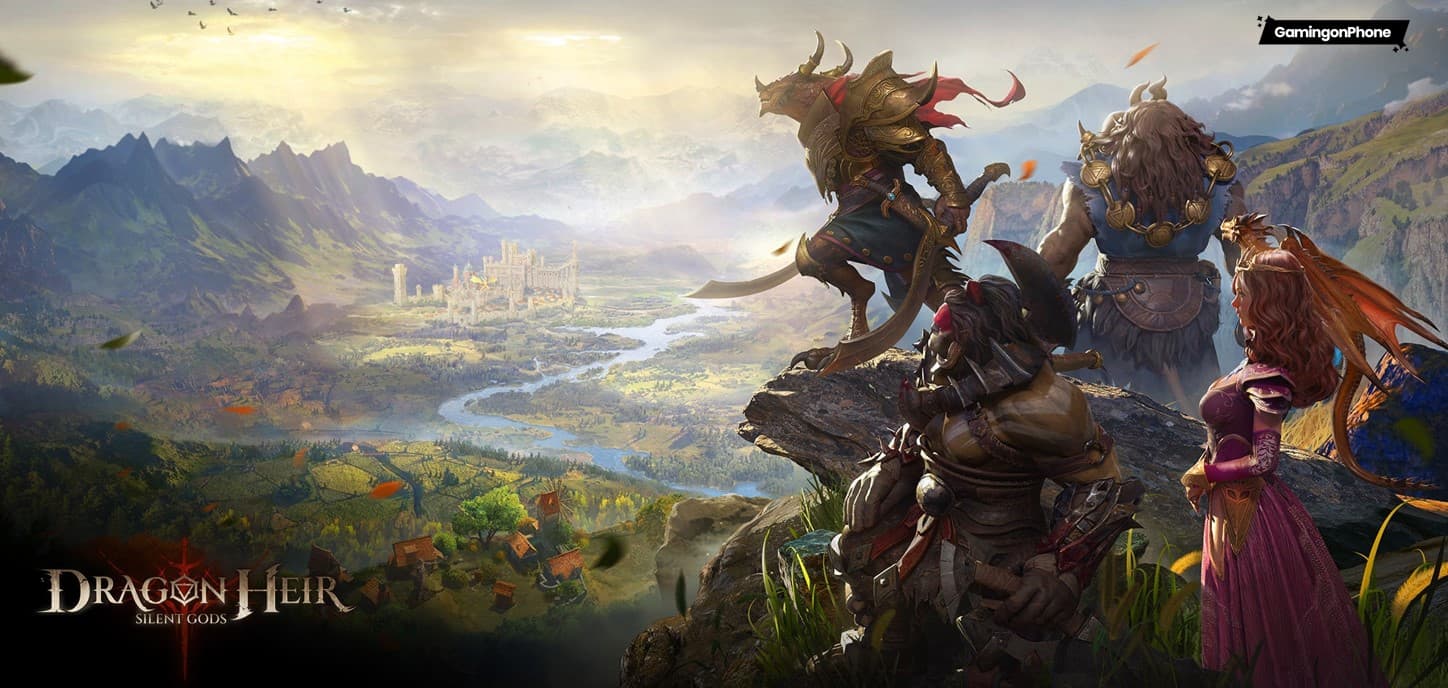
The sandbox open world features diverse landscapes, from shadowy forests to scorching deserts, mysterious underground realms to vast archipelagos—each hiding surprises waiting to be discovered. Create your protagonist freely, with your attribute choices influencing story directions. Roll dice to trigger random events and interact with NPCs to unlock hidden quests, experiencing an adventure journey filled with unknowns and extraordinary encounters!


〓Strategies Renewed and Upgraded〓
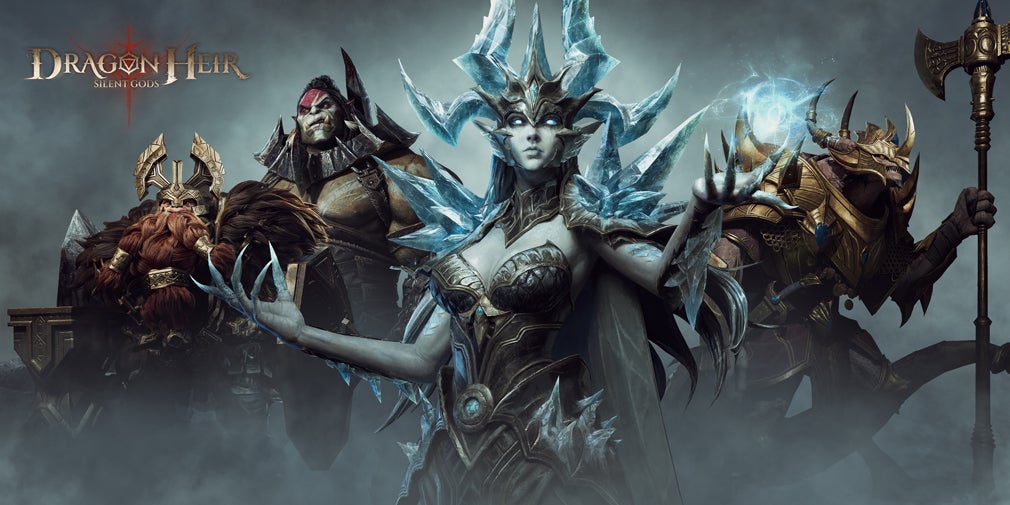
The brand-new Hero Talent system revolutionizes traditional progression! 300+ heroes each boasts 12 unique Talent effects, with no talent trees limiting your mixes and matches! Unlock exclusive battle abilities for your heroes and customize in-depth tactical styles! Make every battle your strategic masterpiece!

〓A Burden-Free Experience〓
Embracing the philosophy of returning to strategic gameplay, we've created the innovative ""Resonance Level"" system. Level up once, shared across your entire team! Gone are the days of individually leveling each character—now your entire roster benefits from shared progression, letting you focus on what truly matters: tactics and discovery!

Includes in-game purchases (includes random items)

◉ [Official Website]:https://dragonstridelegacyreborn.com
◉ [Official Discord]: https://discord.gg/dragonheir
◉ [Official Youtube]: https://www.youtube.com/@dragonheirsilentgods
◉ [Official Facebook]: https://www.facebook.com/DragonheirGame
Emulator Features
Highest Android 15 Support Best Compatibility on Mac

With a smart button scheme and image recognition function, provide a more concise UI, and support custom button mapping to meet different needs. With a smart button scheme and image recognition, enjoy a cleaner UI and custom button mapping to fit different gaming needs on Mac.

Run multiple games independently at the same time, easily manage multiple accounts, play games while hanging. Take your Mac gaming further with multiple independent instances, easy account management, and seamless AFK gaming on Apple Silicon Mac.

Break through FPS limit, and enjoy a seamless gaming experience without lag and delay! Break through FPS limits for a seamless, lag-free gaming experience on MacBook, Mac mini, iMac, and Mac Studio.

Get a 3-second startup with 52% less memory usage and 65% more stability. Enjoy 3-second startup, 52% less memory usage, and 65% greater stability on Apple Silicon Mac.
How to Download and Play Dragonstride: Legacy Reborn on PC and Mac
Installation Guide
Download MuMuPlayer
Download MuMuPlayer and install it on your PC or Mac
Sign-in Google Store
Complete Google sign-in to access the Play Store
Search and Install
Search Dragonstride: Legacy Reborn in the Play Store
Enjoy Gaming
Enjoy 120 FPS high-def gameplay with big screen
System Requirements
Windows PC
Vulkan / DirectX supported. 4 cores + 4GB RAM recommended. Up to 240 FPS. VT required.
macOS
Recommended: Apple Silicon Mac with 8GB RAM or above. Up to 240 FPS.