Play Reverse: 1999 on PC and Mac
Reverse: 1999 is a strategic role-playing game developed by Bluepoch that takes players on a time-traveling journey across the 20th century. Set against the mysterious backdrop of a supernatural phenomenon known as the "Storm," you take on the role of the Timekeeper, navigating through collapsed timelines, recruiting powerful Arcanists, and unraveling the secrets behind the events of December 31, 1999. The game blends turn-based strategic combat with a rich, cinematic narrative, and every chapter feels like stepping into a different era of history. You can experience this full adventure on PC by downloading MuMuPlayer and launching Reverse: 1999 through the emulator.
What sets Reverse: 1999 apart is its striking visual identity, drawing from Pop Art, classical oil painting, and a range of historical art styles to create a world that feels genuinely unlike anything else in mobile RPGs. The story spans multiple decades, from the energy of the Roaring Twenties to the tension of the millennium's final hours, with each era brought to life through full English voice acting featuring authentic British, Italian, French, and other regional accents. Combat revolves around building a team of Arcanists and combining arcane skills strategically to overcome enemies, with satisfying animations and spell effects accompanying every encounter. New story content, including the chapter "The Turquoise Serpent Club," continues to expand the world, and new six-star characters arrive regularly to refresh team-building possibilities.
Playing Reverse: 1999 on PC through MuMuPlayer gives you meaningful advantages when it comes to managing a game this visually detailed and strategically demanding. The larger screen makes it far easier to read skill descriptions, plan your moves in battle, and appreciate the hand-crafted artwork and animated cutscenes as they were meant to be seen. Keyboard and mouse controls provide more precise input during combat, and MuMuPlayer's stable performance ensures that resource-intensive visual effects and story sequences run smoothly without the battery drain or heat concerns of a mobile device. For players who want to stay on top of time-limited login rewards and new chapter releases, keeping the game running on PC through MuMuPlayer is simply the more comfortable long-term setup.
About the Game
Bluepoch's Reverse: 1999 is a genre-defining strategic RPG built around one of the most imaginative premises in modern mobile gaming. The world as you know it ends on the final night of 1999, not with fireworks, but with the arrival of something called the "Storm," a reality-warping force that reverses time itself and erases entire eras from existence. You are the Timekeeper, a rare individual who can move through the chaos of collapsing timelines. Alongside Sonetto, a skilled and loyal Arcanist affiliated with a mysterious organization called the Foundation, your task is to travel through history, locate others with the gift of arcane ability, and pull them free before the Storm swallows them entirely.
The world of Reverse: 1999 is populated by Arcanists, individuals who wield supernatural powers that ordinary society has never quite known how to classify. Called mages, wizards, or simply freaks depending on the era and the culture, these figures live on the margins of human history, often feared, occasionally revered, but always distinct. As you recruit them into your growing roster, you discover not just their abilities but their stories, their eras, and the very different worlds they come from. The game's narrative moves across the full sweep of the 20th century, from the boldness of the 1920s through to the anxious final years before the millennium, and each chapter carries its own atmosphere and tone.
Visually, the game commits to a style that refuses easy categorization. Rather than a single aesthetic, Reverse: 1999 layers influences from Pop Art, classical European oil painting, mid-century illustration, and more into a cohesive look that feels both historical and fantastical. Character designs reflect their eras with care, and the animated sequences have a quality that rivals dedicated animation productions. Every major character is voiced in full English, with performers bringing genuine regional accents to roles, British, Italian, French, and beyond, giving the cast a sense of geographic and historical authenticity that most RPGs never attempt.
Combat in Reverse: 1999 is turn-based but far from passive. Here is what defines the battle system:
- Team composition matters: each Arcanist brings a distinct archetype and skill set, and synergies between party members reward thoughtful building.
- Spell cards drive actions: rather than a fixed menu, you draw and play arcane skill cards each turn, creating variability and demanding adaptability.
- Escalation mechanics: combining multiple cards of the same type upgrades them into stronger versions, turning resource management into a puzzle layer within each fight.
- Visual payoff: skills are accompanied by elaborate animations that make even routine battles feel cinematic.
The game receives regular updates that introduce new Arcanists, story chapters, and events. The latest chapter, "The Turquoise Serpent Club," continues the main narrative arc, and new six-star characters including Lorentz Butterfly and Ramona expand the strategic roster available to players. Login campaigns and summon rewards give returning and new players regular incentives to engage with fresh content.
For players who want to take everything this game offers seriously, from careful team construction to following the layered story, running Reverse: 1999 on PC through MuMuPlayer is a natural choice. The expanded screen real estate transforms how readable and enjoyable the experience becomes, and stable emulator performance keeps the visuals sharp throughout every chapter.
Emulator Features

With a smart button scheme and image recognition function, provide a more concise UI, and support custom button mapping to meet different needs.

Run multiple games independently at the same time, easily manage multiple accounts, play games while hanging.

Break through FPS limit, and enjoy a seamless gaming experience without lag and delay!

Get a 3-second startup with 52% less memory usage and 65% more stability.
How to Download and Play Reverse: 1999 on PC and Mac
Installation Guide
Download MuMuPlayer
Download and install MuMuPlayer on your PC or Mac
Sign-in Google Store
Complete Google sign-in to access the Play Store
Search and Install
Search Reverse: 1999 in the Play Store
Enjoy Gaming
Enjoy 120 FPS high-def gameplay with big screen
System Requirements
Windows PC
Vulkan / DirectX supported. 4 cores + 4GB RAM recommended. Up to 240 FPS. VT required.
macOS
Recommended: Apple Silicon Mac with 8GB RAM or above. Up to 240 FPS.
Get more news, guides and redeem codes about Reverse: 1999
Reverse: 1999 3rd Anniversary update out now with free 6-Star Coppélia, 5 star characters, 67 free summons, and more
Time-travel RPG Reverse: 1999’s 3rd Anniversary update launches August 13 with Version 3.7 “On Another’s Sorrow”
Reverse: 1999 Version 3.2 "A Flowing Feast" Now Live – Explore 1936 Paris!
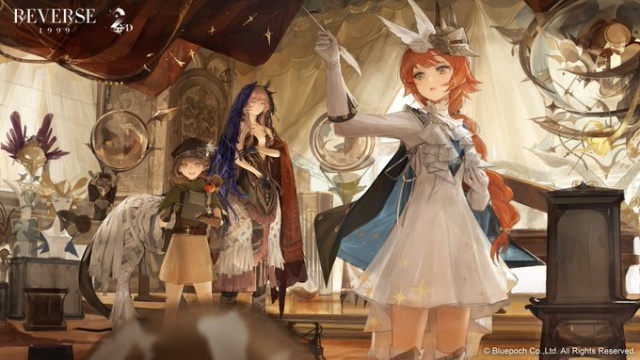
Reverse: 1999 2nd Anniversary – New Arctic Story, Characters, Rewards & Events
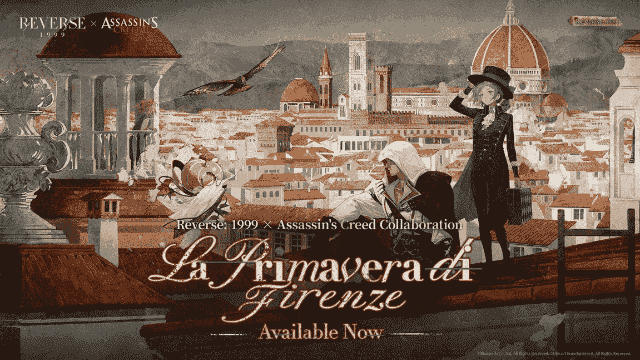
GLOBALLY SYNCED VERSION OF REVERSE:1999 X ASSASSIN'S CREED® COLLABORATION VERSION AVAILABLE NOW
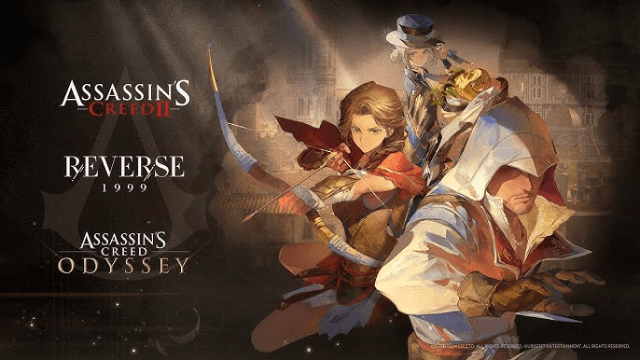
Reverse: 1999 x Assassin's Creed Collaboration: Ezio & Kassandra Bring New Gameplay to Time-Twisting Battles
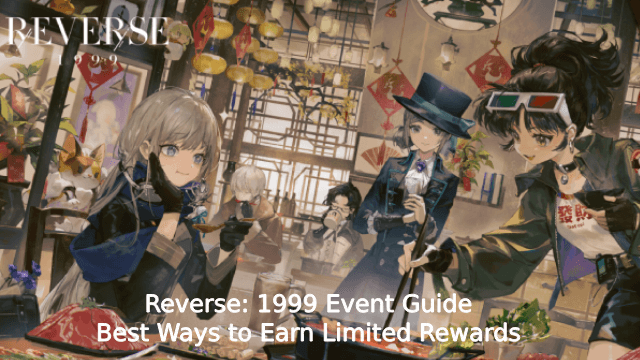
Reverse: 1999 Event Guide – Best Ways to Earn Limited Rewards
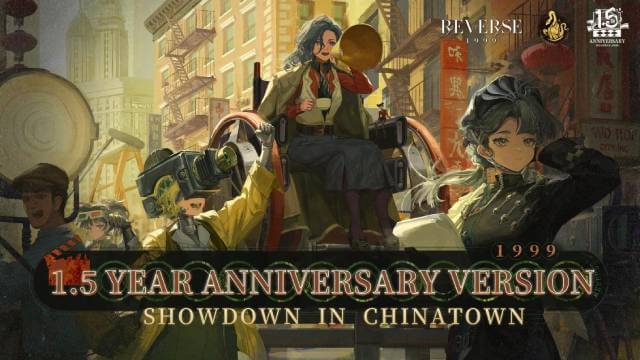
REVERSE: 1999 MARKS ONE AND HALF YEAR ANNIVERSARY WITH LAUNCH OF VERSION 2.5 SHOWDOWN IN CHINATOWN


