
Play Blue Archive on PC Play Blue Archive on PC and Mac
Blue Archive is an anime-themed tactical RPG developed by NEXON Company, set in the sprawling academy city of Kivotos. Players take on the role of a Sensei, guiding a roster of uniquely designed student characters through story-driven missions, strategic squad battles, and emotionally rich relationship episodes. The game blends gacha recruitment, real-time combat mechanics, and deeply personal narratives into a single cohesive experience that keeps players invested far beyond the battlefield. Playing Blue Archive on PC through MuMuPlayer lets you enjoy all of this on a larger screen with smoother performance.
At its core, Blue Archive delivers a compelling mix of strategy and storytelling. Each student character brings her own combat role, personality, and individual story arc, making squad-building feel both tactical and personal. The game features high-quality 2D and 3D animated cinematics that bring key story moments to life, while the MomoTalk messaging system and private chat episodes deepen your bond with each character between battles. The gacha system allows players to recruit new students, each adding fresh strategic options and narrative threads to explore. Whether you are pushing through story chapters, tackling challenge content, or uncovering secret episodes, there is always something new waiting in Kivotos.
Running Blue Archive on PC with MuMuPlayer transforms the experience in meaningful ways. The larger display makes it far easier to read combat details, manage squad formations, and fully appreciate the game's detailed character animations and cinematic sequences. Keyboard and mouse controls give you more precise input during battles, and MuMuPlayer's stable performance means fewer interruptions during longer play sessions. If you want to experience everything Blue Archive has to offer, from its emotional story arcs to its layered combat strategy, doing so through MuMuPlayer on PC gives you both comfort and clarity.
Download Blue Archive on PC or Mac with MuMuPlayer, get a PC like gameplay along with smart control and high graphics performance.
MuMuPlayer, the top Android emulator for PC and Apple silicon Mac, delivers an optimal gaming experience with minimal RAM usage and high FPS. It also allows you to create multiple instances of the emulator and run several games simultaneously, thanks to its Multi-instance feature. Its advanced emulator features ensure smooth gameplay, even on low-end PCs.
Download and play Blue Archive on PC or Mac with MuMuPlayer and start enjoying your gaming experience now.
About the Game
Set within the vast and vibrant academy city of Kivotos, Blue Archive invites players into a world where school life, strategic combat, and heartfelt storytelling intersect in surprising ways. You step into the shoes of a Sensei, a teacher and commander figure tasked with guiding a diverse group of students through the challenges that threaten their world. What begins as a simple sense of duty quickly becomes something far more personal, as the bonds you build with each student shape the story around you.
The narrative heart of Blue Archive is genuinely one of its strongest qualities. Rather than treating its characters as interchangeable units, the game gives every student her own background, motivations, and emotional journey. These stories unfold through dedicated relationship episodes, private conversations, and the MomoTalk messaging system, which mimics a real mobile chat interface to make interactions feel grounded and intimate. As you progress, you unlock new layers of each character's personality, discovering what drives them and what they are protecting. The cumulative effect is a cast that feels memorable long after the credits roll on any given chapter.
On the combat side, Blue Archive operates as a tactical RPG where squad composition and battlefield awareness matter. Players select a team from their recruited students, each carrying a specific role and elemental affinity that influences how they perform against different enemy types. Fights are accompanied by fluid animations and dynamic visual effects, and the 3D cinematic sequences add weight to pivotal moments in battle. Strategic depth comes from learning when to activate each student's special abilities, how to counter enemy formations, and which combinations of characters create the most effective synergy.
Key features players can expect include:
- A story-driven RPG campaign set across multiple chapters with animated cutscenes in both 2D and 3D formats
- A large roster of recruitable student characters, each with unique skills, combat roles, and personal story arcs
- The MomoTalk system and private chat episodes that deepen relationships between battles
- Gacha-based recruitment that introduces new students with fresh strategic and narrative content
- Club activities, secret missions, and side content that expand life in Kivotos beyond the main story
- Regular content updates that bring new characters, events, and challenges to explore
The gacha system in Blue Archive is woven directly into the progression loop. Recruiting new students is not just about chasing power; it opens up additional story content and expands the strategic options available to you. Building a well-rounded squad means understanding each character's strengths and how they complement one another, which makes the recruitment process feel purposeful rather than purely luck-based.
For players who prefer a more comfortable setting, running Blue Archive on PC through MuMuPlayer is a practical choice. The game's richly detailed character art and animated sequences benefit noticeably from a larger display, and managing multiple squad members or navigating menus becomes easier with mouse and keyboard input. Long play sessions are also more sustainable on a desktop setup, especially during story-heavy chapters where you want to read dialogue carefully and absorb every detail of the world NEXON Company has constructed. Whether you are a returning player or just starting your journey in Kivotos, Blue Archive on MuMuPlayer offers a fuller way to experience everything this game has to offer.
Emulator Features
Highest Android 15 Support Best Compatibility on Mac

With a smart button scheme and image recognition function, provide a more concise UI, and support custom button mapping to meet different needs. With a smart button scheme and image recognition, enjoy a cleaner UI and custom button mapping to fit different gaming needs on Mac.

Run multiple games independently at the same time, easily manage multiple accounts, play games while hanging. Take your Mac gaming further with multiple independent instances, easy account management, and seamless AFK gaming on Apple Silicon Mac.

Break through FPS limit, and enjoy a seamless gaming experience without lag and delay! Break through FPS limits for a seamless, lag-free gaming experience on MacBook, Mac mini, iMac, and Mac Studio.

Get a 3-second startup with 52% less memory usage and 65% more stability. Enjoy 3-second startup, 52% less memory usage, and 65% greater stability on Apple Silicon Mac.
How to Download and Play Blue Archive on PC and Mac
Installation Guide
Download MuMuPlayer
Download MuMuPlayer and install it on your PC or Mac
Sign-in Google Store
Complete Google sign-in to access the Play Store
Search and Install
Search Blue Archive in the Play Store
Enjoy Gaming
Enjoy 120 FPS high-def gameplay with big screen
System Requirements
Windows PC
Vulkan / DirectX supported. 4 cores + 4GB RAM recommended. Up to 240 FPS. VT required.
macOS
Recommended: Apple Silicon Mac with 8GB RAM or above. Up to 240 FPS.
Get more news, guides and redeem codes about Blue Archive

Blue Archive Unique Rerun Pick-Up Recruitment: New Year & Pajama Students Return!

How to Progress Fast in Blue Archive - Leveling & Gear Tips

Blue Archive: Chiaki Guide and Team Build
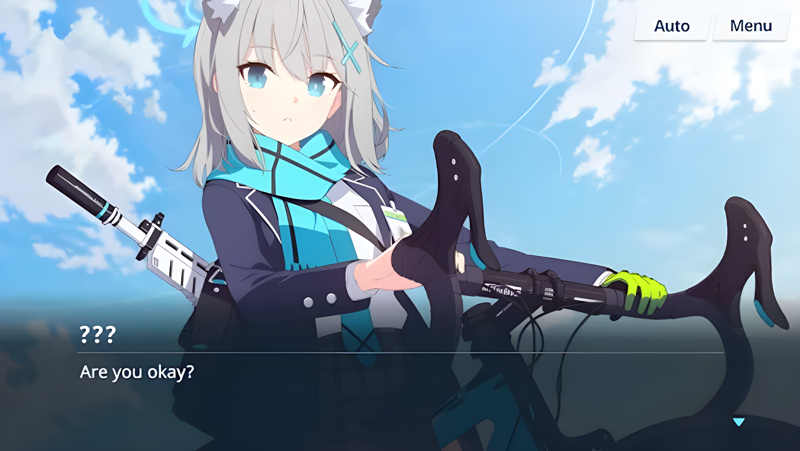
Playing Blue Archive on Mac with MuMuPlayer Pro: Keymapping Settings, Performance Optimization, Graphics Enhancement Guide
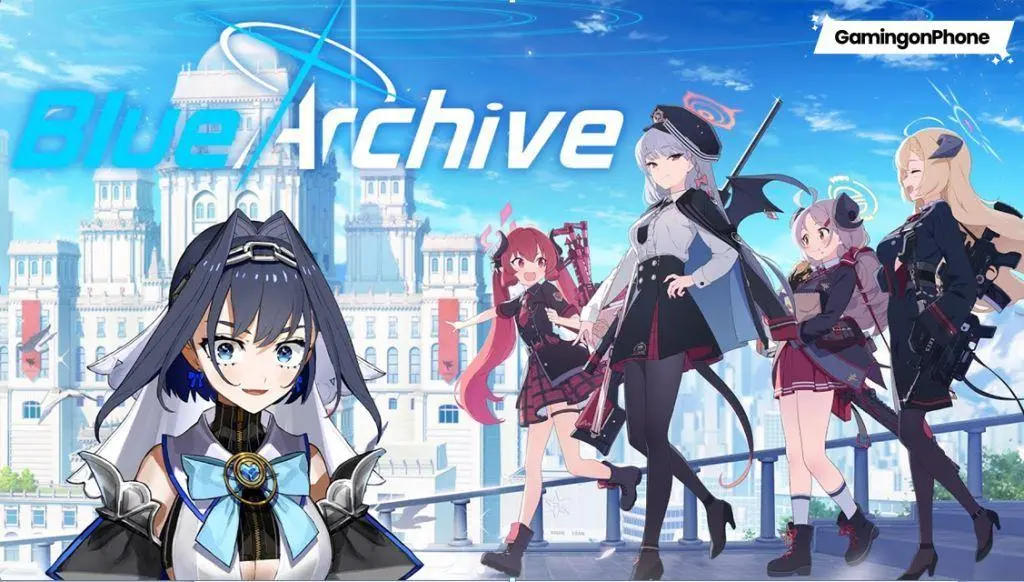
How to Play Blue Archive on Mac with MuMuPlayer Pro
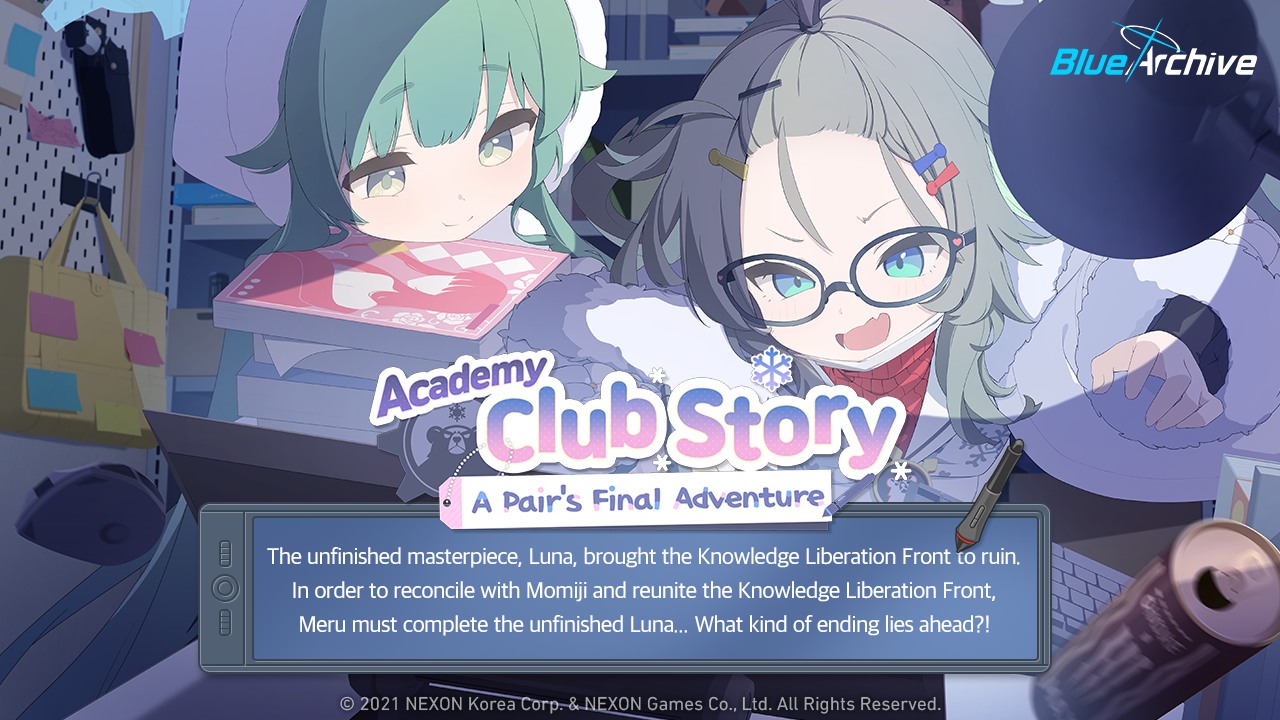
Blue Archive "Academy Club Story: A Pair's Final Adventure" Event
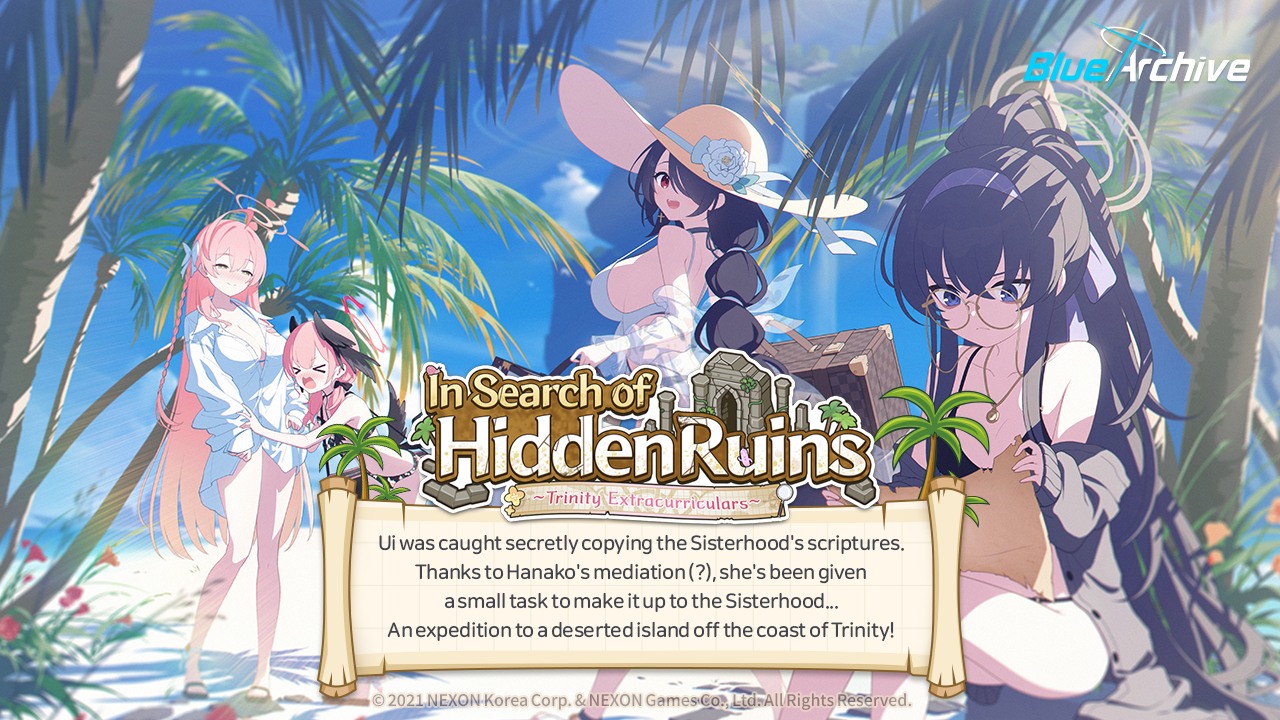
Blue Archive's New Beach Event: Meet Ui, Hinata, and Koharu!
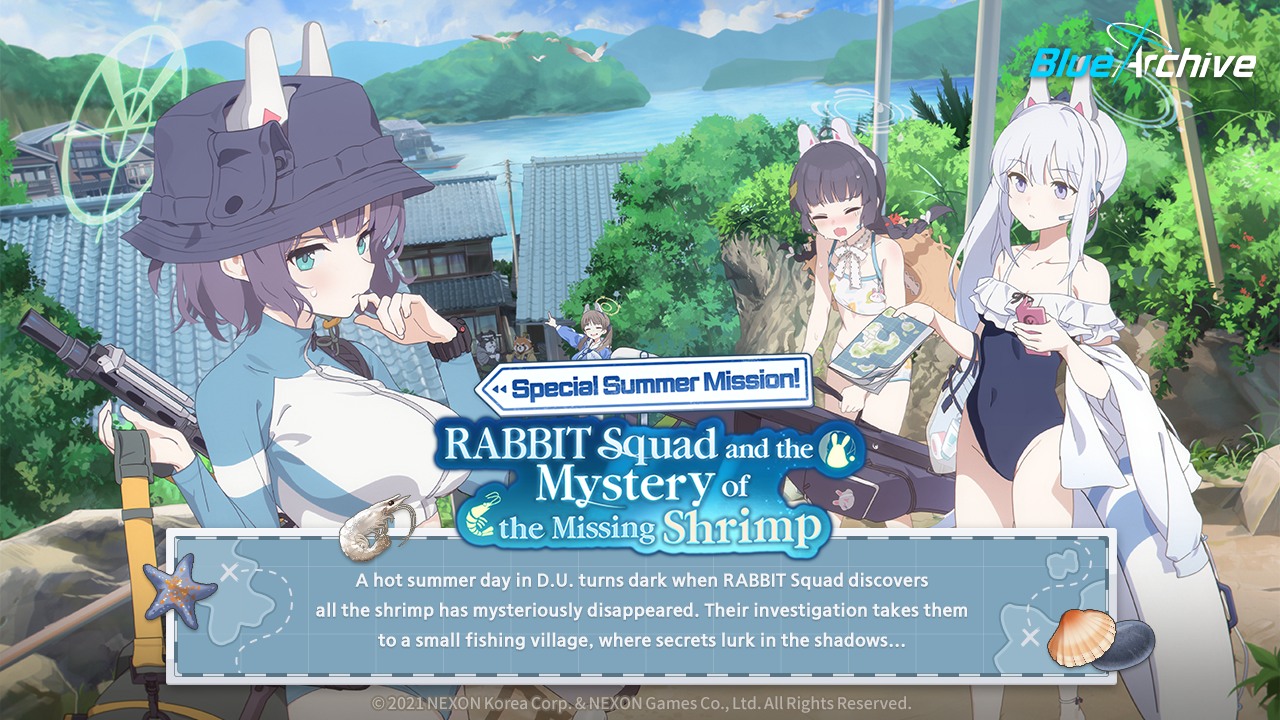
Blue Archive: Dive into the 'Special Summer Mission' Event with New Swimsuit Characters!