Play Farlight 84 on PC and Mac
Download Farlight 84 on PC or Mac with MuMuPlayer, get a PC like gameplay along with smart control and high graphics performance.
MuMuPlayer, the top Android emulator for PC and Apple silicon Mac, delivers an optimal gaming experience with minimal RAM usage and high FPS. It also allows you to create multiple instances of the emulator and run several games simultaneously, thanks to its Multi-instance feature. Its advanced emulator features ensure smooth gameplay, even on low-end PCs.
Download and play Farlight 84 on PC or Mac with MuMuPlayer and start enjoying your gaming experience now.
About the Game
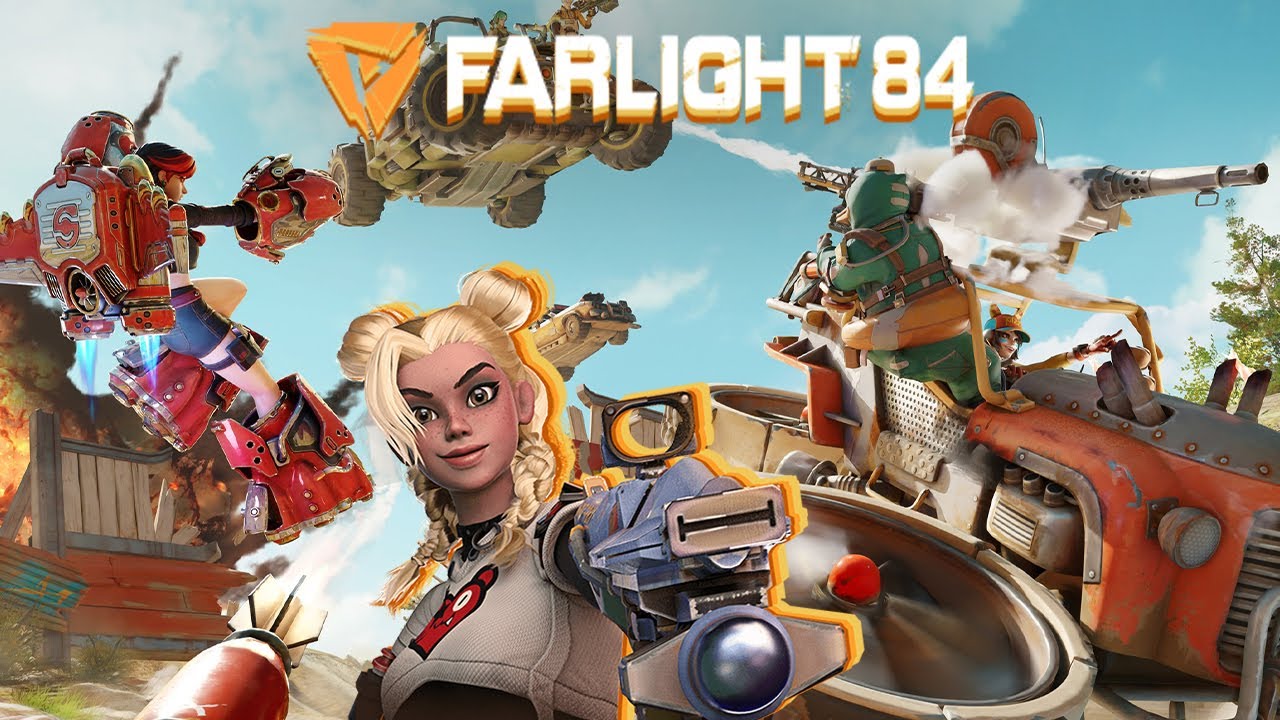
Farlight 84, an exhilarating free-to-play shooter game with multiple modes! There’s more to the game than classic Battle Royale!

Hunt, or Be Hunted? Beyond Battle Royale.

Search and Follow Farlight 84 on YouTube and Instagram right now for exclusive community events and prizes!

Spectacular Vehicles
Four-legged? Hovering? Turreted? War SUV? Super racecar? We have everything, and more! The speed and firepower these vehicles allow for more possibilities on the battlefield.

Funky Capsulers
Can’t stand one-dimensional characters? Introducing 14 new friends with distinctive personalities! Choose your friends, rally your team, and fight for victory!

Four Weapon Manufacturers
The Big Four manufacturers Prism Technology, 9A Corporation, Murphy Security, and Wasteland Spirit supply survivors with a myriad of spectacular weapons. Each weapon has a unique skill, so say goodbye to conventional gunfights and say hello to mind-blowing tactics!

Player-Owned Home
Build your own paradise in the game to your liking! Play matches, upgrade it, unlock advanced items, and invite friends over for a party in the Wasteland!

Yes, Air Battles
Soar up high, swerve in midair, and open fire! Jetpacks bring you a fantastic and never-before-seen shooting experience! Propel forward or upward in the thick of battle to dodge those projectiles in style! By the way, don’t forget to charge your Jetpack with Energy!

Multiple Game Modes
Aside from the Classic 4v4 Battle Royale, there’s also HUNT! Hunt down your target before you fall prey to someone else!

Ranked Game
Played ranked games and achieve glory with your friends. The top spot of the leaderboard is yours to take!

Survive, and anything will be possible!

FOLLOW US:
Facebook: https://www.facebook.com/Farlight84
Instagram: https://www.instagram.com/farlight84_official/
Tiktok: https://vm.tiktok.com/ZSJ7NGSfs/
YouTube: https://www.youtube.com/c/Farlight84
Discord: https://discord.gg/AkyfFGnd4q
Emulator Features

With a smart button scheme and image recognition function, provide a more concise UI, and support custom button mapping to meet different needs.

Run multiple games independently at the same time, easily manage multiple accounts, play games while hanging.

Break through FPS limit, and enjoy a seamless gaming experience without lag and delay!

Get a 3-second startup with 52% less memory usage and 65% more stability.
How to Download and Play Farlight 84 on PC and Mac
Installation Guide
Download MuMuPlayer
Download and install MuMuPlayer on your PC or Mac
Sign-in Google Store
Complete Google sign-in to access the Play Store
Search and Install
Search Farlight 84 in the Play Store
Enjoy Gaming
Enjoy 120 FPS high-def gameplay with big screen
System Requirements
Windows PC
Vulkan / DirectX supported. 4 cores + 4GB RAM recommended. Up to 240 FPS. VT required.
macOS
Recommended: Apple Silicon Mac with 8GB RAM or above. Up to 240 FPS.