Play HeavenBurnsRed on PC Play HeavenBurnsRed on PC and Mac
Download HeavenBurnsRed on PC with MuMuPlayer, get a PC like gameplay along with smart control and high graphics performance.
MuMuPlayer, the top Android emulator for PC and Apple silicon Mac, delivers an optimal gaming experience with minimal RAM usage and high FPS. It also allows you to create multiple instances of the emulator and run several games simultaneously, thanks to its Multi-instance feature. Its advanced emulator features ensure smooth gameplay, even on low-end PCs.
Download and play HeavenBurnsRed on PC with MuMuPlayer and start enjoying your gaming experience now.
Download HeavenBurnsRed on PC or Mac with MuMuPlayer, get a PC like gameplay along with smart control and high graphics performance.
MuMuPlayer, the top Android emulator for PC and Apple silicon Mac, delivers an optimal gaming experience with minimal RAM usage and high FPS. It also allows you to create multiple instances of the emulator and run several games simultaneously, thanks to its Multi-instance feature. Its advanced emulator features ensure smooth gameplay, even on low-end PCs.
Download and play HeavenBurnsRed on PC or Mac with MuMuPlayer and start enjoying your gaming experience now.
About the Game
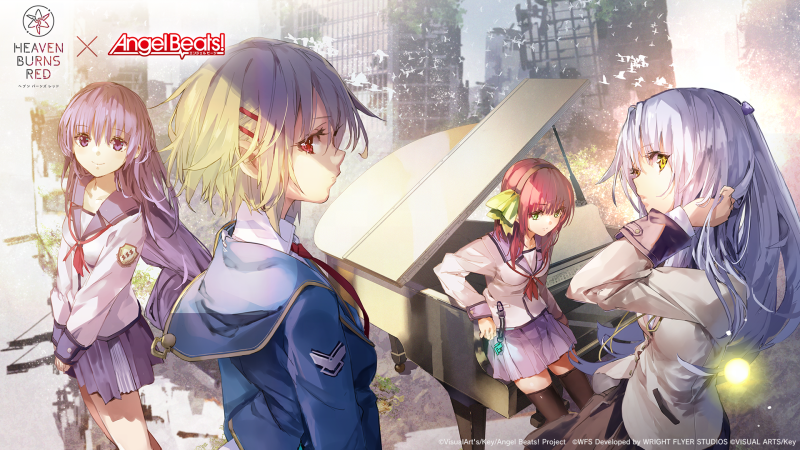
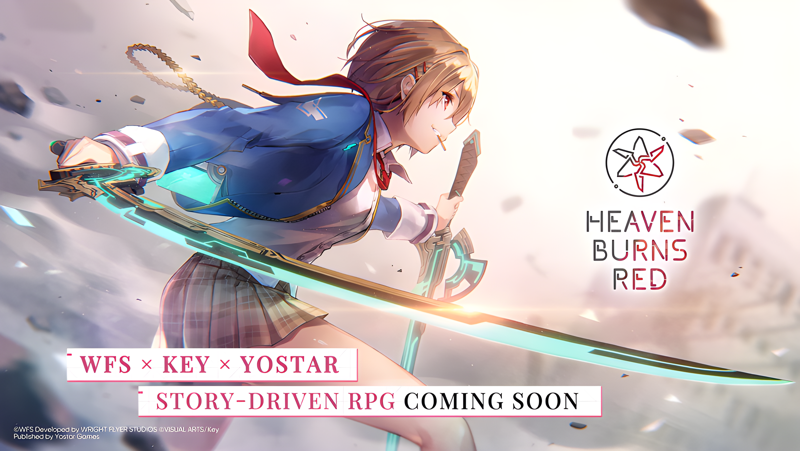
Heaven Burns Red, from the mind of Key's very own Jun Maeda, is a tale of the girls bearing humanity's last hope.
Experience every unforgettable moment as you fight with your life on the line in this heart-pounding, tear-jerking RPG!

◆ ABOUT HEAVEN BURNS RED
Heaven Burns Red is a joint effort between Jun Maeda of Key—the creative genius behind masterpieces such as Air, Clannad, Little Busters!, and Angel Beats!—and Wright Flyer Studios, the team behind Another Eden and Afterlost.
Maeda's first original game in 15 years, Heaven Burns Red tells the story of the group of girls set to save humanity from destruction.
Featuring:
 ・A fully-voiced story as presented by more than 50 Japanese voice actors
 ・Immersive, visually-stunning environments
 ・A simple-yet-addictive command-based combat system

◆ CAST
Ruka Kayamori (CV: Tomori Kusunoki, Vo.: XAI)
Yuki Izumi (CV: Ryoko Maekawa)
Megumi Aikawa (CV: Anju Inami)
Tsukasa Tojo (CV: Yurina Amami)
Karen Asakura (CV: Yu Serizawa, Vo.: Konomi Suzuki)
Tama Kunimi (CV: Aoi Koga)

◆ STAFF
Produced and Developed by
Wright Flyer Studios × Key

Original Concept & Main Scenario
Jun Maeda (AIR, CLANNAD, Little Busters!, Angel Beats!, and more)

Character Design/Key Visual
yuugen (Atelier series, Magia Record: Puella Magi Madoka Magica Side Story, Azur Lane, Outbreak Company and more)

Original Character Design
Na-Ga/Humuyun/Maroyaka
yuugen

Music Production
Jun Maeda

Theme Song and Insert Songs
Jun Maeda × yanaginagi

Development
Wright Flyer Studios (ANOTHER EDEN, AFTERLOST, and more)
Published by Yostar Games

◆ SYSTEM REQUIREMENTS
Android OS 7.1 or above, 4 GB memory or more (Not all devices are supported)
* No support or refunds can be provided if incompatible devices are used.
* Even if you meet the above requirements, it is not guaranteed the game will function without issues on your specific hardware or network.

◆ RELATED INFORMATION
Customer Service Email: hbr.cs@yostar.com
Official Homepage: https://heavenburnsred.yo-star.com/#/
Facebook: https://www.facebook.com/hbr.en.official
X (Twitter): https://x.com/hbr_official_en
YouTube: https://www.youtube.com/@heavenburnsred_en_official
Emulator Features
Highest Android 15 Support Best Compatibility on Mac

With a smart button scheme and image recognition function, provide a more concise UI, and support custom button mapping to meet different needs. With a smart button scheme and image recognition, enjoy a cleaner UI and custom button mapping to fit different gaming needs on Mac.

Run multiple games independently at the same time, easily manage multiple accounts, play games while hanging. Take your Mac gaming further with multiple independent instances, easy account management, and seamless AFK gaming on Apple Silicon Mac.

Break through FPS limit, and enjoy a seamless gaming experience without lag and delay! Break through FPS limits for a seamless, lag-free gaming experience on MacBook, Mac mini, iMac, and Mac Studio.

Get a 3-second startup with 52% less memory usage and 65% more stability. Enjoy 3-second startup, 52% less memory usage, and 65% greater stability on Apple Silicon Mac.
How to Download and Play HeavenBurnsRed on PC and Mac
Installation Guide
Download MuMuPlayer
Download MuMuPlayer and install it on your PC or Mac
Sign-in Google Store
Complete Google sign-in to access the Play Store
Search and Install
Search HeavenBurnsRed in the Play Store
Enjoy Gaming
Enjoy 120 FPS high-def gameplay with big screen
System Requirements
Windows PC
Vulkan / DirectX supported. 4 cores + 4GB RAM recommended. Up to 240 FPS. VT required.
macOS
Recommended: Apple Silicon Mac with 8GB RAM or above. Up to 240 FPS.