
Play League of Legends: Wild Rift on PC and Mac
League of Legends: Wild Rift is the mobile adaptation of Riot Games' legendary PC MOBA, rebuilt from scratch to deliver competitive 5v5 team battles on handheld devices. As a Strategy title, it puts players in the role of a champion fighting alongside four teammates to destroy the enemy Nexus, blending real-time decision-making, precise skill execution, and coordinated team play into every match. Now, with MuMuPlayer, you can bring that full MOBA experience to your PC screen and enjoy every battle with greater control and comfort.
Wild Rift offers a rich roster of champions spanning melee brawlers, ranged marksmen, magic-wielding mages, and durable tanks, giving players the freedom to master a single champion or experiment across multiple roles every session. The game features both casual and ranked modes, letting newcomers ease in while giving competitive players a structured ladder to climb. Whether you queue solo, pair up as a duo, or coordinate a full five-person squad, the game rewards teamwork, smart objective control, and clutch individual plays. Champions, items, and cosmetics are continuously updated, and every champion can be earned through gameplay without requiring a purchase, keeping the competitive playing field skill-focused rather than wallet-driven.
Playing League of Legends: Wild Rift on PC through MuMuPlayer transforms the experience in meaningful ways. The larger screen makes tracking team fights, jungle objectives, and minimap movements significantly easier, which matters in a game where split-second positional awareness can decide a match. Keyboard and mouse controls allow for more accurate skill shot aiming and faster ability sequencing compared to touch inputs, giving you a genuine edge in high-pressure ranked games. MuMuPlayer also provides stable performance and reduced input lag, ensuring that your champion responds exactly when you need it during critical team engagements. For a game built around precision and strategy, the added reliability and control that MuMuPlayer brings can be the difference between a winning play and a costly mistake.
About the Game
Few mobile games have managed to capture the depth and competitive intensity of a true MOBA, but League of Legends: Wild Rift stands apart by delivering a genuine team-battle experience designed for players who take their gameplay seriously. Developed by Riot Games and built entirely from the ground up for mobile, Wild Rift is not a port or a simplified version of its PC counterpart. It is a fully realized 5v5 multiplayer online battle arena where strategy, coordination, and individual skill all carry real weight.
At its core, every match in Wild Rift places two teams of five players on a map with one goal: destroy the opposing team's Nexus before yours falls. That simple objective unfolds across a layered battlefield involving lane assignments, jungle control, tower sieges, and objective contests. Every decision, from which champion you pick to which item you build mid-game, contributes to the overall strategy your team is executing. The game does not reward passive play. You need to read the flow of a match, adapt your approach, and communicate with your team if you want to consistently come out ahead.
Champion variety is one of Wild Rift's strongest features. The roster includes:
- Melee fighters built for close-range sustained combat
- Ranged damage dealers who excel at targeting from a safe distance
- Magic-based champions with powerful area effects and crowd control
- Tanks and supports designed to absorb damage and protect allies
Players can step into any of the main roles: carry, support, jungler, or top lane fighter, and every role has multiple champion options that suit different playstyles. Whether you prefer aggressive early pressure or scaling into a late-game powerhouse, there is a champion lineup that fits how you want to approach a match.
The game supports several modes of play. Casual matches let you experiment with new champions or refine your builds without the pressure of losing ranking points, while ranked mode provides a structured competitive ladder where consistent performance drives real progression. You can join games alone or coordinate with a duo, a trio, or a full premade squad of five, and the game actively supports guild communities where groups of players can collaborate and earn exclusive in-game rewards together.
Wild Rift also takes a clear stance on monetization. Every champion in the game can be unlocked simply by playing, with no champions locked behind a paywall. Cosmetic items exist and are available for purchase, but they have no impact on combat effectiveness. The competitive integrity of each match rests entirely on player skill, team coordination, and in-game decision-making.
For players looking to get the most out of Wild Rift, running it on PC through MuMuPlayer adds a meaningful layer of advantage. The expanded screen real estate makes it easier to follow the action across the entire map, track enemy positions, and monitor cooldowns without losing focus on your champion. Precise mouse-based aiming benefits skill shot champions significantly, and keyboard shortcuts allow faster ability activation than touch controls typically allow. Combined with MuMuPlayer's stable, low-latency performance, the result is a smoother, more responsive Wild Rift experience that keeps you competitive even in the most demanding ranked matches.
Emulator Features
Highest Android 15 Support Best Compatibility on Mac

With a smart button scheme and image recognition function, provide a more concise UI, and support custom button mapping to meet different needs. With a smart button scheme and image recognition, enjoy a cleaner UI and custom button mapping to fit different gaming needs on Mac.

Run multiple games independently at the same time, easily manage multiple accounts, play games while hanging. Take your Mac gaming further with multiple independent instances, easy account management, and seamless AFK gaming on Apple Silicon Mac.

Break through FPS limit, and enjoy a seamless gaming experience without lag and delay! Break through FPS limits for a seamless, lag-free gaming experience on MacBook, Mac mini, iMac, and Mac Studio.

Get a 3-second startup with 52% less memory usage and 65% more stability. Enjoy 3-second startup, 52% less memory usage, and 65% greater stability on Apple Silicon Mac.
How to Download and Play League of Legends: Wild Rift on PC and Mac
Installation Guide
Download MuMuPlayer
Download MuMuPlayer and install it on your PC or Mac
Sign-in Google Store
Complete Google sign-in to access the Play Store
Search and Install
Search League of Legends: Wild Rift in the Play Store
Enjoy Gaming
Enjoy 120 FPS high-def gameplay with big screen
System Requirements
Windows PC
Vulkan / DirectX supported. 4 cores + 4GB RAM recommended. Up to 240 FPS. VT required.
macOS
Recommended: Apple Silicon Mac with 8GB RAM or above. Up to 240 FPS.
Get more news, guides and redeem codes about League of Legends: Wild Rift
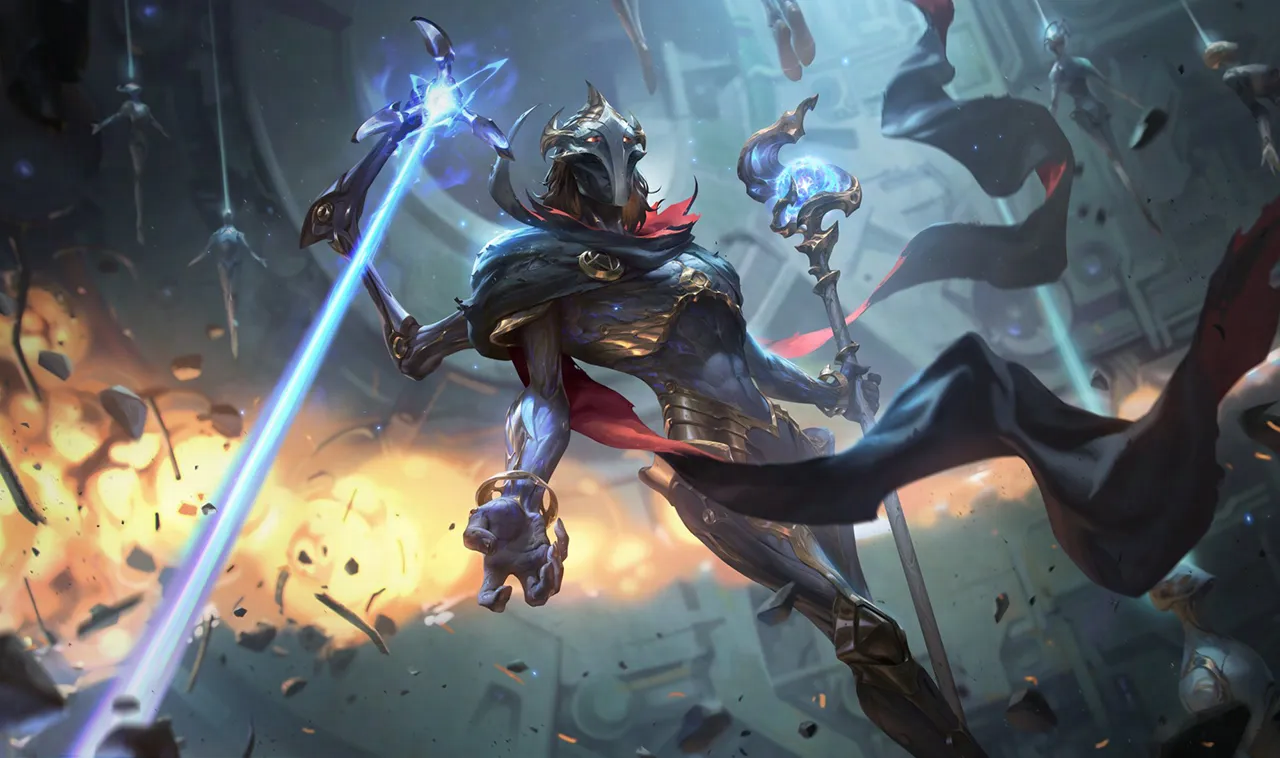
Master Viktor's Arcane Powers in Wild Rift 2024: Ultimate Guide

Wild Rift: Arcane Season 2 With New Champions and Events

Celebrate Wild Rift's 4th Anniversary with Free Skins and Rewards!
Discover Wild Rift Patch 5.3: Arcane Events, New Champions & More

Wild Rift League-Asia officially kicks off in April 2023!

League of Legends: Wild Rift Firecracker Vayne Skin
