Play My Singing Monsters on PC Play My Singing Monsters on PC and Mac
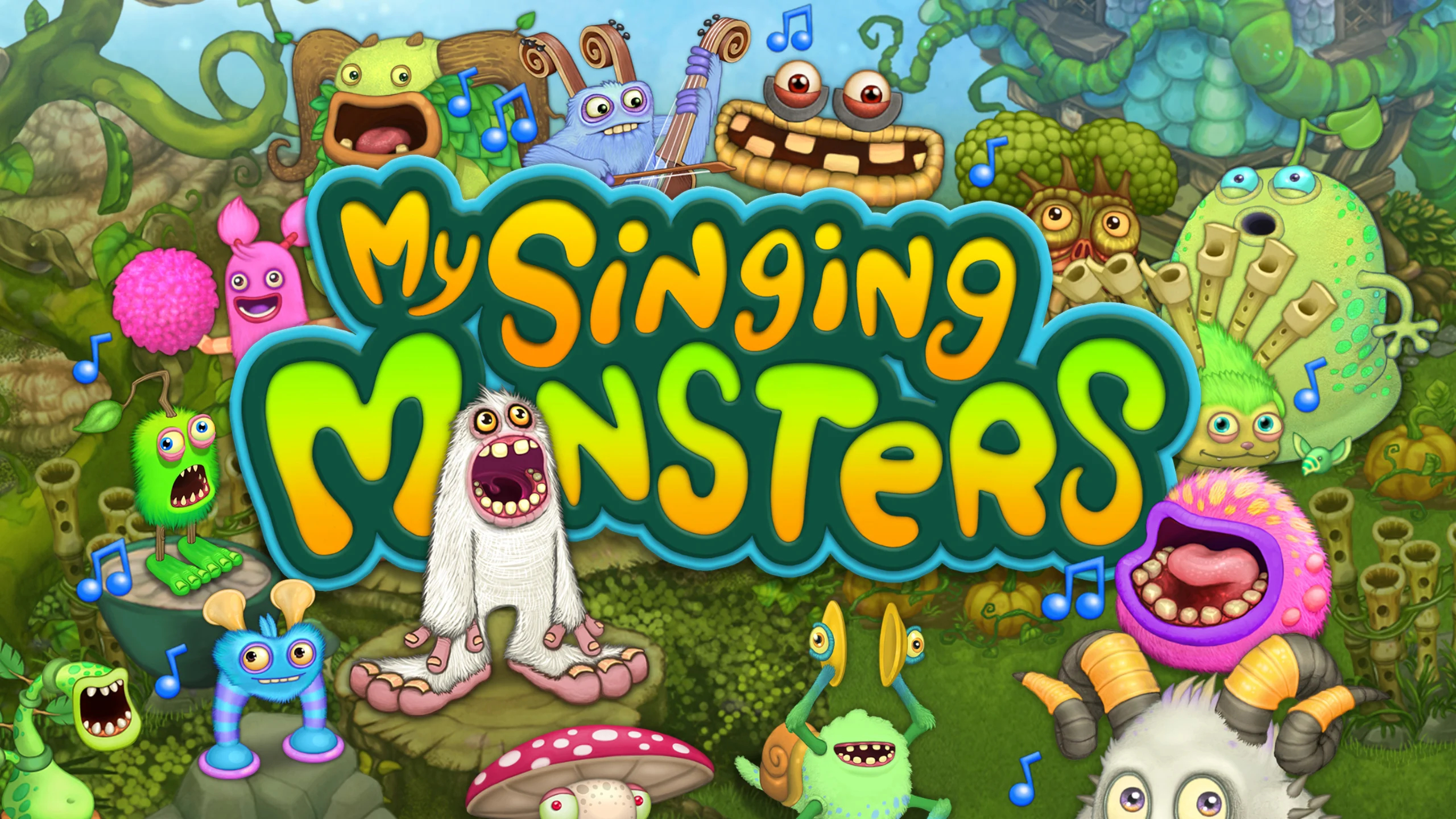
My Singing Monsters, developed by Big Blue Bubble Inc, is a music-themed creature collection game where every monster you raise doubles as a living instrument. The core experience revolves around breeding, feeding, and nurturing hundreds of unique monsters across a wide variety of fantastical islands, each contributing its own musical part to a layered, ever-evolving song. Playing on PC through MuMuPlayer lets you enjoy every chirp, beat, and melody on a bigger screen with crisp visuals and uninterrupted audio that really brings the monster orchestra to life.
The game offers an impressive roster of over 350 collectible monsters, each with its own sound and personality. Players can build and decorate more than 25 distinct islands, experimenting with unusual breeding combinations to discover rare, epic, and seasonal monsters that most players never find. Costumes allow further personalization, while community features let you share your island creations and connect with tens of millions of other players worldwide. Seasonal events and regular updates keep the content fresh throughout the year, ensuring there is always something new to breed, unlock, or celebrate.
MuMuPlayer makes My Singing Monsters a noticeably better experience on PC. Managing multiple islands, monitoring breeding timers, and decorating your musical paradise becomes far more convenient with a mouse and keyboard on a full-size display. The stable PC environment also means fewer interruptions during those long breeding sessions or while you sit back and listen to your monster chorus perform. Whether you are a casual player enjoying the tunes or a dedicated collector hunting down every epic combination, MuMuPlayer gives you a comfortable and reliable platform to grow your monster world at your own pace.
Download My Singing Monsters on PC or Mac with MuMuPlayer, get a PC like gameplay along with smart control and high graphics performance.
MuMuPlayer, the top Android emulator for PC and Apple silicon Mac, delivers an optimal gaming experience with minimal RAM usage and high FPS. It also allows you to create multiple instances of the emulator and run several games simultaneously, thanks to its Multi-instance feature. Its advanced emulator features ensure smooth gameplay, even on low-end PCs.
Download and play My Singing Monsters on PC or Mac with MuMuPlayer and start enjoying your gaming experience now.
About the Game
My Singing Monsters invites players into an imaginative universe where creature collection and musical creativity go hand in hand. Rather than simply accumulating characters, every monster you raise becomes an active contributor to a living soundtrack. Each island generates its own unique musical composition, and as your collection grows, so does the richness and complexity of the song. The result is a game that rewards patience, curiosity, and a genuine love of layered, quirky music.
At the heart of the experience is a breeding system with surprising depth. Players pair monsters together to produce offspring, and the combinations are far from straightforward. Some pairings yield common results, while others unlock monsters that are rarely seen. The real challenge, and the real fun, lies in discovering the secret combinations that produce Rare and Epic variants. These special monsters bring unique sounds and visual designs that standard breeding simply cannot achieve. The thrill of uncovering an unexpected result keeps the experiment going long after the basics have been mastered.
Worldbuilding is another major pillar of the game. Players have access to over 25 islands, each with its own visual theme and musical identity:
- Plant Island serves as the starting point, offering a lush, natural setting with an energetic and organic soundtrack.
- Magical Nexus brings a more mystical atmosphere and a completely different sonic palette.
- Additional worlds expand the variety further, with each location housing monsters that fit its unique environment.
Decorating and customizing these islands adds another layer of engagement beyond breeding. Players can arrange structures, place decorations, and dress their monsters in a wide range of costumes to reflect their personal style. The customization options are extensive enough to make each player's island feel genuinely distinct.
Seasonal events run throughout the calendar year, introducing limited-time monsters, themed decorations, and special challenges. These events give long-term players regular reasons to log back in and give newer players opportunities to collect monsters that would otherwise be unavailable. The game also maintains an active community, allowing players to visit each other's islands, exchange ideas, and celebrate new discoveries together.
With over 350 monsters to collect, dozens of islands to develop, and a breeding system that constantly offers new combinations to try, My Singing Monsters provides a genuinely expansive experience wrapped in a colorful, musical package. The game is free to play, with optional in-app purchases available for those who want to accelerate their progress. Playing through MuMuPlayer on PC adds real comfort to the experience, giving players a larger view of their islands, easier navigation across menus, and a steady connection that keeps the music playing without interruption.
Emulator Features
Highest Android 15 Support Best Compatibility on Mac

With a smart button scheme and image recognition function, provide a more concise UI, and support custom button mapping to meet different needs. With a smart button scheme and image recognition, enjoy a cleaner UI and custom button mapping to fit different gaming needs on Mac.

Run multiple games independently at the same time, easily manage multiple accounts, play games while hanging. Take your Mac gaming further with multiple independent instances, easy account management, and seamless AFK gaming on Apple Silicon Mac.

Break through FPS limit, and enjoy a seamless gaming experience without lag and delay! Break through FPS limits for a seamless, lag-free gaming experience on MacBook, Mac mini, iMac, and Mac Studio.

Get a 3-second startup with 52% less memory usage and 65% more stability. Enjoy 3-second startup, 52% less memory usage, and 65% greater stability on Apple Silicon Mac.
How to Download and Play My Singing Monsters on PC and Mac
Installation Guide
Download MuMuPlayer
Download MuMuPlayer and install it on your PC or Mac
Sign-in Google Store
Complete Google sign-in to access the Play Store
Search and Install
Search My Singing Monsters in the Play Store
Enjoy Gaming
Enjoy 120 FPS high-def gameplay with big screen
System Requirements
Windows PC
Vulkan / DirectX supported. 4 cores + 4GB RAM recommended. Up to 240 FPS. VT required.
macOS
Recommended: Apple Silicon Mac with 8GB RAM or above. Up to 240 FPS.