
PCおよびMacでJUMANJI: The Curse Returnsを快適にプレイ
MuMuPlayerでJUMANJI: The Curse ReturnsをPCまたはMacにダウンロードし、スマートなコントロールと高いグラフィック性能でPCのようなゲームプレイをお楽しみください。
MuMuPlayerはPCとAppleシリコンMac用のトップAndroidエミュレータで、最小限のRAM使用量と高いFPSで最適なゲーム体験を提供します。また、マルチインスタンス機能により、エミュレータの複数のインスタンスを作成し、複数のゲームを同時に実行することができます。その高度なエミュレータ機能により、ローエンドPCでもスムーズなゲームプレイが可能です。
MuMuPlayerをダウンロードしてPCやMacでJUMANJI: The Curse Returnsをプレイし、今すぐゲーム体験をお楽しみください。
ゲームについて
"The threats are digital, but the pressure is real!” - Pocket Gamer

 The Jumanji board game contains a mysterious jungle. With every roll of the dice, dangers escape into town and can only be stopped by finishing the game. Be careful, if the jungle overpowers you and your team - everyone loses!


 The Original Board Game from the 1995 Jumanji Movie
 ● A game for 4 players, play as Alan, Sarah, Judy and Peter from the film - or two original game characters: Coach Holly and Lucas Garcia.
 ● Choose your magical Jumanji Token: Elephant, Rhino, Crocodile or Monkey.
 ● Join an AI team, or gather your friends together to make a team of your own. If you have less than 4 players, AI characters will fill the empty spots.
 ● Roll the dice and solve the riddles as they appear in the board’s central glowing green gem.
 ● Stand together and face the powerful creatures and plants sent from Jumanji’s jungle to take over the town!
 Perfect Your Tactics
 ● Use Attack and Assist cards wisely.
 ● Draw one Attack OR Assist card at a time to deal damage to jungle creatures and plants, OR help yourself and your team.
 ● Every time you choose to assist a teammate, you earn Team Points. When the Team Up icon is full your team will unlock a powerful Team Attack.
 ● Each turn, your hand will refresh, so you’ll have to think fast!
Add to Your Deck
 ● After every encounter with jungle wildlife, you earn golden Jumanji coins.
 ● Coins are awarded based on:
   o Encounter Outcome (won/lost)
   o Most Damage Dealt
   o Best Team Assist
 ● Use your coins to buy specific cards.
 ● Cards will be added to your deck for the next round.

 Buy the Season Pass:
 • Available Now - 3 exclusive tokens: the Hippo, Snake and Zebra.
 • Available Now - The first new Map, Winter Resort.
 • Coming Soon - DLC Expansions: JUMANJI: Welcome to the Jungle and JUMANJI: The Next Level.
エミュレーターの特徴
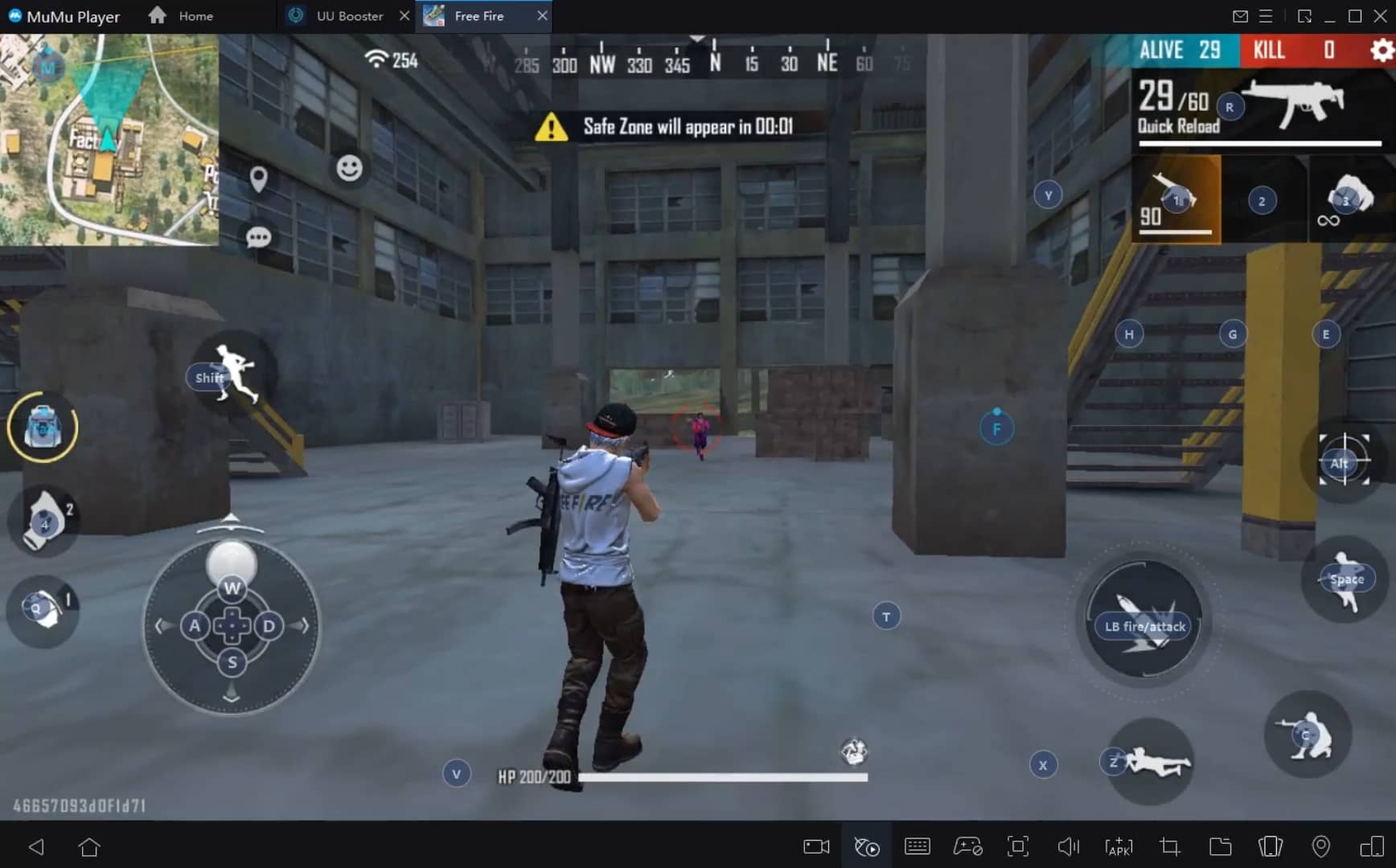
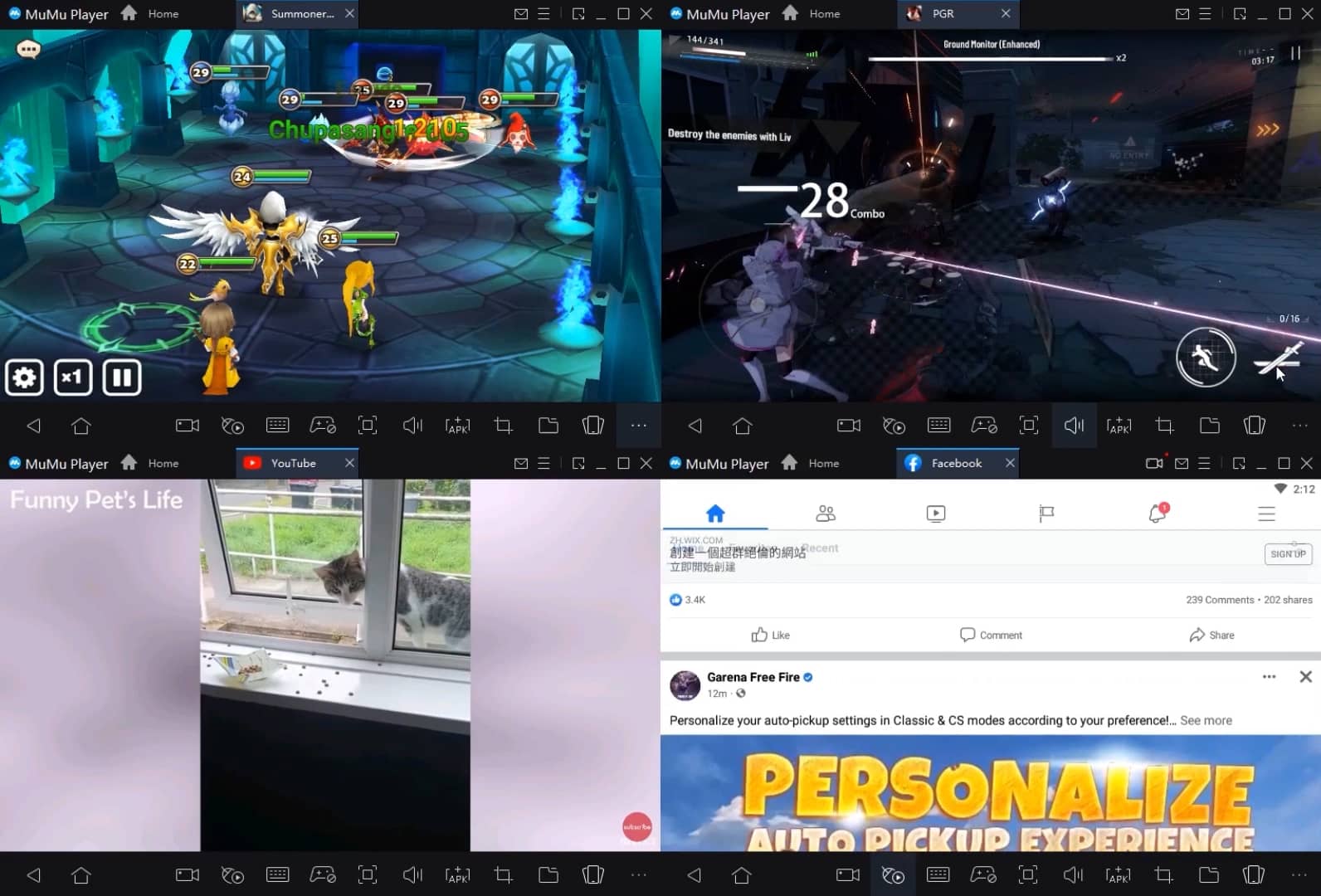
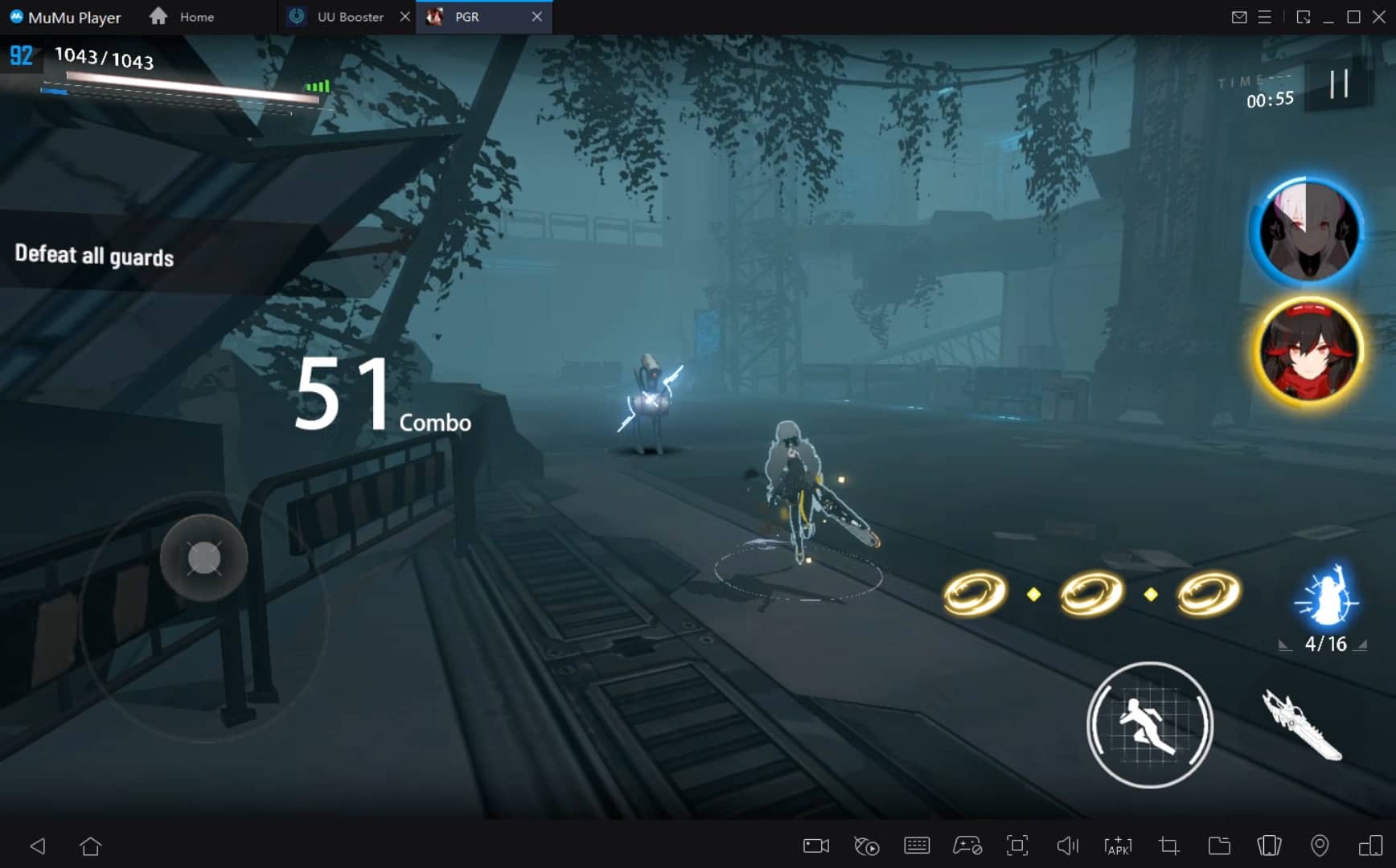
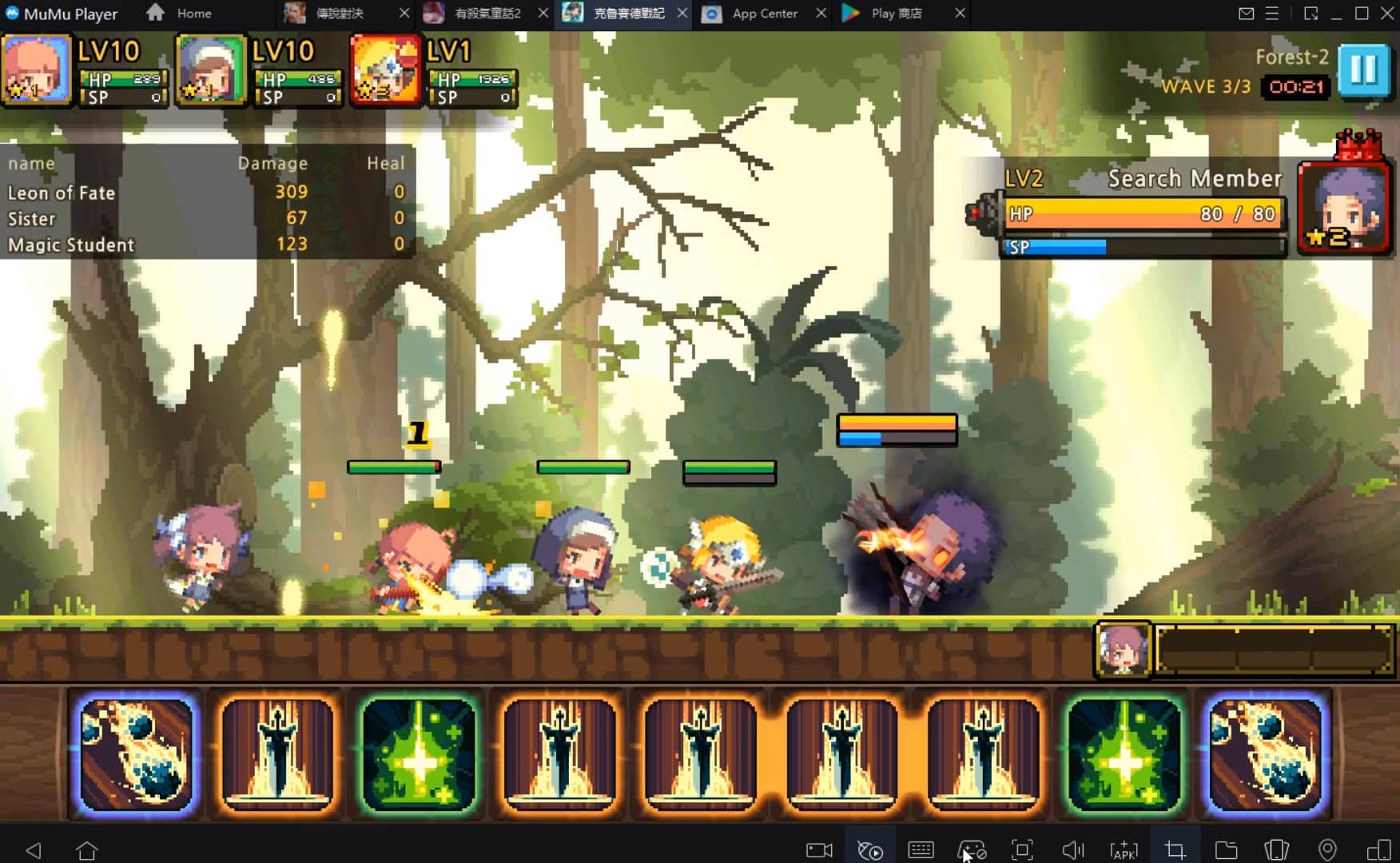
PCおよびMacでJUMANJI: The Curse Returnsをダウンロードして快適にプレイする方法
インストールガイド
①あなたのPCにMuMuPlayerをダウンロードしてインストールし、現在のシステムを認識して対応するシステムの最新バージョンのエミュレータをダウンロードします。
②MuMuPlayerを起動し、GoogleストアにアクセスしてGoogleログインを完了するか、後でこのステップを完了することもできます。
③GoogleストアでJUMANJI: The Curse Returnsを検索します。
④Googleログインを完了し、ゲームをインストールします (もし第2ステップをスキップした場合)。
⑤インストールが完了したら、デバイスのデスクトップでゲームアイコンをクリックしてゲームを起動します。
⑥MuMuPlayerを使用して、あなたのPCでJUMANJI: The Curse Returnsを思う存分楽しんでください。
MuMuPlayer推奨構成
推奨コンピュータ設定
Windows推奨構成:4コアCPU、4GBメモリ、i5オペレーティングシステム、GTX950以上のグラフィックカード
macOS推奨構成:4コアCPU、4GBメモリ
推奨Androidデバイス性能設定
グラフィックレンダラー
VulkanおよびDirectXに対応
性能設定
推奨性能設定:2コア、2GB。>>こちらをクリックして性能設定の調整方法を確認。
推奨Androidデバイス表示設定
解像度設定
デバイス設定 > 表示 > 解像度設定に進み、必要に応じてデバイスの解像度を調整してください。
フレームレート設定
MuMuPlayerは最大240フレームレート(FPS)に対応。>>こちらをクリックして高フレームレートモードの有効化方法を確認。
VTの有効化を推奨
VTを有効にすると、エミュレータの性能が大幅に向上し、画面のラグが減少し、ゲームがよりスムーズに実行されます。>>こちらをクリックしてVTの有効化方法を確認
JUMANJI: The Curse Returnsに関する最新ニュース、攻略情報、交換コードを入手しよう。

竜宮の平和を取り戻すべく世界を冒険するオンラインファンタジーRPG!

『リバース:1999』狂気と非理性の迷宮へ誘う第九章が開幕―― 文学の魂を宿した新星「レコレータ(CV:水瀬いのり)」登場

『リバース:1999』1.5周年記念、梁月(CV:水橋かおり)&ロガーヘッド(CV:広橋涼)と迎える祝宴の幕開け

『リバース:1999』豪華客船で迎える「地球最後の夜」開幕ーーバルカローラ(CV.岡咲美保)、トゥトゥイ(CV.石見舞菜香)が新たに登場

【勝利の女神:NIKKE】コード(CDK)一覧
【インフィニティニキ】交換コード(シリアルコード)一覧
【メタルストーム】ギフトコード一覧

【ゼンゼロ】交換コード(シリアルコード)一覧と入力方法