Play Mighty DOOM on PC and Mac
Download Mighty DOOM on PC or Mac with MuMuPlayer, get a PC like gameplay along with smart control and high graphics performance.
MuMuPlayer, the top Android emulator for PC and Apple silicon Mac, delivers an optimal gaming experience with minimal RAM usage and high FPS. It also allows you to create multiple instances of the emulator and run several games simultaneously, thanks to its Multi-instance feature. Its advanced emulator features ensure smooth gameplay, even on low-end PCs.
Download and play Mighty DOOM on PC or Mac with MuMuPlayer and start enjoying your gaming experience now.
About the Game
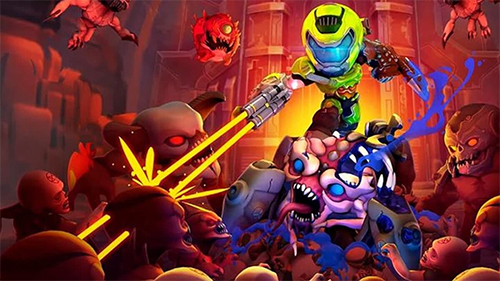
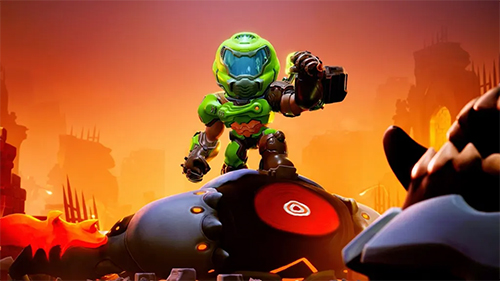
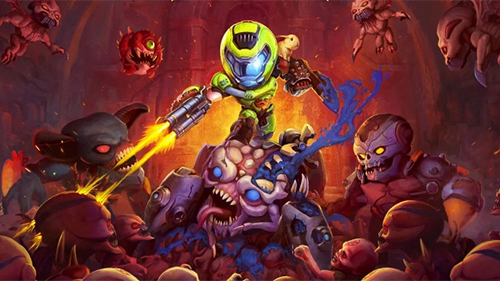
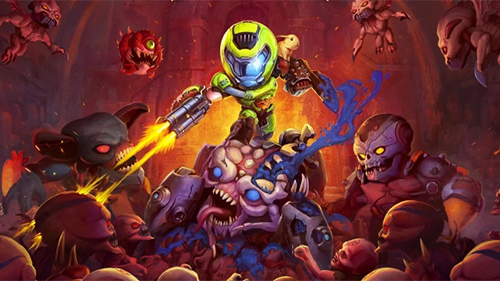
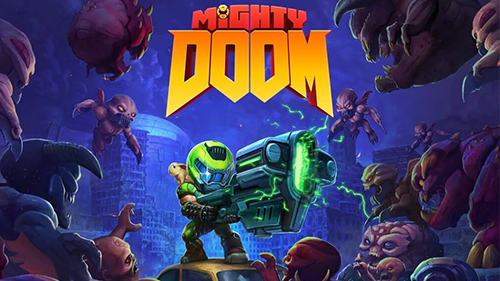
Shoot through mini demon hordes in Mighty DOOM. This single-touch, top-down shooter set in the animated DOOM universe puts you at the center of the fight as you rip and tear through demon hordes from the fiery depths of Hell.

Descend into mini versions of iconic DOOM worlds in this arcade action, top down shooter. Blast your way through hundreds of exciting levels and become mighty. Battle challenging bosses as you level up, gain powerful skills, loot new gear, and upgrade legendary guns.

RUN AND GUN
- Shoot your weapon at all times, whether moving or standing still.
- Dive into a shooter with simple touch controls and dodge ranged enemies, keep melee demons at bay and go in for the Glory Kill.
- Put your demon slaying skills to the test with challenging gameplay that’s easy to learn but takes great demon-slaying skill to master.

THE ULTIMATE GUN GAME
- Become the ultimate demon slayer as you equip three unique weapons and swap them on the fly to unleash your might..
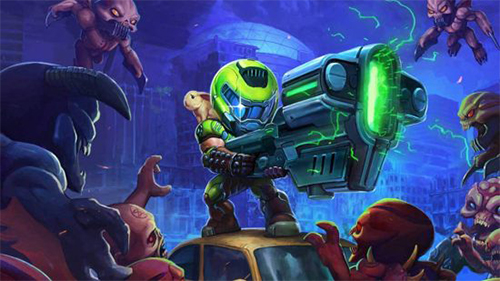
- Choose from 13 legendary weapons like the Rocket Launcher to blast groups of demons with a single shot.
- Shoot weapons like the Unmakyr or BFG to inflict maximum carnage.

FAST ARCADE ACTION IN EVERY LEVEL
- Shoot ‘em up through mini versions of iconic DOOM locations.
- Fight through as many waves of pocket-sized demons and challenge your slaying skills in an epic boss fight.
- If you should fall, rise to fight again and push further through the enemy horde.

BECOME MIGHTY
- Level up your Mini Slayer and prepare for the next demon battle.
- Use equipment to upgrade and craft legendary gear.
- Gain buffs tied to your weapon choices and enhance your demon slaying skills
- Unlock devastating abilities and insane combos as you conquer Hell’s armies.
- Upgrade and arm your Mini Slayer with iconic weapons like the Plasma Rifle, Chain Gun, and Super Shotgun.

GET READY FOR THE NEXT EPIC BOSS FIGHT
- Demon slaying action kicks into overdrive with each boss fight.
- Battle bosses with their own unique attacks and strategies.
- Challenge mini versions of legendary DOOM bosses like the Baron of Hell, Hell Priest, Baron of Hell, and more.

Rip and tear anywhere when you become the Mini Slayer and conquer hundreds of challenging levels in Mighty DOOM. Download now to become mighty in Mighty DOOM!
Emulator Features

With a smart button scheme and image recognition function, provide a more concise UI, and support custom button mapping to meet different needs.

Run multiple games independently at the same time, easily manage multiple accounts, play games while hanging.

Break through FPS limit, and enjoy a seamless gaming experience without lag and delay!

Get a 3-second startup with 52% less memory usage and 65% more stability.
How to Download and Play Mighty DOOM on PC and Mac
Installation Guide
Download MuMuPlayer
Download and install MuMuPlayer on your PC or Mac
Sign-in Google Store
Complete Google sign-in to access the Play Store
Search and Install
Search Mighty DOOM in the Play Store
Enjoy Gaming
Enjoy 120 FPS high-def gameplay with big screen
System Requirements
Windows PC
Vulkan / DirectX supported. 4 cores + 4GB RAM recommended. Up to 240 FPS. VT required.
macOS
Recommended: Apple Silicon Mac with 8GB RAM or above. Up to 240 FPS.