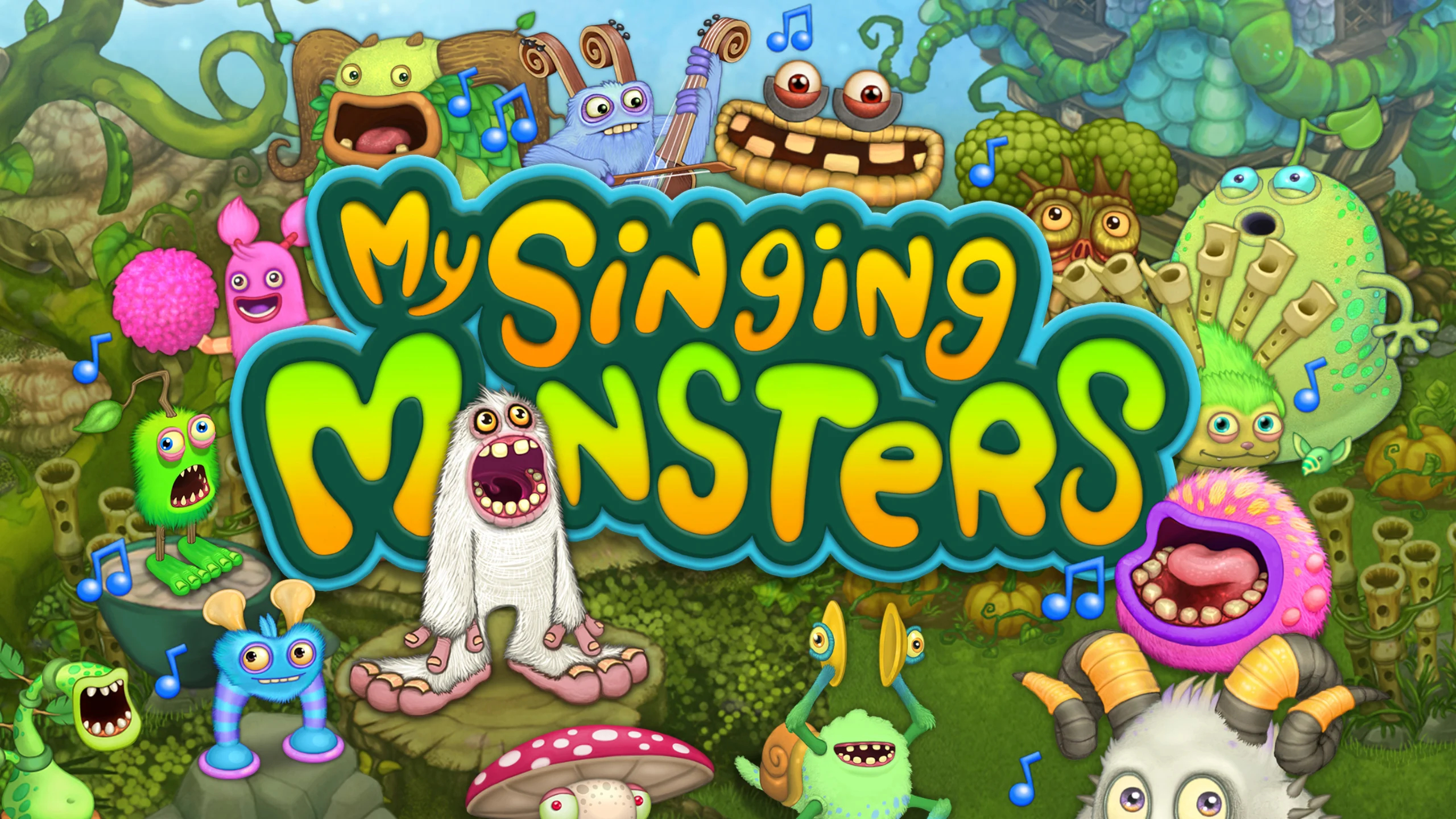
Play My Singing Monsters on PC and Mac
Download My Singing Monsters on PC or Mac with MuMuPlayer, get a PC like gameplay along with smart control and high graphics performance.
MuMuPlayer, the top Android emulator for PC and Apple silicon Mac, delivers an optimal gaming experience with minimal RAM usage and high FPS. It also allows you to create multiple instances of the emulator and run several games simultaneously, thanks to its Multi-instance feature. Its advanced emulator features ensure smooth gameplay, even on low-end PCs.
Download and play My Singing Monsters on PC or Mac with MuMuPlayer and start enjoying your gaming experience now.
About the Game
Welcome to My Singing Monsters! Breed them, feed them, listen to them sing!

Raise a monster pet, then feed your musical monster to help them grow. Take care of a collection of fun monster characters in this free musical game for the whole family!

Create an island full of Singing Monsters, then watch your song evolve as you breed and upgrade happy monster pets. Design and build unique decorations to make your world look just the way you want, then share your creation with friends! You'll love exploring the wonderful fantasy land of the Monster World!

Download My Singing Monsters today — Happy Monstering!

FEATURES:
• Collect and level up over 150 cute and funny monsters — dragons are so last year…
• Customize your islands with cool decorations and catchy music
• Enjoy awesome graphics and character animation
• Play with friends around the world
• Discover new updates and events year-round
________

STAY TUNED:
Facebook: https://www.facebook.com/MySingingMonsters
Twitter: https://www.twitter.com/SingingMonsters
Instagram: https://www.instagram.com/mysingingmonsters
YouTube: https://www.youtube.com/mysingingmonsters

PLEASE NOTE! My Singing Monsters is completely free to play, however some game items can also be purchased for real money. If you don't want to use this feature, please disable in-app purchases in your device's settings. My Singing Monsters requires an internet connection to play (3G or WiFi).

HELP & SUPPORT: Get in touch with the Monster-Handlers by visiting www.bigbluebubble.com/support or contacting us in game by going to Options > Support.
Emulator Features

With a smart button scheme and image recognition function, provide a more concise UI, and support custom button mapping to meet different needs.

Run multiple games independently at the same time, easily manage multiple accounts, play games while hanging.

Break through FPS limit, and enjoy a seamless gaming experience without lag and delay!

Get a 3-second startup with 52% less memory usage and 65% more stability.
How to Download and Play My Singing Monsters on PC and Mac
Installation Guide
Download MuMuPlayer
Download and install MuMuPlayer on your PC or Mac
Sign-in Google Store
Complete Google sign-in to access the Play Store
Search and Install
Search My Singing Monsters in the Play Store
Enjoy Gaming
Enjoy 120 FPS high-def gameplay with big screen
System Requirements
Windows PC
Vulkan / DirectX supported. 4 cores + 4GB RAM recommended. Up to 240 FPS. VT required.
macOS
Recommended: Apple Silicon Mac with 8GB RAM or above. Up to 240 FPS.