Play Project Winter Mobile on PC and Mac
Download Project Winter Mobile on PC or Mac with MuMuPlayer, get a PC like gameplay along with smart control and high graphics performance.
MuMuPlayer, the top Android emulator for PC and Apple silicon Mac, delivers an optimal gaming experience with minimal RAM usage and high FPS. It also allows you to create multiple instances of the emulator and run several games simultaneously, thanks to its Multi-instance feature. Its advanced emulator features ensure smooth gameplay, even on low-end PCs.
Download and play Project Winter Mobile on PC or Mac with MuMuPlayer and start enjoying your gaming experience now.
About the Game
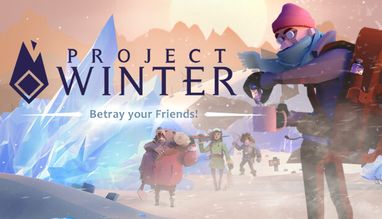
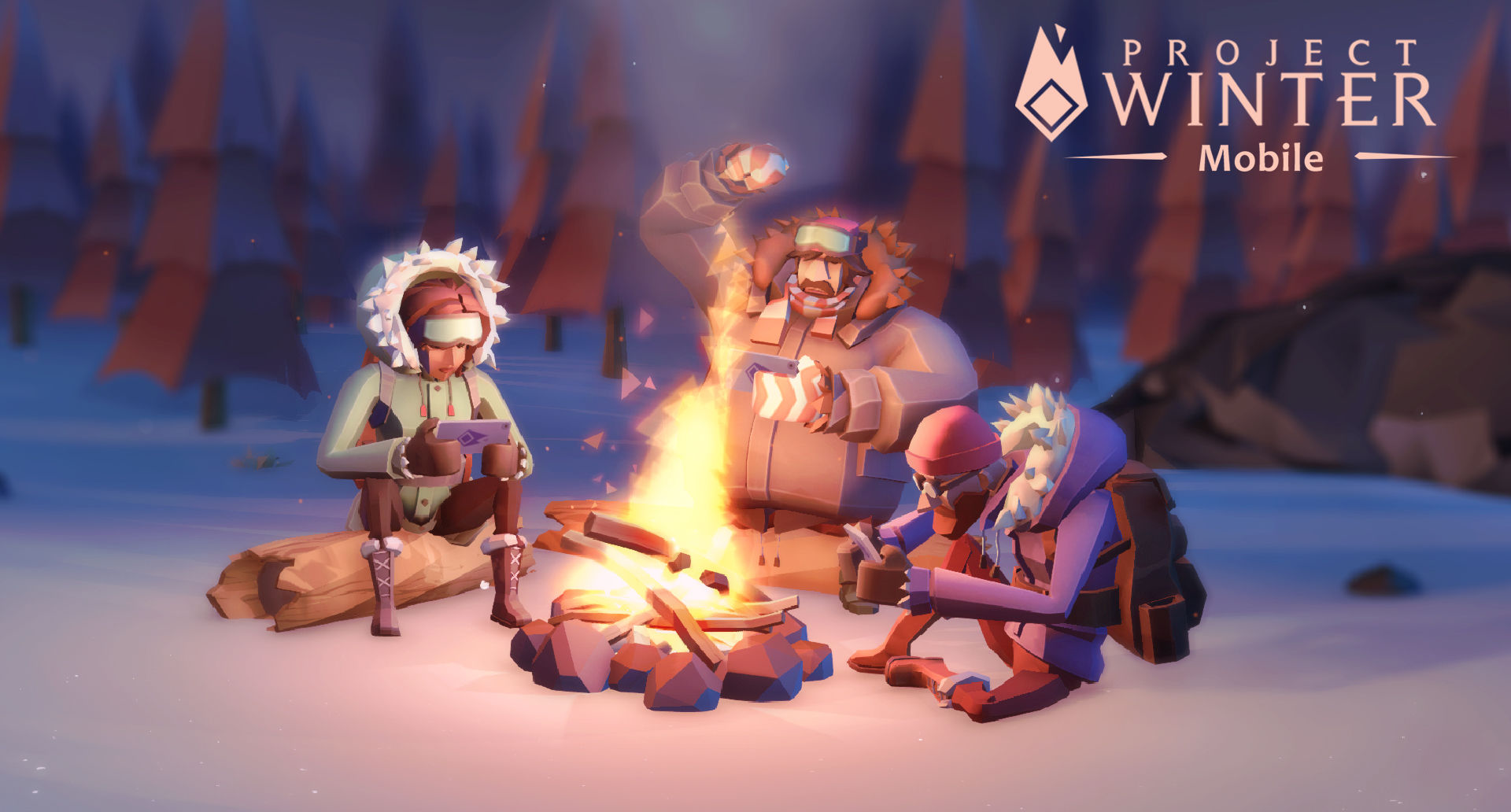
The famous betrayal game, Project Winter, now comes to mobile.

Project Winter is an 8-person multiplayer game focusing on social deception and survival. Communication and teamwork is essential to the survivors' ultimate goal of escape. Gather resources, repair structures, and brave the wilderness together.

SURVIVAL AND BETRAYAL
Play online with 7 other players as your attempt to survive with your teammates or outlast them all.

Survivors cannot escape unless they work together. Players who wander off on their own will have difficulty surviving the elements, can fall victim to hostile wildlife, or become easy targets for the traitors.

COMMUNICATION
Communication is key if the survivors have any hope of escaping. There are several ways to communicate with other players:
proximity-based voice chat, private voice chat radio channels, text chat and emotes

BETRAYAL & DECEPTION
The traitors are outnumbered and weak when the game begins, they may infiltrate the survivors and earn their trust while they build up their strength. Survivors can never be 100% sure of who to trust. The traitors can take advantage of this by spreading lies, and pitting the survivors against each other.

CUSTOMIZATION
Play the game how you want with multiple game modes including basic, normal, and custom-made! Add some flair to your character with cosmetics that can be bought with our in-game currency earned after each match!
Emulator Features

With a smart button scheme and image recognition function, provide a more concise UI, and support custom button mapping to meet different needs.

Run multiple games independently at the same time, easily manage multiple accounts, play games while hanging.

Break through FPS limit, and enjoy a seamless gaming experience without lag and delay!

Get a 3-second startup with 52% less memory usage and 65% more stability.
How to Download and Play Project Winter Mobile on PC and Mac
Installation Guide
Download MuMuPlayer
Download and install MuMuPlayer on your PC or Mac
Sign-in Google Store
Complete Google sign-in to access the Play Store
Search and Install
Search Project Winter Mobile in the Play Store
Enjoy Gaming
Enjoy 120 FPS high-def gameplay with big screen
System Requirements
Windows PC
Vulkan / DirectX supported. 4 cores + 4GB RAM recommended. Up to 240 FPS. VT required.
macOS
Recommended: Apple Silicon Mac with 8GB RAM or above. Up to 240 FPS.