
Play Summoners War: Chronicles on PC Play Summoners War: Chronicles on PC and Mac
Summoners War: Chronicles is a summon-focused RPG that invites players into the vast and conflict-torn world of Rahil Kingdom, where assembling a roster of powerful monsters and mastering elemental strategy are the keys to survival. With over 550 monsters to collect, a rich narrative centered on stopping the menacing Galagon King Tefo, and both solo and cooperative content to explore, the game delivers a deeply layered experience for fans of the genre. Playing Summoners War: Chronicles on PC through MuMuPlayer gives you full access to everything the game has to offer right from your desktop.
At its core, the game blends strategic monster collection with dynamic real-time combat, letting you craft personalized team compositions built around the varied skills and elemental attributes of your chosen monsters. The story pulls you through a sweeping adventure across Rahil Kingdom, pitting you against formidable bosses while unraveling an epic saga. Beyond the main campaign, the game expands into competitive PvP through the Arena, team-based Guild Siege Battles where coordination determines supremacy, and monster-filled Dungeons that reward both skill and preparation.
Running Summoners War: Chronicles on PC with MuMuPlayer transforms the experience in meaningful ways. The larger screen makes it far easier to track skill animations, monster positioning, and battle effects during fast-paced encounters. Keyboard and mouse controls bring a new level of precision to combat and navigation, while MuMuPlayer's stable performance ensures smooth gameplay during extended dungeon runs or guild battles without worrying about device heat or battery drain. For a game built around long-term progression and regular engagement, having it comfortably accessible on your desktop through MuMuPlayer makes every session more enjoyable.
Download Summoners War: Chronicles on PC or Mac with MuMuPlayer, get a PC like gameplay along with smart control and high graphics performance.
MuMuPlayer, the top Android emulator for PC and Apple silicon Mac, delivers an optimal gaming experience with minimal RAM usage and high FPS. It also allows you to create multiple instances of the emulator and run several games simultaneously, thanks to its Multi-instance feature. Its advanced emulator features ensure smooth gameplay, even on low-end PCs.
Download and play Summoners War: Chronicles on PC or Mac with MuMuPlayer and start enjoying your gaming experience now.
About the Game
Step into Rahil Kingdom and prepare for an adventure that blends monster collection, strategic combat, and a sprawling narrative into one of the most content-rich RPG experiences available on mobile. Summoners War: Chronicles builds on the beloved legacy of the Summoners War universe and expands it into a fully realized world where every battle, every dungeon, and every alliance matters.
The story begins with a kingdom under threat. The Galagon King, Tefo, casts a shadow of destruction over Rahil, and it falls to you, as a Summoner, to rise against this force. Your journey takes you across diverse regions, through encounters with dangerous bosses, and into the heart of a conflict that only grows in scale as you progress. The narrative is not just backdrop; it actively shapes your path and gives meaning to the challenges you face.
What makes combat in Chronicles compelling is the freedom it offers in building your strategy. The game features an expansive roster of over 550 monsters, each belonging to distinct classes and carrying unique skill sets. Elemental attributes play a significant role in how battles unfold, encouraging players to think carefully about team composition rather than simply fielding the strongest units. Combat feels rewarding when the right combination of skills and counters comes together in the heat of a fight.
Beyond solo progression, the game opens up into several competitive and cooperative modes that keep the experience fresh over time:
- Arena PvP: Test your team-building and tactical instincts against other players in head-to-head battles where skill and preparation are equally important.
- Guild Siege Battle: Coordinate with your guild to dominate siege warfare, where collective strategy and synchronized effort determine which guild claims the top position.
- Dungeons: Venture into challenging dungeon environments filled with powerful enemies, where careful preparation and execution are rewarded with meaningful progression gains.
The game also emphasizes the bond between Summoner and monster. As you travel through Rahil Kingdom, your monsters are not merely tools for combat; they are companions that accompany you through a shining journey full of unique encounters and personal milestones. Collecting, leveling, and developing these creatures is a long-term investment that pays off in both power and storytelling.
For players who want the most comfortable way to experience everything Chronicles has to offer, running the game on PC through MuMuPlayer is a natural choice. The wider display gives you better visibility over the battlefield, making it easier to read skill telegraphs and react to enemy patterns. Precision inputs from a keyboard and mouse setup add responsiveness to combat interactions that touchscreens can sometimes lack. MuMuPlayer's stable and optimized environment also means you can sink hours into guild battles or dungeon farming sessions without interruption from device limitations.
Summoners War: Chronicles is a free-to-play title that supports in-app purchases. It is available in a wide range of languages including English, Korean, Japanese, Simplified and Traditional Chinese, German, French, Russian, Spanish, Portuguese, Indonesian, Thai, Vietnamese, and Italian, making it accessible to a global player base. A minimum of 4GB RAM is required to run the game.
Emulator Features
Highest Android 15 Support Best Compatibility on Mac

With a smart button scheme and image recognition function, provide a more concise UI, and support custom button mapping to meet different needs. With a smart button scheme and image recognition, enjoy a cleaner UI and custom button mapping to fit different gaming needs on Mac.

Run multiple games independently at the same time, easily manage multiple accounts, play games while hanging. Take your Mac gaming further with multiple independent instances, easy account management, and seamless AFK gaming on Apple Silicon Mac.

Break through FPS limit, and enjoy a seamless gaming experience without lag and delay! Break through FPS limits for a seamless, lag-free gaming experience on MacBook, Mac mini, iMac, and Mac Studio.

Get a 3-second startup with 52% less memory usage and 65% more stability. Enjoy 3-second startup, 52% less memory usage, and 65% greater stability on Apple Silicon Mac.
How to Download and Play Summoners War: Chronicles on PC and Mac
Installation Guide
Download MuMuPlayer
Download MuMuPlayer and install it on your PC or Mac
Sign-in Google Store
Complete Google sign-in to access the Play Store
Search and Install
Search Summoners War: Chronicles in the Play Store
Enjoy Gaming
Enjoy 120 FPS high-def gameplay with big screen
System Requirements
Windows PC
Vulkan / DirectX supported. 4 cores + 4GB RAM recommended. Up to 240 FPS. VT required.
macOS
Recommended: Apple Silicon Mac with 8GB RAM or above. Up to 240 FPS.
Get more news, guides and redeem codes about Summoners War: Chronicles

Summoners War: Chronicles announces collaboration with One Punch Man
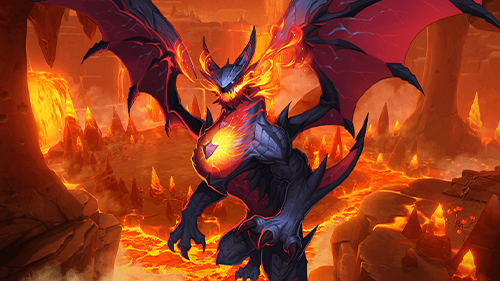
Summoners War: Chronicles brings a major April 2023 story update with new Continent and in-game events
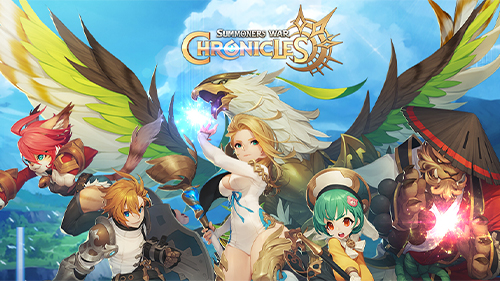
Monster Guide: How to Strengthen and Utilize Them in Summoners War: Chronicles
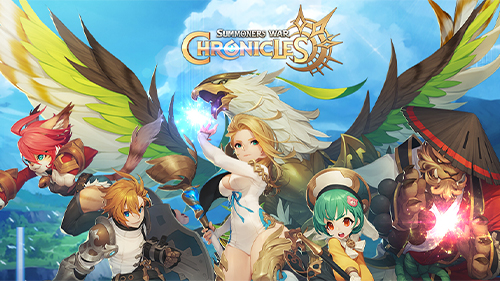
Summoners War: Chronicles Beginner Guide
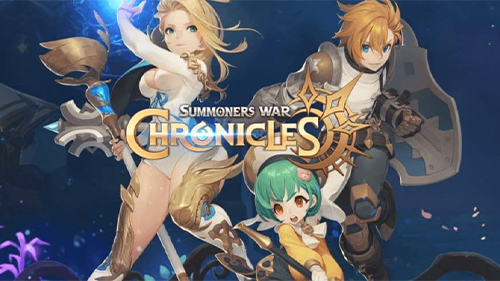
Summoners War Chronicles Codes (March 2023)
Summoners War: Chronicles Reroll Guide
Summoners War: Chronicles Tier List (March 2023)
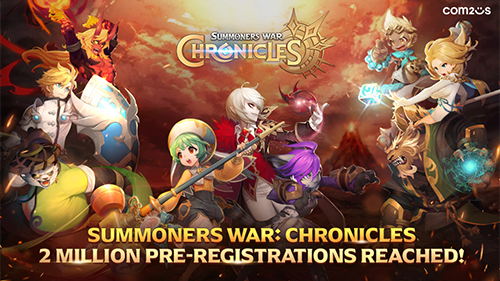
Summoners War: Chronicles Release Today! Over 2 Million Pre-registrations Complete Globally!


