Play Super Sus on PC and Mac
Super Sus: Who Is The Impostor is a multiplayer social deduction game that drops players into a tense spaceship setting where trust is the most dangerous resource on board. Whether you are hunting for the hidden saboteur or secretly playing as one yourself, every round delivers a mix of strategy, deception, and real-time cooperation that keeps you second-guessing everyone around you. Playing Super Sus on PC through MuMuPlayer gives you a larger stage for all that tension, letting you experience the full chaos of crew meetings, emergency votes, and covert eliminations on a proper screen.
Super Sus supports three distinct role paths, each with a completely different win condition. Crewmates must finish assigned tasks and identify the Impostor through voting before it is too late. Impostors need to eliminate crew members quietly while using sabotage to create confusion and mistrust. Neutral roles add a wild card layer, each coming with unique personal objectives that can shift the outcome of any match. Beyond the core experience, the game includes several alternative modes such as Colosseum, a last-player-standing battle; Hide and Seek, where players evade hunters while completing tasks; and Lover Mode, which pairs two players together and ties their survival. Private rooms with customizable rules, Duo play, and Squad options round out a strong social feature set that makes the game just as enjoyable with a close group of friends as it is with strangers online.
Running Super Sus through MuMuPlayer on PC brings meaningful advantages to every session. The wider display makes it far easier to track player movements across the map, spot suspicious behavior, and read the chat during heated crew meetings. Keyboard and mouse controls offer faster, more precise input when completing tasks or calling emergency votes under pressure. MuMuPlayer also provides stable performance so that connection drops do not cost you a round at a critical moment. If you want to manage multiple accounts or observe a match from a different perspective, MuMuPlayer supports that as well. For a game built around reading people and reacting quickly, having the right setup on PC makes every decision count more.
About the Game
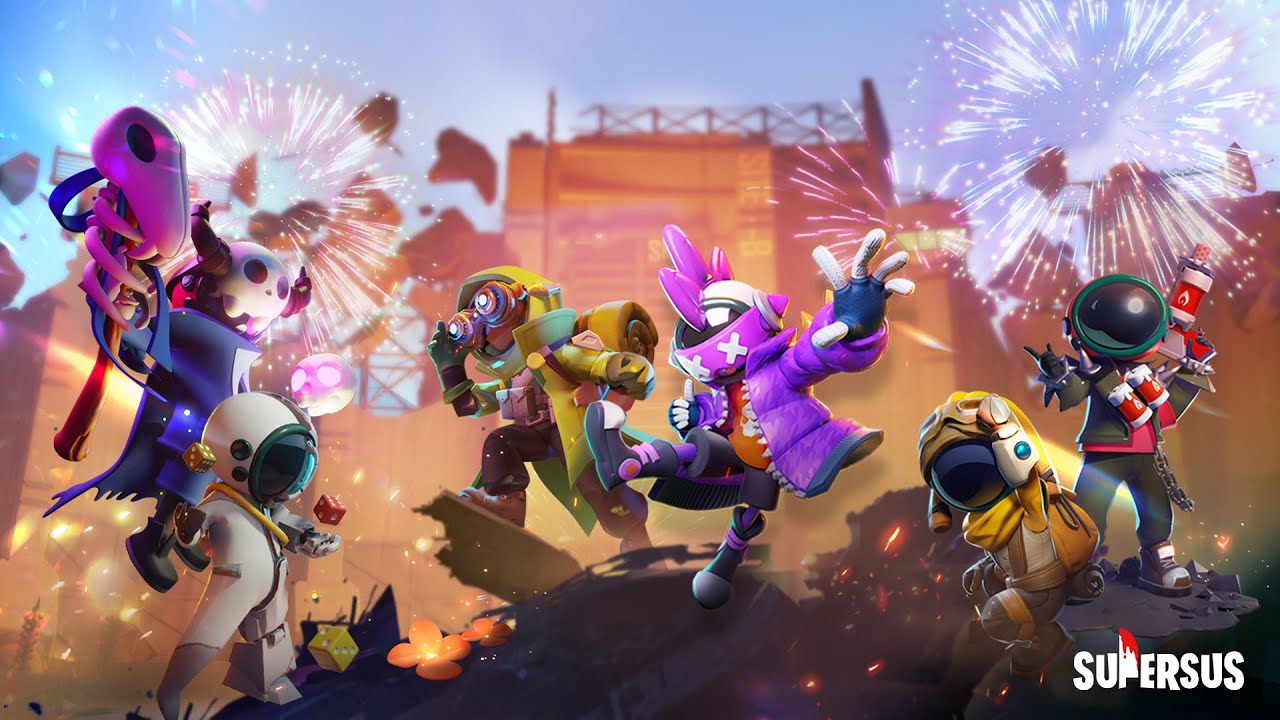
Super Sus: Who Is The Impostor puts a fresh spin on the social deduction genre by centering the action inside a spaceship where crew members are trying to complete their mission while one or more hidden enemies work to bring everything down from the inside. The result is a multiplayer experience that rewards careful observation, calculated risk-taking, and the ability to either build trust or destroy it depending on which role you are assigned at the start of a round.
The game divides players across three broad role categories, and understanding each one is key to performing well.
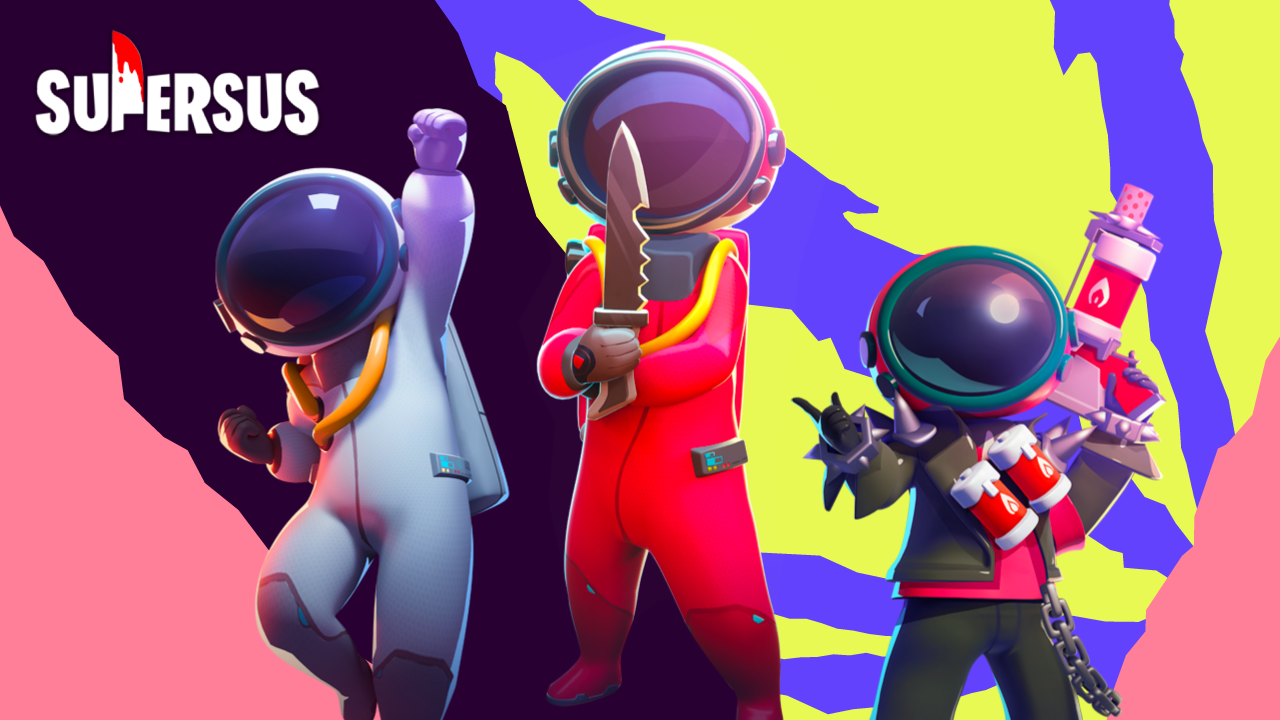
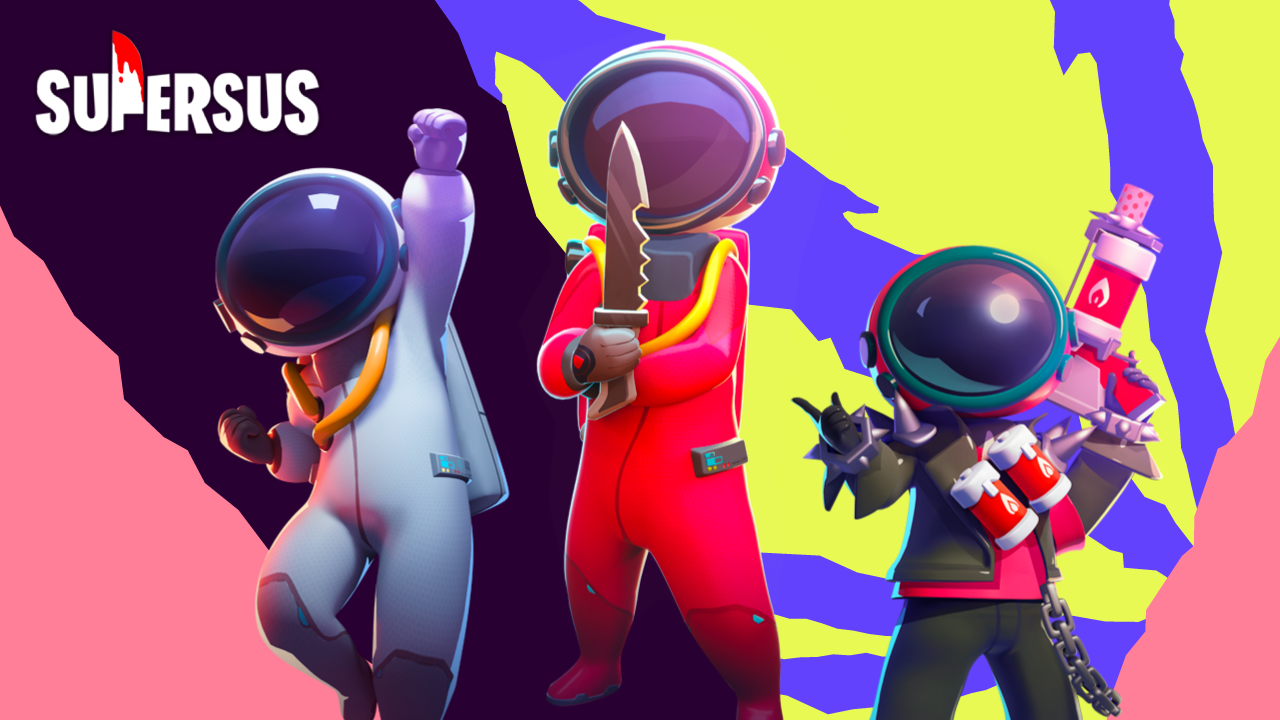
Spacecrew: Your goal is to finish all assigned tasks scattered across the ship while identifying who among your group is secretly working against you. Surviving long enough to cast the right vote during a crew meeting is what separates a good crewmate from an eliminated one.
Impostor: You blend in with the crew, pretending to work while quietly removing players and triggering sabotage events designed to cause panic and distract everyone from the real threat. Timing, movement, and convincing dialogue are your most important tools.
Neutral Roles: These are the wild cards of any match. Unlike the two main sides, neutral players pursue personal objectives that do not align with either faction. Completing those objectives requires adaptability and a willingness to play both sides when necessary.
Beyond the standard mode, Super Sus offers several alternative formats that change the pace and feel of the game entirely. Colosseum strips away the deduction layer and turns the match into a survival challenge where the last person standing wins. Hide and Seek flips the usual dynamic into a chase game, where certain players must dodge hunters while still managing their task list. Lover Mode introduces a cooperative twist by pairing two players whose fates are linked, meaning staying alive together becomes both a personal and strategic priority.
For players who prefer a more controlled environment, private rooms allow full customization of game rules before inviting friends and family. Duo and Squad modes are available specifically for group sessions, making the game a natural fit for parties or casual hangouts where everyone wants to be in the same match.
Personalization is another area where Super Sus puts real effort. Players can upgrade their chosen roles with exclusive emotes, outfit options, and visual effects tied to in-game actions. These cosmetic additions do not affect gameplay balance but do allow players to build a recognizable identity within the community.
The game also maintains an active social presence across major platforms including Facebook, Twitter, YouTube, TikTok, Discord, and Instagram, all accessible under the Super Sus name. An official website at supersus.io provides updates, event information, and additional resources for players who want to stay current with new content.
Playing Super Sus on PC through MuMuPlayer gives you a noticeably better experience across all of these modes. The expanded screen real estate helps you track movements more effectively, read map layouts clearly, and follow fast-paced chat discussions without missing key details. Mouse and keyboard input speeds up task completion and lets you react to sudden sabotage events or surprise eliminations with greater control. Stable performance through MuMuPlayer also means you stay connected through long sessions without the interruptions that can swing a close match in the wrong direction. Whether you are playing competitively or just enjoying a casual game with friends, MuMuPlayer provides the platform to get the most out of every round.
Emulator Features

With a smart button scheme and image recognition function, provide a more concise UI, and support custom button mapping to meet different needs.

Run multiple games independently at the same time, easily manage multiple accounts, play games while hanging.

Break through FPS limit, and enjoy a seamless gaming experience without lag and delay!

Get a 3-second startup with 52% less memory usage and 65% more stability.
How to Download and Play Super Sus on PC and Mac
Installation Guide
Download MuMuPlayer
Download and install MuMuPlayer on your PC or Mac
Sign-in Google Store
Complete Google sign-in to access the Play Store
Search and Install
Search Super Sus in the Play Store
Enjoy Gaming
Enjoy 120 FPS high-def gameplay with big screen
System Requirements
Windows PC
Vulkan / DirectX supported. 4 cores + 4GB RAM recommended. Up to 240 FPS. VT required.
macOS
Recommended: Apple Silicon Mac with 8GB RAM or above. Up to 240 FPS.