
Play Survivor.io on PC and Mac
Download Survivor.io on PC or Mac with MuMuPlayer, get a PC like gameplay along with smart control and high graphics performance.
MuMuPlayer, the top Android emulator for PC and Apple silicon Mac, delivers an optimal gaming experience with minimal RAM usage and high FPS. It also allows you to create multiple instances of the emulator and run several games simultaneously, thanks to its Multi-instance feature. Its advanced emulator features ensure smooth gameplay, even on low-end PCs.
Download and play Survivor.io on PC or Mac with MuMuPlayer and start enjoying your gaming experience now.
About the Game
Dangerous zombies are attacking the entire city! The city is in peril!
Awakened by the trial of dreams, you've no choice but to take on the heroic mantle of saving the city!
As a human warrior with unlimited potential, you and other survivors will have to pick up your weapons and battle these evil and dangerous zombies!
The horde far outnumbers you - any slip-up and you'll get caught in dire straits!
Faced with crisis, you must find a way to survive!

Features:
-Face off against 1000+ monsters at once and exterminate them!
-Clear the map with one-hand controls!
-All-new roguelite skill experience with unlimited combinations
-Feel the heat of each new stage with different difficulties

Facebook:@Survivor.io
Contact Us: survivor@habby.com
Emulator Features

With a smart button scheme and image recognition function, provide a more concise UI, and support custom button mapping to meet different needs.

Run multiple games independently at the same time, easily manage multiple accounts, play games while hanging.

Break through FPS limit, and enjoy a seamless gaming experience without lag and delay!

Get a 3-second startup with 52% less memory usage and 65% more stability.
How to Download and Play Survivor.io on PC and Mac
Installation Guide
Download MuMuPlayer
Download and install MuMuPlayer on your PC or Mac
Sign-in Google Store
Complete Google sign-in to access the Play Store
Search and Install
Search Survivor.io in the Play Store
Enjoy Gaming
Enjoy 120 FPS high-def gameplay with big screen
System Requirements
Windows PC
Vulkan / DirectX supported. 4 cores + 4GB RAM recommended. Up to 240 FPS. VT required.
macOS
Recommended: Apple Silicon Mac with 8GB RAM or above. Up to 240 FPS.
Get more news, guides and redeem codes about Survivor.io
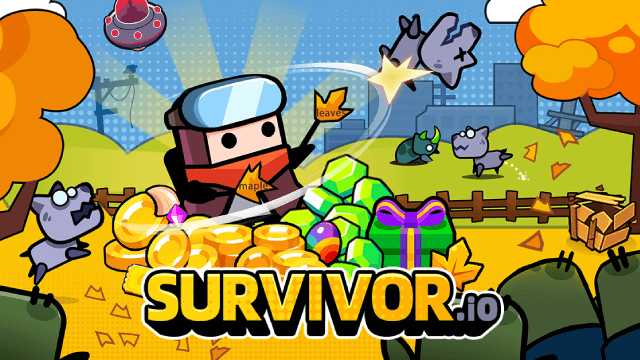
Survivor.io Weapons Tier List Guide: Master the Best Gear (Updated June 2025)
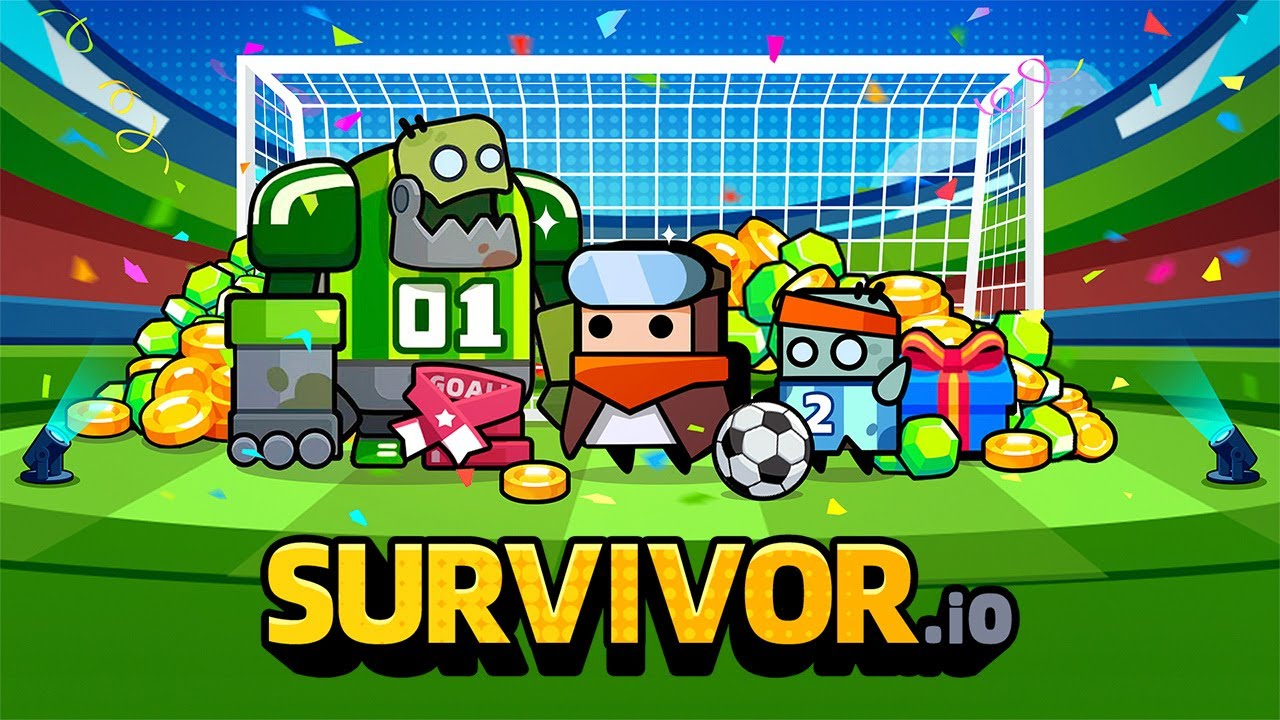
Survivor.io Guide: Cheats and Strategies

Survivor.io Best Hero Tier List
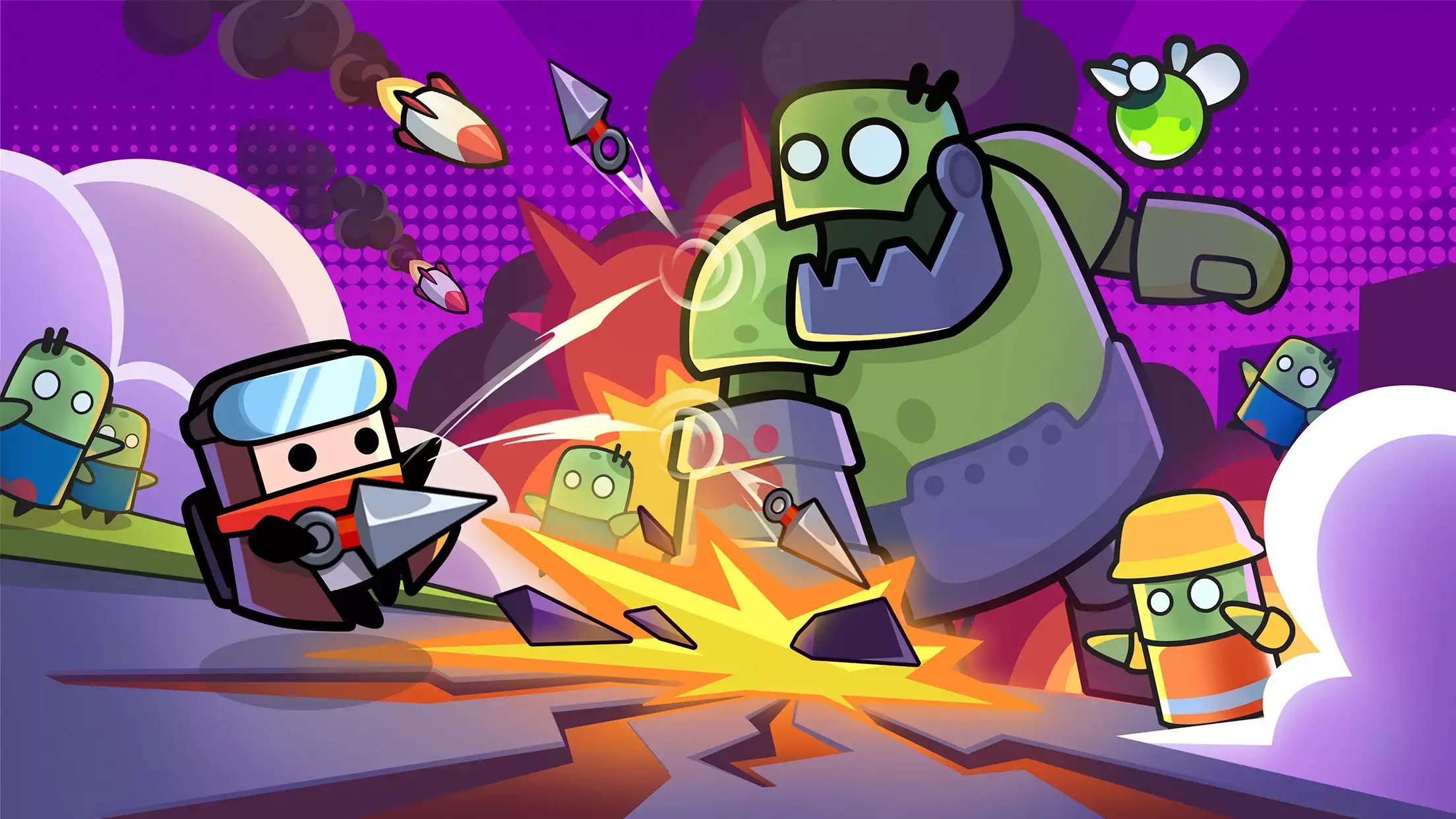
Survivor.io Tier List Guide: Best Skills

Survivor.io - New Version Valentine's Romance Party is Coming!
How to Play Survivor.io on PC with MuMu Player X
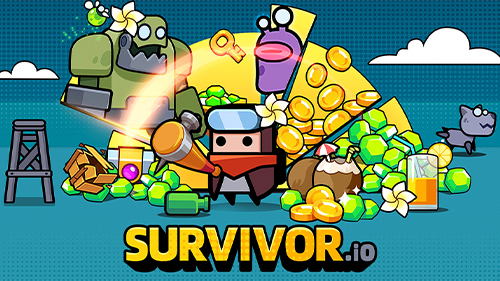
Survivor.io Free Codes for January 2023
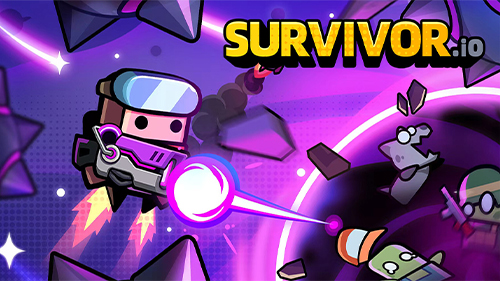
Survivor.io Guide: Tips to Improve Your Gameplay