Play Sword Art Online VS on PC and Mac
Download Sword Art Online VS on PC or Mac with MuMuPlayer, get a PC like gameplay along with smart control and high graphics performance.
MuMuPlayer, the top Android emulator for PC and Apple silicon Mac, delivers an optimal gaming experience with minimal RAM usage and high FPS. It also allows you to create multiple instances of the emulator and run several games simultaneously, thanks to its Multi-instance feature. Its advanced emulator features ensure smooth gameplay, even on low-end PCs.
Download and play Sword Art Online VS on PC or Mac with MuMuPlayer and start enjoying your gaming experience now.
About the Game
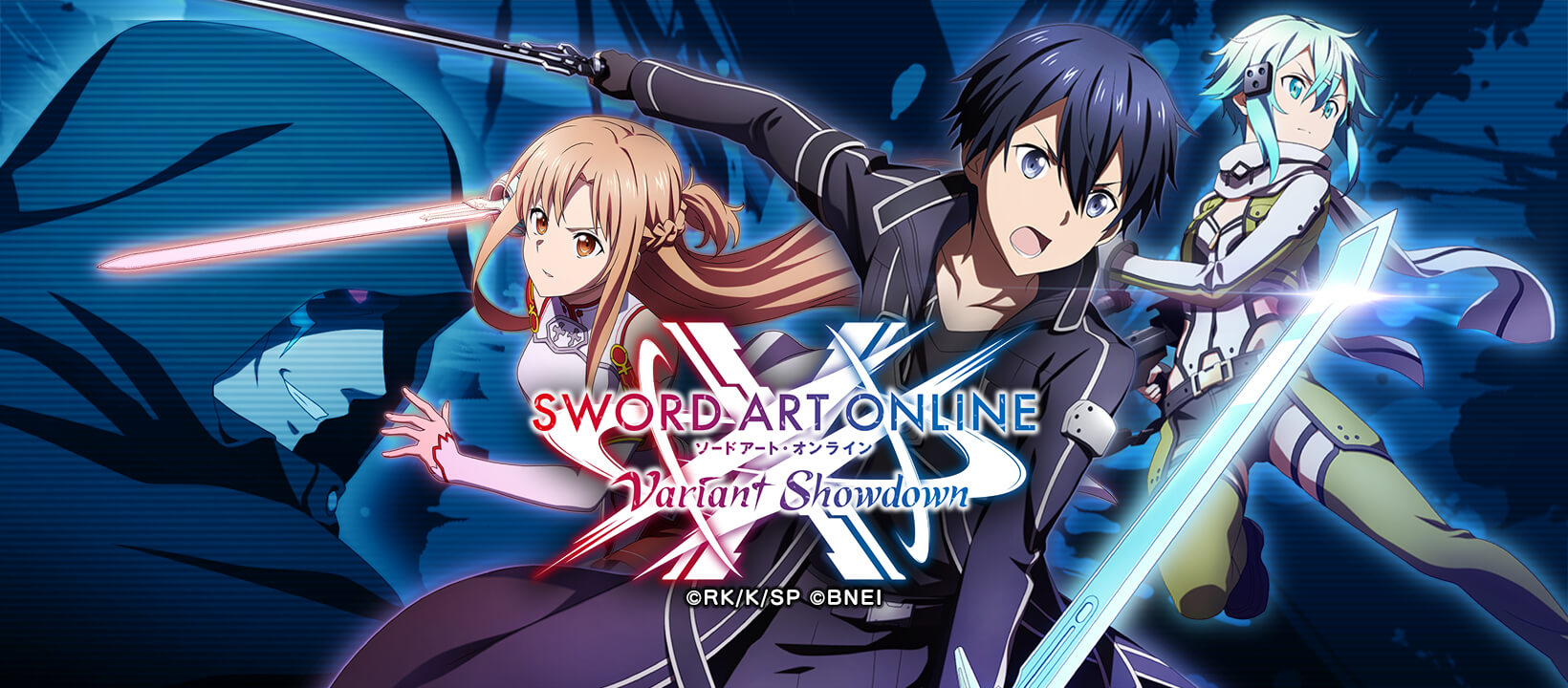
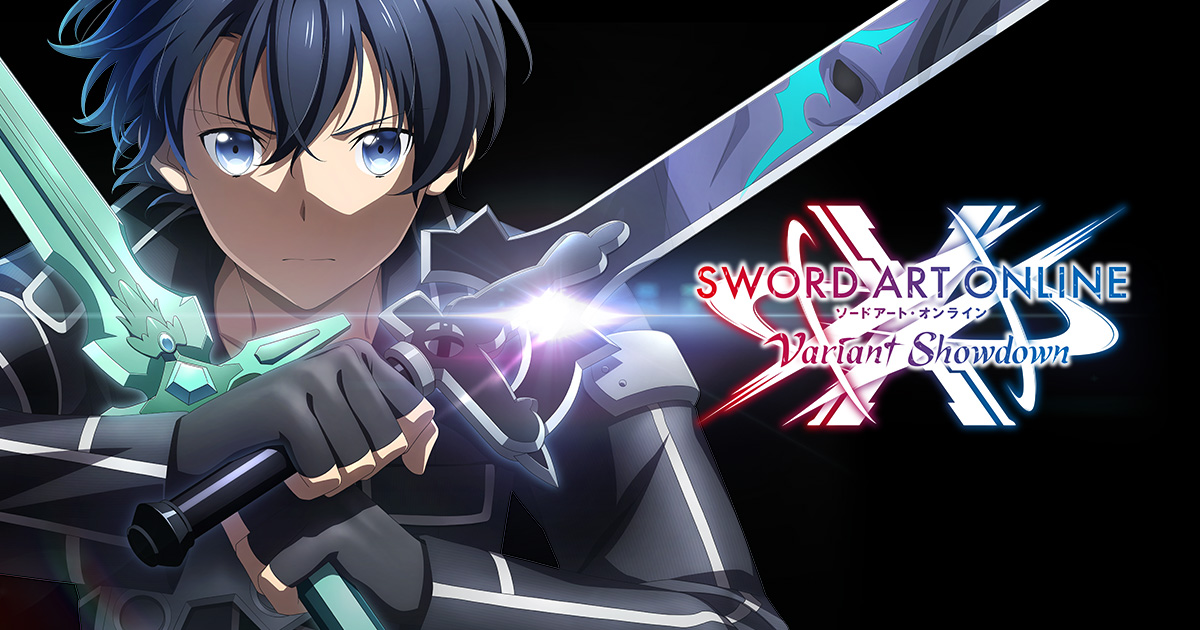
Celebrating 10 years of the SAO anime, the new mobile game Sword Art Online Variant Showdown is finally here!

When Kirito and his friends hear about a new game called Cross Edge that is supposedly causing memory loss to its players, they set off to investigate...
But while playing Cross Edge, they are ambushed by a mysterious presence!

Take control of characters straight out of the anime like Kirito and Asuna in ferocious 3D battles!
Do you have what it takes to defeat fearsome bosses like The Gleam Eyes?

Sword Art Online Variant Showdown Features:

UNIQUE SAO BATTLE SYSTEM
Use character-specific Sword Skills and switch between offense and defense on the fly to take down vicious bosses!
Counter enemies' special attacks with parries! Awaken your characters to unleash their true power on the battlefield!

AN ALL NEW ORIGINAL STORYLINE
Featuring the world of Cross Edge, a VR action game developed by a middle school genius, experience a brand new story with Kirito and his friends.
And just who is this new, original character Layla?

BUILD YOUR DREAM PARTY
Choose 3 characters you know and love from SAO and take control of them in battle.
Each character has his or her own special techniques and Skills, so be sure to form parties that exploit your opponents' weaknesses!

POWER-UP YOUR CHARACTERS
Equip your characters with Ability Cards to raise their power!
Boost your strengths or mitigate your weaknesses! Strategically equip cards to create the ultimate party!

CUSTOMIZABLE CHARACTERS WITH TONS OF VARIATION
Customize characters to your liking by equipping different accessories or changing the color of their outfits.
You can also add specific characters to your party to get special interactions that can only be seen in SAOVS!

So, are you ready to set out on the latest SAO adventure?
Players! Take up your swords!

*The ability to equip Accessories and change outfit color is scheduled to be added in an update after the app's official service launch.

SUPPORT:
https://bnfaq.channel.or.jp/title/2907

Bandai Namco Entertainment Inc. Website:
https://bandainamcoent.co.jp/english/

By downloading or installing this app, you agree to the Bandai Namco Entertainment Terms of Service.
Emulator Features

With a smart button scheme and image recognition function, provide a more concise UI, and support custom button mapping to meet different needs.

Run multiple games independently at the same time, easily manage multiple accounts, play games while hanging.

Break through FPS limit, and enjoy a seamless gaming experience without lag and delay!

Get a 3-second startup with 52% less memory usage and 65% more stability.
How to Download and Play Sword Art Online VS on PC and Mac
Installation Guide
Download MuMuPlayer
Download and install MuMuPlayer on your PC or Mac
Sign-in Google Store
Complete Google sign-in to access the Play Store
Search and Install
Search Sword Art Online VS in the Play Store
Enjoy Gaming
Enjoy 120 FPS high-def gameplay with big screen
System Requirements
Windows PC
Vulkan / DirectX supported. 4 cores + 4GB RAM recommended. Up to 240 FPS. VT required.
macOS
Recommended: Apple Silicon Mac with 8GB RAM or above. Up to 240 FPS.