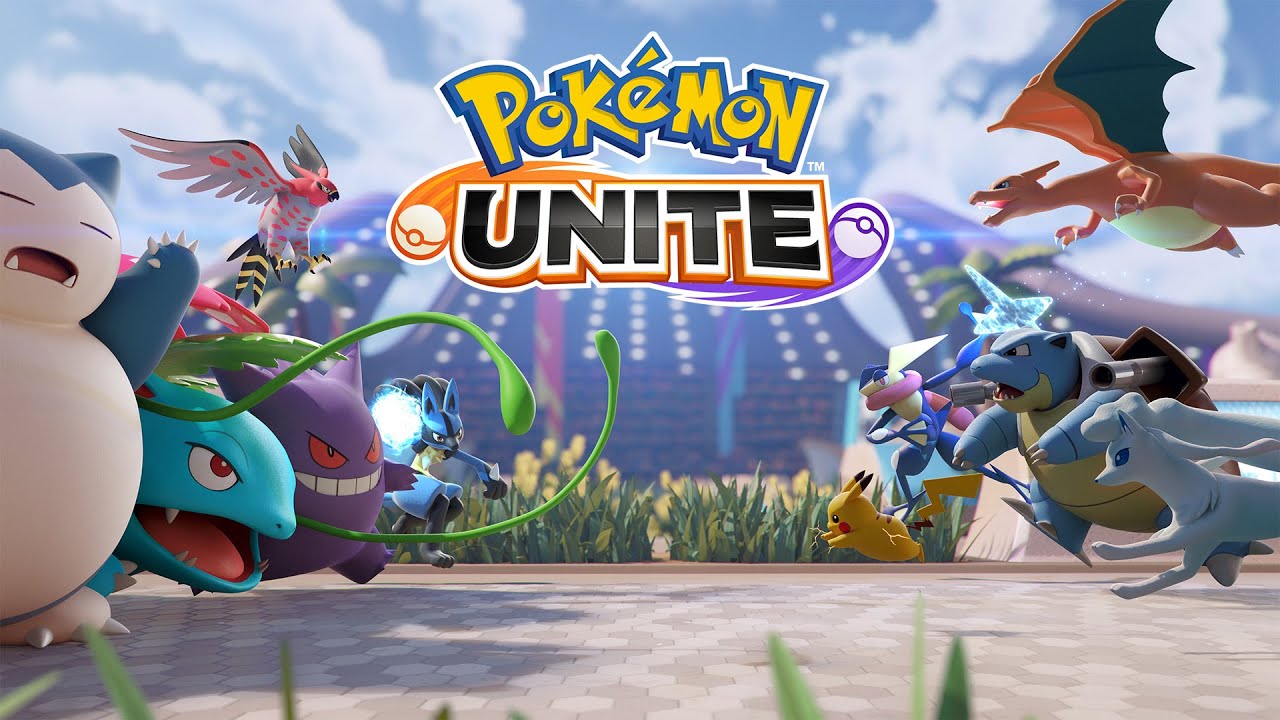
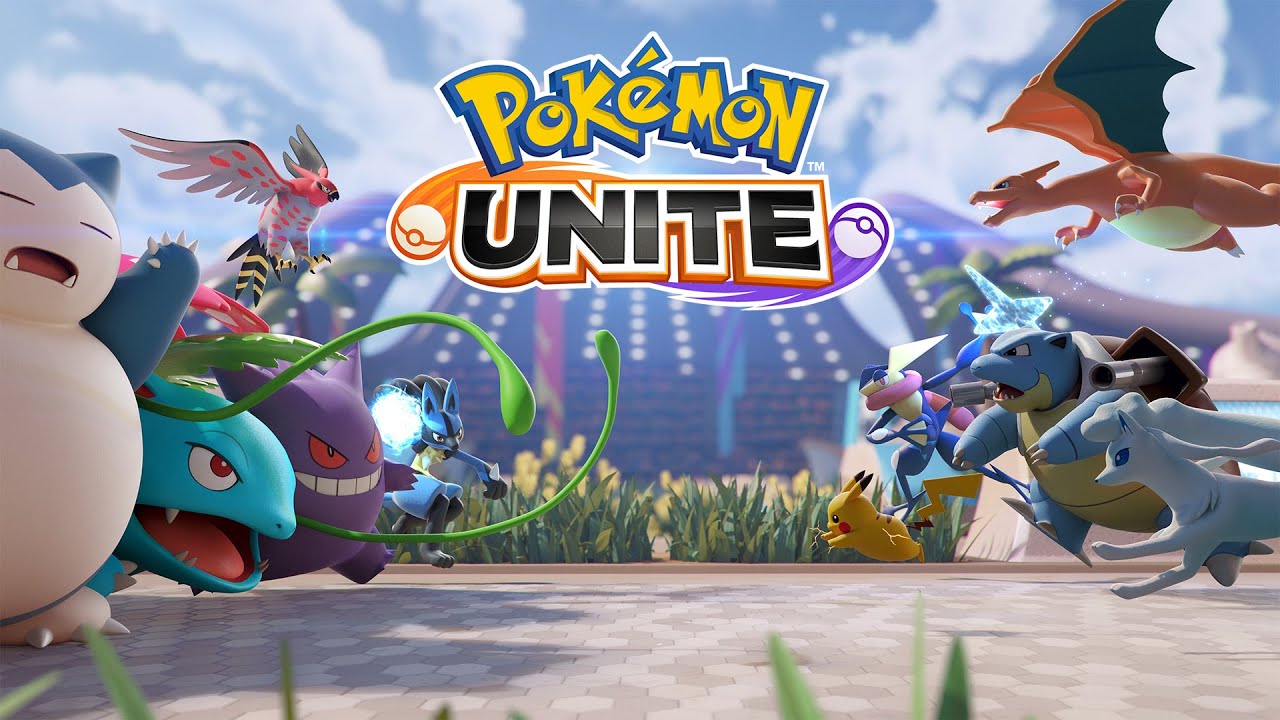
เล่น Pokémon UNITE บน PC และ Mac
ดาวน์โหลด Pokémon UNITE บน PC หรือ Mac ด้วย MuMuPlayer ได้ประสบการณ์เล่นเกมแบบ PC พร้อมการควบคุมอัจฉริยะและประสิทธิภาพกราฟิกสูง
MuMuPlayer อิมูเลเตอร์ Android อันดับ 1 สำหรับ PC และ Mac Apple Silicon ให้ประสบการณ์เล่นเกมที่เหมาะสมที่สุดด้วยการใช้ RAM น้อยที่สุดและ FPS สูง นอกจากนี้ยังช่วยให้คุณสร้างอินสแตนซ์หลายรายการและรันเกมหลายเกมพร้อมกันได้ด้วยฟีเจอร์ Multi-instance ฟีเจอร์ขั้นสูงของอิมูเลเตอร์รับประกันการเล่นเกมที่ราบรื่นแม้บน PC ต่ำสเปค
ดาวน์โหลดและเล่น Pokémon UNITE บน PC หรือ Mac ด้วย MuMuPlayer และเริ่มสนุกกับประสบการณ์เกมของคุณตอนนี้
เกี่ยวกับเกม
Pokémon UNITE:
Team up and take down the opposition in Pokémon’s first 5-on-5 strategic team battle game!

Join Trainers from around the world as they head for Aeos Island to compete in Unite Battles! In Unite Battles, Trainers face off in 5-on-5 team battles to see who can score the most points within the allotted time. Teamwork is key as you and your teammates defeat wild Pokémon, level up, evolve your own Pokémon, and work to prevent the opposing team from scoring points. Put your teamwork to the test, and take home the win!

Key Features:
• BATTLE IN STYLE: Take to the field while looking your best in Holowear! Thanks to a special technology developed using Aeos energy, Trainers can deck out their Pokémon in a variety of holographic outfits—with new styles arriving regularly!

• UNITE MOVES: Unleash the true power of your Pokémon with Unite Moves! Leverage these all-new Pokémon moves, which are only possible while in Unite Battles, and turn the tide of even the direst situations.

• RANK UP: Looking to prove how skilled you are? Participate in ranked matches, and earn points as you climb up the global leaderboard!

• COMMUNICATION IS KEY: Even the most skilled Trainers recognize how important communication is to their team’s success. Leverage signals, quick-chat messages, and—for the first time in a Pokémon title—voice chat to communicate and stay in sync with your team.

• CROSS-PLATFORM PLAY: Challenge Trainers from around the world to Unite Battles on the Nintendo SwitchTM system or on a compatible mobile device thanks to cross-platform support. Trainers may use their Pokémon Trainer Club account or Nintendo Account on both Nintendo Switch and mobile to easily keep their progress synced between devices.
คุณสมบัติของอิมูเลเตอร์

ด้วยชุดปุ่มอัจฉริยะและฟังก์ชันการรู้จำภาพ ให้ UI ที่กระชับขึ้น และรองรับการแมปปุ่มแบบกำหนดเองเพื่อให้ตรงกับความต้องการต่างๆ

เล่นเกมหลายเกมพร้อมกันได้อย่างอิสระ จัดการหลายบัญชีได้อย่างง่ายดาย และเล่นเกมได้แม้ในขณะพักผ่อน

ละทิ้งขีดจำกัด FPS และสนุกกับประสบการณ์เกมที่ราบรื่นโดยไม่มีล่าช้าและความล่าช้า!

เริ่มต้นใน 3 วินาที ด้วยการใช้หน่วยความจำน้อยลง 52% และความเสถียรภาพสูงขึ้น 65%
วิธีดาวน์โหลดและเล่น Pokémon UNITE บน PC และ Mac
คู่มือการติดตั้ง
① ดาวน์โหลดและติดตั้ง MuMuPlayer บน PC หรือ Mac ของคุณ จะมีการระบุระบบปัจจุบันอัตโนมัติและดาวน์โหลดเวอร์ชันล่าสุด
② เปิด MuMuPlayer และสมัครเข้าสู่ระบบ Google เพื่อเข้าถึง Play Store หรือทำภายหลัง
③ ค้นหา Pokémon UNITE ใน Play Store
④ สมัครเข้าสู่ระบบ Google (หากคุณข้ามขั้นตอนที่ 2) เพื่อติดตั้ง Pokémon UNITE
⑤ เมื่อติดตั้งเสร็จสิ้น ให้คลิกที่ไอคอน Pokémon UNITE บนหน้าแรกเพื่อเริ่มเกม
⑥ สนุกกับการเล่น Pokémon UNITE บน PC หรือ Mac ของคุณด้วย MuMuPlayer
คู่มือการติดตั้ง
คอนฟิกคอมพิวเตอร์แนะนำ
สำหรับ Windows: CPU 4-core, RAM 4GB, OS i5, การ์ดจอ GTX950+
สำหรับ macOS: CPU 4-core, RAM 4GB
การตั้งค่าประสิทธิภาพของอุปกรณ์ Android แนะนำ
โหมดเรนเดอร์กราฟิก
รองรับทั้ง Vulkan และ DirectX
การตั้งค่าประสิทธิภาพ
การตั้งค่าประสิทธิภาพแนะนำ: 2 cores, 2GB >>วิธีปรับการตั้งค่าประสิทธิภาพ
การตั้งค่าหน้าจอของอุปกรณ์ Android แนะนำ
การตั้งค่าความละเอียด
ไปที่ Device Settings > Display > Resolution Settings เพื่อปรับความละเอียดของอุปกรณ์ตามความต้องการ
การตั้งค่า FPS
MuMuPlayer รองรับสูงสุด 240 FPS >>วิธีเปิดโหมด FPS สูง
แนะนำให้เปิด VT
การเปิด VT จะช่วยปรับปรุงประสิทธิภาพของอิมูเลเตอร์อย่างมาก ลดการแข็งของหน้าจอ และทำให้เกมทำงานราบรื่นขึ้น >>วิธีเปิด VT