Play Tower of God: NEW WORLD on PC Play Tower of God: NEW WORLD on PC and Mac
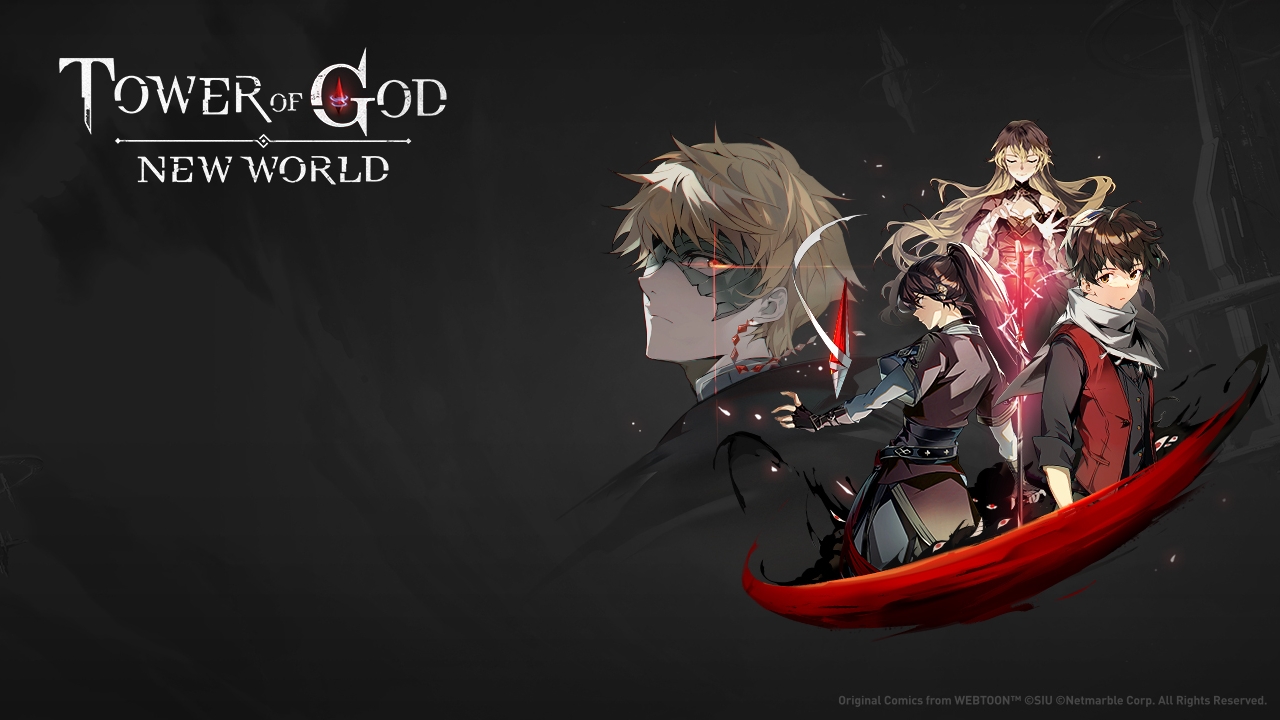
Tower of God: New World is a role-playing game that brings the globally celebrated webtoon Tower of God to life in a fully playable format. Based on a series that has accumulated over 6 billion views worldwide, the game lets you follow beloved characters like Bam, Khun, and Rak through both faithful story adaptations and brand-new original narratives set within the Tower. Playing on PC through MuMuPlayer gives you a larger, sharper view of the action and keeps you connected to every unfolding story beat without the limitations of a mobile screen.
The game is built around a rich roster of recruitable characters, each tied to the Elements and Positions system that forms the strategic core of every battle. Progress is shared across all characters, so switching between team members does not reset your advancement, and upgrade materials flow through a Loot system designed to reduce repetitive grinding. The visual presentation draws directly from the webtoon's distinctive art style, delivering stylish combat animations and skill effects that fans of the source material will immediately recognize.
MuMuPlayer makes Tower of God: New World a stronger experience on PC by giving you precise keyboard and mouse control during skill-heavy combat sequences. The larger display lets you take in the game's detailed character art and battle visuals at full clarity, while stable performance ensures that animations and team strategies play out exactly as intended. Whether you are working through the main story chapters or building your ideal team composition, MuMuPlayer keeps every session comfortable and consistent across long play periods.
Download Tower of God: NEW WORLD on PC or Mac with MuMuPlayer, get a PC like gameplay along with smart control and high graphics performance.
MuMuPlayer, the top Android emulator for PC and Apple silicon Mac, delivers an optimal gaming experience with minimal RAM usage and high FPS. It also allows you to create multiple instances of the emulator and run several games simultaneously, thanks to its Multi-instance feature. Its advanced emulator features ensure smooth gameplay, even on low-end PCs.
Download and play Tower of God: NEW WORLD on PC or Mac with MuMuPlayer and start enjoying your gaming experience now.
About the Game
Few mobile RPGs arrive with the kind of built-in following that Tower of God: New World carries. The game is rooted in one of the most-read webtoons in history, a series that crossed 6 billion views globally before ever making the leap to interactive entertainment. Netmarble took that source material and built a full role-playing experience around it, preserving the tone and cast of the original while expanding the story in directions that even longtime readers have not seen before.
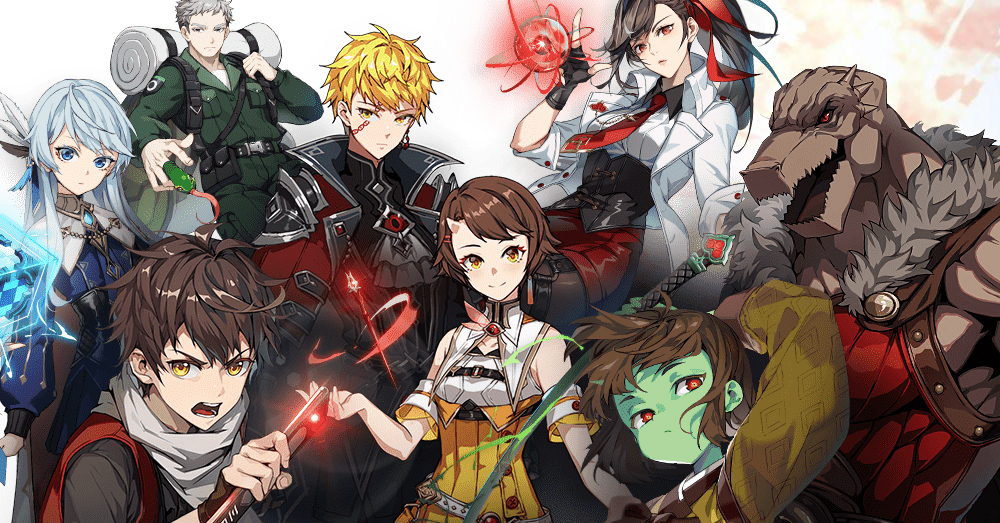
At the center of the experience are the characters that made the webtoon iconic. Bam, Khun, Rak, and a wide supporting cast are all present and recruitable, each brought to life through animations that reflect the comic's visual identity. The game does not simply retell the webtoon panel by panel. It introduces original storylines that sit alongside the canonical events, giving players a reason to engage with the narrative even if they already know how the main story unfolds. These exclusive chapters expand the world in meaningful ways and give familiar characters new moments to shine.
The combat system is built on two interconnected layers: Elements and Positions. Elements define the nature of a character's abilities and create matchup advantages when composed thoughtfully. Positions determine how a character functions within the team, whether as a front-line presence, a support anchor, or a damage dealer operating from range. Learning how these two systems interact is straightforward at first, but building a team that performs well across different challenge types takes genuine planning. The depth reveals itself gradually, rewarding players who invest time in understanding their roster.
One of the more practical design decisions in Tower of God: New World is the shared progression system. When you level up or upgrade one character, that progress carries weight across your entire collection. You are not forced to repeat the same grinding loops every time you recruit someone new. The Loot system reinforces this by supplying upgrade materials at a pace that keeps advancement moving without demanding exhausting repetition.
Key features that define the experience include:
- Original story content developed exclusively for the game, separate from the main webtoon timeline
- A recruitable cast drawn directly from the Tower of God series
- Shared progression across all characters, reducing redundant leveling work
- An Elements and Positions strategy system with genuine tactical depth
- Visual design that mirrors the webtoon's art style throughout battles and cutscenes
- A Loot system that supplies upgrade materials without requiring excessive grinding
Playing through MuMuPlayer on PC brings practical advantages that suit this type of RPG. The wider display lets you read the story dialogue clearly, appreciate the battle animations fully, and manage your team roster without squinting at small interface elements. Keyboard and mouse input adds a level of precision to skill activation that touchscreen controls cannot always match. For a game where timing and team composition both matter, that extra control responsiveness makes a noticeable difference. MuMuPlayer also handles extended sessions well, keeping performance steady whether you are progressing through story chapters or optimizing your lineup for tougher content.
Emulator Features
Highest Android 15 Support Best Compatibility on Mac

With a smart button scheme and image recognition function, provide a more concise UI, and support custom button mapping to meet different needs. With a smart button scheme and image recognition, enjoy a cleaner UI and custom button mapping to fit different gaming needs on Mac.

Run multiple games independently at the same time, easily manage multiple accounts, play games while hanging. Take your Mac gaming further with multiple independent instances, easy account management, and seamless AFK gaming on Apple Silicon Mac.

Break through FPS limit, and enjoy a seamless gaming experience without lag and delay! Break through FPS limits for a seamless, lag-free gaming experience on MacBook, Mac mini, iMac, and Mac Studio.

Get a 3-second startup with 52% less memory usage and 65% more stability. Enjoy 3-second startup, 52% less memory usage, and 65% greater stability on Apple Silicon Mac.
How to Download and Play Tower of God: NEW WORLD on PC and Mac
Installation Guide
Download MuMuPlayer
Download MuMuPlayer and install it on your PC or Mac
Sign-in Google Store
Complete Google sign-in to access the Play Store
Search and Install
Search Tower of God: NEW WORLD in the Play Store
Enjoy Gaming
Enjoy 120 FPS high-def gameplay with big screen
System Requirements
Windows PC
Vulkan / DirectX supported. 4 cores + 4GB RAM recommended. Up to 240 FPS. VT required.
macOS
Recommended: Apple Silicon Mac with 8GB RAM or above. Up to 240 FPS.