Call of Duty®: Mobile (macOS)
Play Call of Duty®: Mobile on PC and Mac
Call of Duty®: Mobile is a multiplayer competitive shooter developed by Activision Publishing, Inc., where players engage in first-person combat, complete contracts, outsmart enemies, and extract with valuable loot. With MuMuPlayer, you can play Call of Duty®: Mobile on PC, jump into action faster, and take on your next mission on a larger screen.
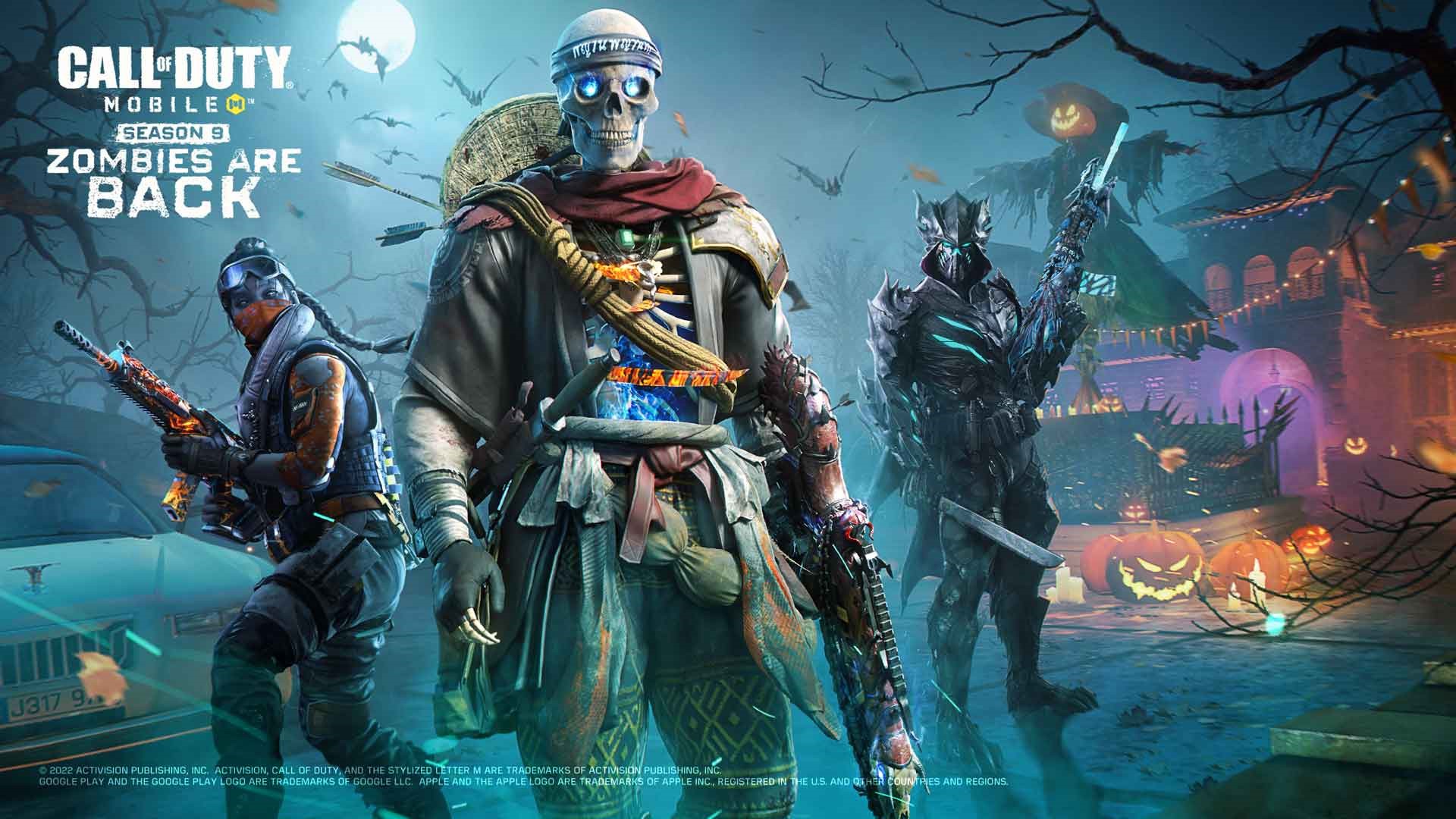
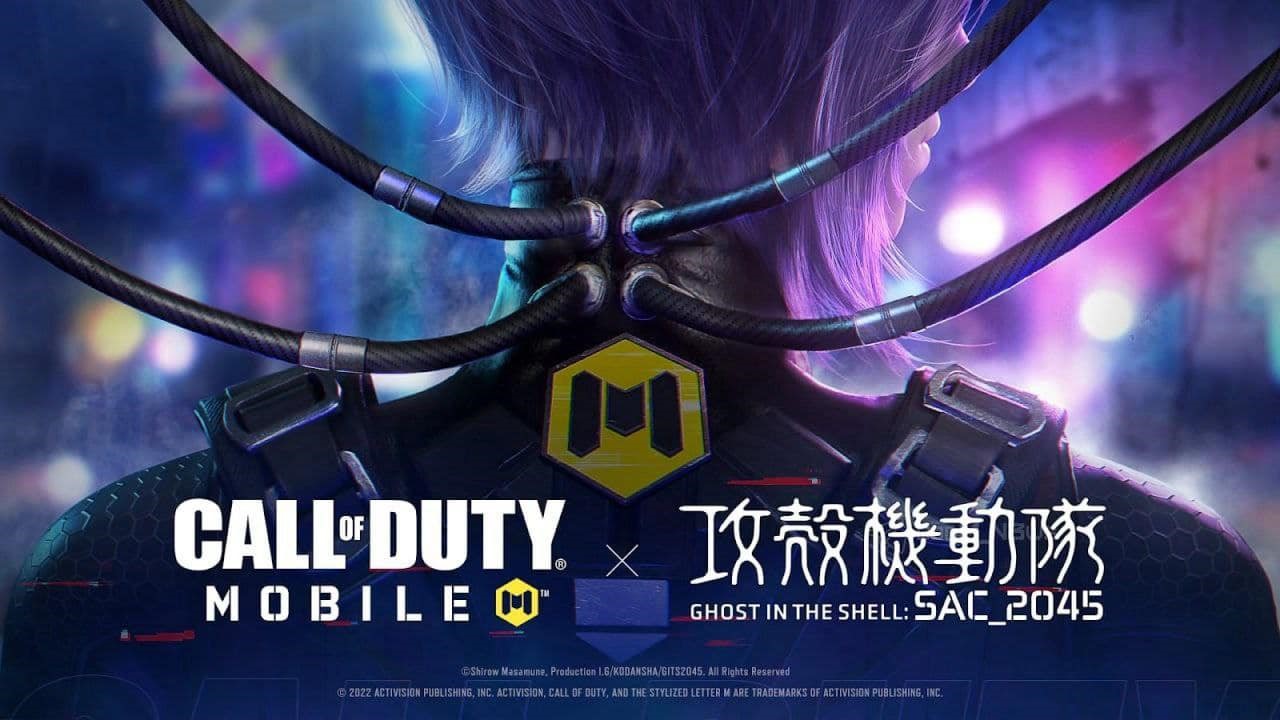
The latest content centers on Rebirth Island, delivering a deeper and more dynamic combat experience. Players can explore an enhanced map across Battle Royale and DMZ: Recon, featuring improved visuals and expanded gameplay systems. DMZ: Recon introduces high-risk zones, a dual-terminal extraction mechanic, and boss encounters, intensifying strategy and resource competition, alongside crafting systems and valuable loot. Battle Royale adds UAV Towers, Contracts, and Buy Stations, creating faster-paced and more tactical matches. A themed collaboration brings unique operator skins and rewards, while the new DP27 weapon and fresh class abilities broaden combat options. Combined with multiple events and progression rewards, the update enhances both immersion and competitive depth.
- Rebirth Island enhanced gameplay
- DMZ: Recon extraction mechanics
- New weapon DP27 & class abilities
- Tactical systems (UAV Towers, Contracts, Buy Stations)
- Events, rewards & themed collaboration
Download MuMuPlayer now and play Call of Duty®: Mobile on PC, experience the latest content and intense battles on a larger screen.
About the Game
Call of Duty®: Mobile brings the essence of the iconic FPS franchise to mobile, delivering console-level shooting in a fast-paced and immersive battlefield. Players can engage in intense gunfights while evolving their skills across diverse modes, growing from beginners into tactical veterans. With responsive controls, realistic weapon handling, and high-quality visuals, every match feels dynamic and engaging.

On the gameplay side, the game blends classic and modern elements, offering both traditional modes and new tactical layers:
• Multiplayer features modes like Team Deathmatch, Domination, and Kill Confirmed
• Iconic maps such as Shipment, Raid, and Standoff return with intense pacing
• Battle Royale delivers large-scale survival with strategic decision-making
• DMZ: Recon introduces extraction-based gameplay focused on risk and reward

In terms of progression and customization, Call of Duty®: Mobile allows players to shape their own playstyle with flexible systems:
• Loadouts enable personalized weapon and gear combinations
• A variety of Operators and cosmetics enhance identity
• Scorestreaks and abilities add dynamic shifts to battles
• Ongoing content updates and rewards keep the experience fresh
Emulator Features

With a smart button scheme and image recognition function, provide a more concise UI, and support custom button mapping to meet different needs.

Run multiple games independently at the same time, easily manage multiple accounts, play games while hanging.

Break through FPS limit, and enjoy a seamless gaming experience without lag and delay!

Get a 3-second startup with 52% less memory usage and 65% more stability.
How to Download and Play Call of Duty®: Mobile on PC and Mac
Installation Guide
① Download and install MuMuPlayer on your PC or Mac. It will identify automatically your current system and download the latest version.
② Start MuMuPlayer and complete Google sign-in to access the Play Store, or do it later.
③ Search Call of Duty®: Mobile in the Play Store.
④ Complete Google sign-in (if you skipped step 2) to install Call of Duty®: Mobile.
⑤ Once installation completes, click the Call of Duty®: Mobile icon on the home page to start the game.
⑥ Enjoy playing Call of Duty®: Mobile on your PC or Mac with MuMuPlayer.
Installation Guide
Recommended computer configuration
For Windows:4-core CPU, 4GB RAM, i5 OS, GTX950+ graphics card
For macOS: 4-core CPU, 4GB RAM
Recommended Android Device performance settings
Graphics renderer mode
Vulkan and DirectX both supported
Performance Settings
Recommended performance settings: 2 cores, 2GB. >>How to adjust performance settings
Recommended Android Device Display Settings
Resolution Settings
Go to Device Settings > Display > Resolution Settings to adjust your device's resolution as needed.
FPS Settings
MuMuPlayer supports up to 240 FPS. >>How to enable high FPS mode
Recommended to enable VT
Enabling VT will significantly improve emulator performance, reduce screen freezing, and make games run more smoothly. >>How to enable VT