Call of Duty®: Mobile (macOS)
Play Call of Duty®: Mobile on PC and Mac
Download Call of Duty®: Mobile on PC or Mac with MuMuPlayer, get a PC like gameplay along with smart control and high graphics performance.
MuMuPlayer, the top Android emulator for PC and Apple silicon Mac, delivers an optimal gaming experience with minimal RAM usage and high FPS. It also allows you to create multiple instances of the emulator and run several games simultaneously, thanks to its Multi-instance feature. Its advanced emulator features ensure smooth gameplay, even on low-end PCs.
Download and play Call of Duty®: Mobile on PC or Mac with MuMuPlayer and start enjoying your gaming experience now.
About the Game
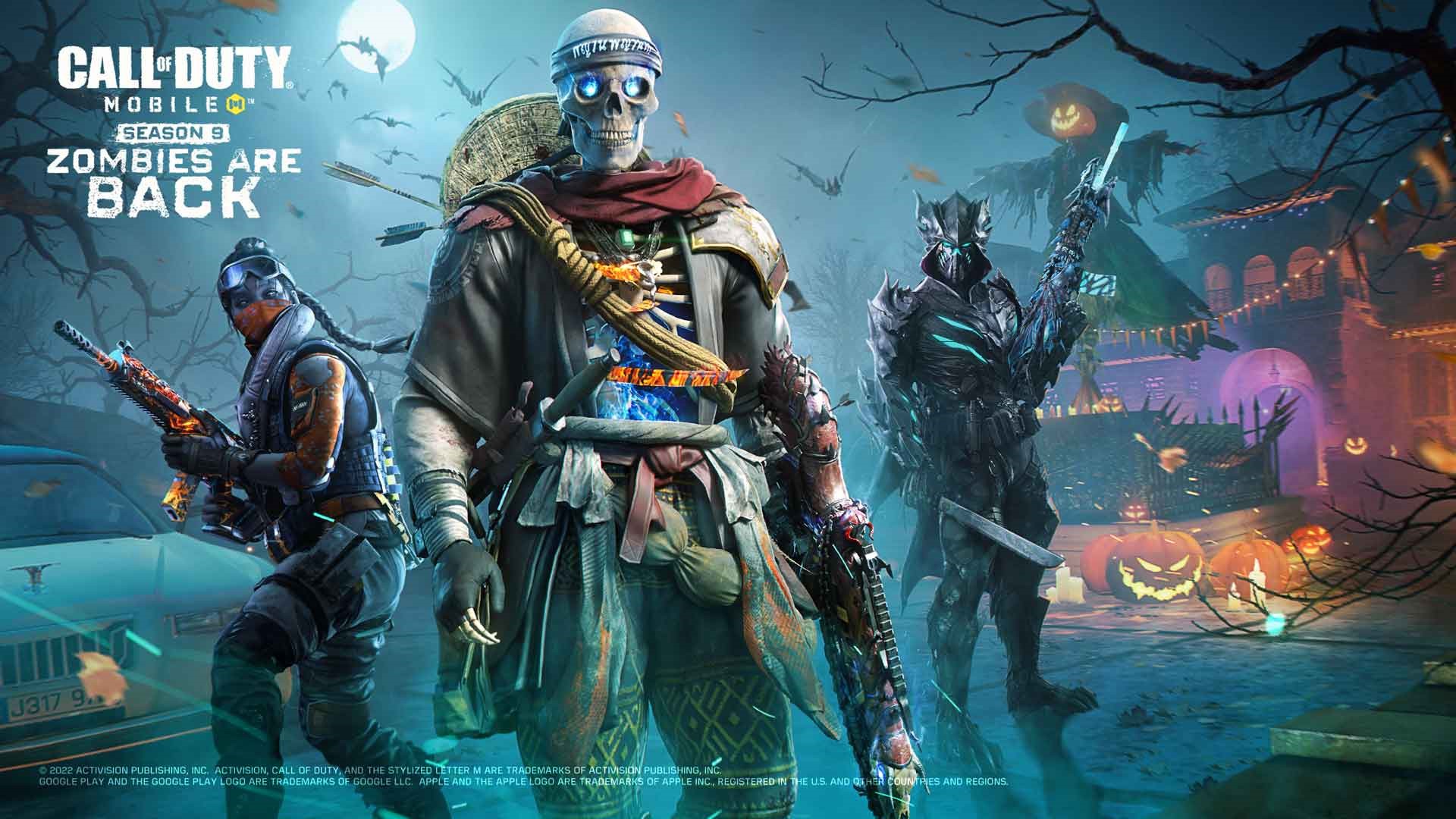
Official CALL OF DUTY® designed exclusively for mobile phones. Play iconic multiplayer maps and modes anytime, anywhere. 100 player Battle Royale battleground? Fast 5v5 team deathmatch? Sniper vs sniper battle? Activision’s free-to-play CALL OF DUTY®: MOBILE has it all.

FREE TO PLAY ON MOBILE

Console quality HD gaming on your phone with customizable controls, voice and text chat, and thrilling 3D graphics and sound. Experience the thrill of the world’s most beloved shooter game, now on your phone for easy on-the-go fun.

BELOVED GAME MODES AND MAPS

Play iconic multiplayer maps from Call of Duty®: Black Ops and Call of Duty®: Modern Warfare®, available for the first time for free. Or squad up with friends in a brand new 100-person battle royale survival map. Join the fun with millions of players from all around world!

CUSTOMIZE YOUR UNIQUE LOADOUT

As you play CALL OF DUTY®: MOBILE you will unlock and earn dozens of famous characters, weapons, outfits, scorestreaks and pieces of gear that can be used to customize your loadouts. Bring these loadouts into battle in Battle Royale and thrilling PvP multiplayers modes like Team Deathmatch, Frontline, Free For All, Search and Destroy, Domination, Hardpoint and many more.

COMPETITIVE AND SOCIAL PLAY

Use skill and strategy to battle to the top in competitive Ranked Mode or to win the most Clan prizes as you play with friends. Compete and fight against millions of friends and foes in this thrilling free to play multiplayer shooter.

CHOICE AND COMPLEXITY

Whether in gameplay, events, controls, or loadouts, CALL OF DUTY®: MOBILE offers complexity and depth in an ever-changing experience.

Have what it takes to compete with the best? Download CALL OF DUTY®: MOBILE now!
_________________________________________________________
NOTE: We welcome any feedback during your experience to improve the game. To give feedback, in-game go to > Settings > Feedback > Contact Us.

Subscribe for Updates! ---> profile.callofduty.com/cod/registerMobileGame
_________________________________________________________
Note: An internet connection is required to play this game.

Please note this app contains social features that allow you to connect and play with friends and push notifications to inform you when exciting events or new content are taking place in the game. You can choose whether or not to utilize these features.

© 2019 Activision Publishing, Inc. ACTIVISION and CALL OF DUTY are trademarks of Activision Publishing, Inc. All other trademarks and trade names are the properties of their respective owners. By downloading, installing or using this App, you agree to Activision's privacy policy and terms of us, as may be updated by Activision from time to time. Please visit http://www.activision.com/privacy/en/privacy.html to view Activision's privacy policy and https://www.activision.com/legal/terms-of-use to view Activision's terms of use.
Emulator Features

With a smart button scheme and image recognition function, provide a more concise UI, and support custom button mapping to meet different needs.

Run multiple games independently at the same time, easily manage multiple accounts, play games while hanging.

Break through FPS limit, and enjoy a seamless gaming experience without lag and delay!

Get a 3-second startup with 52% less memory usage and 65% more stability.
How to Download and Play Call of Duty®: Mobile on PC and Mac
Installation Guide
① Download and install MuMuPlayer on your PC or Mac. It will identify automatically your current system and download the latest version.
② Start MuMuPlayer and complete Google sign-in to access the Play Store, or do it later.
③ Search Call of Duty®: Mobile in the Play Store.
④ Complete Google sign-in (if you skipped step 2) to install Call of Duty®: Mobile.
⑤ Once installation completes, click the Call of Duty®: Mobile icon on the home page to start the game.
⑥ Enjoy playing Call of Duty®: Mobile on your PC or Mac with MuMuPlayer.
Installation Guide
Recommended computer configuration
For Windows:4-core CPU, 4GB RAM, i5 OS, GTX950+ graphics card
For macOS: 4-core CPU, 4GB RAM
Recommended Android Device performance settings
Graphics renderer mode
Vulkan and DirectX both supported
Performance Settings
Recommended performance settings: 2 cores, 2GB. >>How to adjust performance settings
Recommended Android Device Display Settings
Resolution Settings
Go to Device Settings > Display > Resolution Settings to adjust your device's resolution as needed.
FPS Settings
MuMuPlayer supports up to 240 FPS. >>How to enable high FPS mode
Recommended to enable VT
Enabling VT will significantly improve emulator performance, reduce screen freezing, and make games run more smoothly. >>How to enable VT