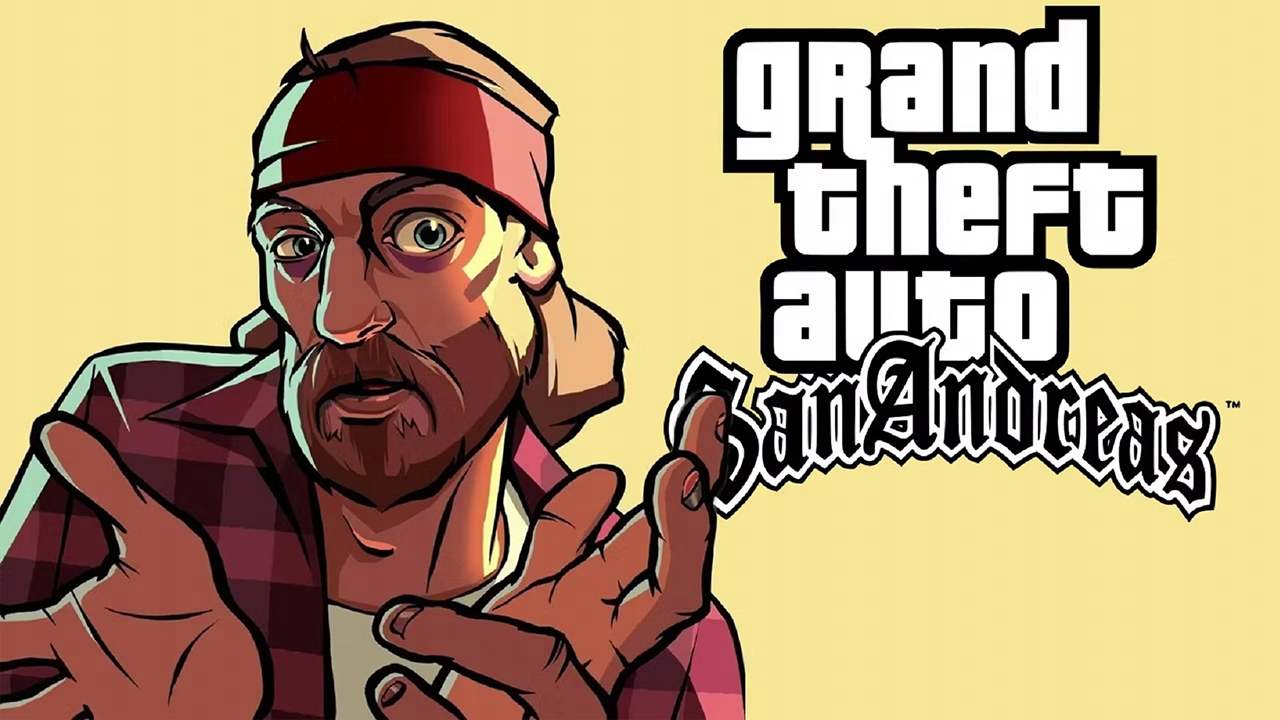
Play GTA: San Andreas – NETFLIX on PC and Mac
Download GTA: San Andreas – NETFLIX on PC or Mac with MuMuPlayer, get a PC like gameplay along with smart control and high graphics performance.
MuMuPlayer, the top Android emulator for PC and Apple silicon Mac, delivers an optimal gaming experience with minimal RAM usage and high FPS. It also allows you to create multiple instances of the emulator and run several games simultaneously, thanks to its Multi-instance feature. Its advanced emulator features ensure smooth gameplay, even on low-end PCs.
Download and play GTA: San Andreas – NETFLIX on PC or Mac with MuMuPlayer and start enjoying your gaming experience now.
About the Game
NETFLIX MEMBERSHIP REQUIRED.

Experience the blockbuster classic, updated for a new generation with across-the-board enhancements including brilliant new lighting and environmental upgrades, with high-resolution textures, increased draw distance, Grand Theft Auto V-style controls and targeting, and much more.

Five years ago, Carl 'CJ' Johnson escaped the haze of Los Santos, San Andreas ... a city tearing itself apart with gang trouble, drugs, and corruption. Now, it's the early '90s. CJ’s got to go home — his mother has been murdered, his family has fallen apart, and his childhood friends are all heading towards disaster. On his return to the neighborhood, a couple of cops frame him for homicide, forcing CJ on a journey that takes him across the entire state of San Andreas, to save his family and to take control of the streets in the next iteration of the series that changed everything.

- Created by Rockstar Games.

Rockstar Games, Grand Theft Auto, Grand Theft Auto: The Trilogy – The Definitive Edition, Grand Theft Auto San Andreas – The Definitive Edition and [R* Logo] are marks/logos/copyrights of Take-Two Interactive. All rights reserved. Unreal® Engine, Copyright 1998–2023, Epic Games, Inc. All rights reserved. Uses Oodle. Copyright © 2008–2023 by Epic Game Tools, Inc. All other marks and trademarks are properties of their respective owners.

Please note that the Data Safety information applies to information collected and used in this app. See the Netflix Privacy Statement to learn more about information we collect and use in this and other contexts, including at account registration.
Emulator Features

With a smart button scheme and image recognition function, provide a more concise UI, and support custom button mapping to meet different needs.

Run multiple games independently at the same time, easily manage multiple accounts, play games while hanging.

Break through FPS limit, and enjoy a seamless gaming experience without lag and delay!

Get a 3-second startup with 52% less memory usage and 65% more stability.
How to Download and Play GTA: San Andreas – NETFLIX on PC and Mac
Installation Guide
Download MuMuPlayer
Download and install MuMuPlayer on your PC or Mac
Sign-in Google Store
Complete Google sign-in to access the Play Store
Search and Install
Search GTA: San Andreas – NETFLIX in the Play Store
Enjoy Gaming
Enjoy 120 FPS high-def gameplay with big screen
System Requirements
Windows PC
Vulkan / DirectX supported. 4 cores + 4GB RAM recommended. Up to 240 FPS. VT required.
macOS
Recommended: Apple Silicon Mac with 8GB RAM or above. Up to 240 FPS.