Play Peridot on PC and Mac
Download Peridot on PC or Mac with MuMuPlayer, get a PC like gameplay along with smart control and high graphics performance.
MuMuPlayer, the top Android emulator for PC and Apple silicon Mac, delivers an optimal gaming experience with minimal RAM usage and high FPS. It also allows you to create multiple instances of the emulator and run several games simultaneously, thanks to its Multi-instance feature. Its advanced emulator features ensure smooth gameplay, even on low-end PCs.
Download and play Peridot on PC or Mac with MuMuPlayer and start enjoying your gaming experience now.
About the Game
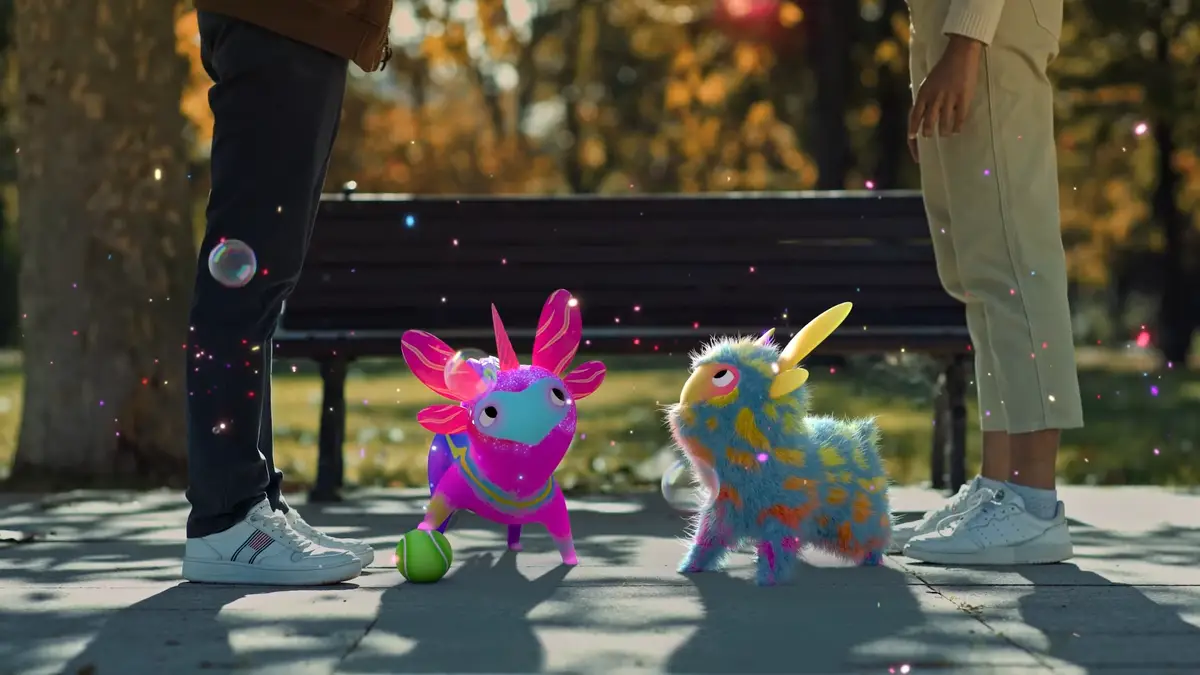
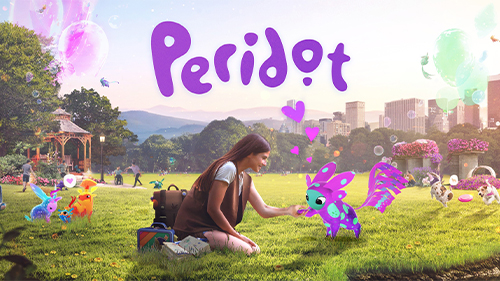
Peridot fulfills your fantasy of bonding with a magical, brag-worthy creature that can fly through the air, always wants to be by your side, and might have a secret love for turkey sandwiches. With the power of AR, this pet simulation game places whimsical beings known as Peridots (“Dots'' for short) in the real world with you. And with Peridot, playing with friends is better, simple as that. Meet up with your besties IRL to Hatch new Dots that will inherit the Traits of their parents, then snap a pic and share it with your friends!
_______________

ADOPT your very own Peridot, creatures that feel and look totally real. Each Dot has unique DNA which makes them a truly special companion made just for you.

NURTURE your creatures and help them live their best lives. Play fetch, teach them how to shake their butt, give them belly rubs, and dress them up in hats, mustaches, bowties, and more!

EXPLORE the world, get outside, and see the world in a new way through your Dot’s eyes. Your Dot is curious about the environment and might uncover hidden items depending on where you adventure with them. When your Dot is looking particularly adorable, snap photos and videos to share with your friends on social.

COLLABORATE with your friends and other players to breed your Dots together and Hatch entirely new Dots that are genetically unique. Discover together what’s possible and encounter endless possibilities of Peridot Archetypes that resemble some of your favorite animals, including cheetahs, unicorns, peacocks, and more. You can even combine and pass down these rare Traits to the future generations of Dots.

EXPAND your beloved family of Dots by unlocking badass Peridot Archetypes and Traits as you climb the ranks within the Peridot Keeper Society.

EXPERIENCE a rich narrative as you learn about the mysterious ancient past of these creatures and work to preserve the species for future generations.

Join this heartwarming journey today and rediscover just how beautiful the world around you truly is.
_______________

With the player's permission, Adventure Sync uses your location to enable the player to earn walking distance when the app is closed.

Notes:
• Peridot is optimized for high-end smartphones, tablets are not supported. Device compatibility is not guaranteed and may be changed at any time. Supported device information can be found at: https://niantic.helpshift.com/hc/en/36-peridot/faq/3377-supported-devices/
• Peridot is an AR-first experience and requires access to your smartphone’s camera while playing the game to interact with your creature in the real-world.
• Continued use of GPS running in the background or camera access can dramatically reduce battery life.
• It is recommended to play while connected to a network in order to obtain accurate location information.
• Please visit playperidot.com for additional information.
Emulator Features

With a smart button scheme and image recognition function, provide a more concise UI, and support custom button mapping to meet different needs.

Run multiple games independently at the same time, easily manage multiple accounts, play games while hanging.

Break through FPS limit, and enjoy a seamless gaming experience without lag and delay!

Get a 3-second startup with 52% less memory usage and 65% more stability.
How to Download and Play Peridot on PC and Mac
Installation Guide
① Download and install MuMuPlayer on your PC or Mac. It will identify automatically your current system and download the latest version.
② Start MuMuPlayer and complete Google sign-in to access the Play Store, or do it later.
③ Search Peridot in the Play Store.
④ Complete Google sign-in (if you skipped step 2) to install Peridot.
⑤ Once installation completes, click the Peridot icon on the home page to start the game.
⑥ Enjoy playing Peridot on your PC or Mac with MuMuPlayer.
Installation Guide
Recommended computer configuration
For Windows:4-core CPU, 4GB RAM, i5 OS, GTX950+ graphics card
For macOS: 4-core CPU, 4GB RAM
Recommended Android Device performance settings
Graphics renderer mode
Vulkan and DirectX both supported
Performance Settings
Recommended performance settings: 2 cores, 2GB. >>How to adjust performance settings
Recommended Android Device Display Settings
Resolution Settings
Go to Device Settings > Display > Resolution Settings to adjust your device's resolution as needed.
FPS Settings
MuMuPlayer supports up to 240 FPS. >>How to enable high FPS mode
Recommended to enable VT
Enabling VT will significantly improve emulator performance, reduce screen freezing, and make games run more smoothly. >>How to enable VT