Play LifeAfter on PC Play LifeAfter on PC and Mac
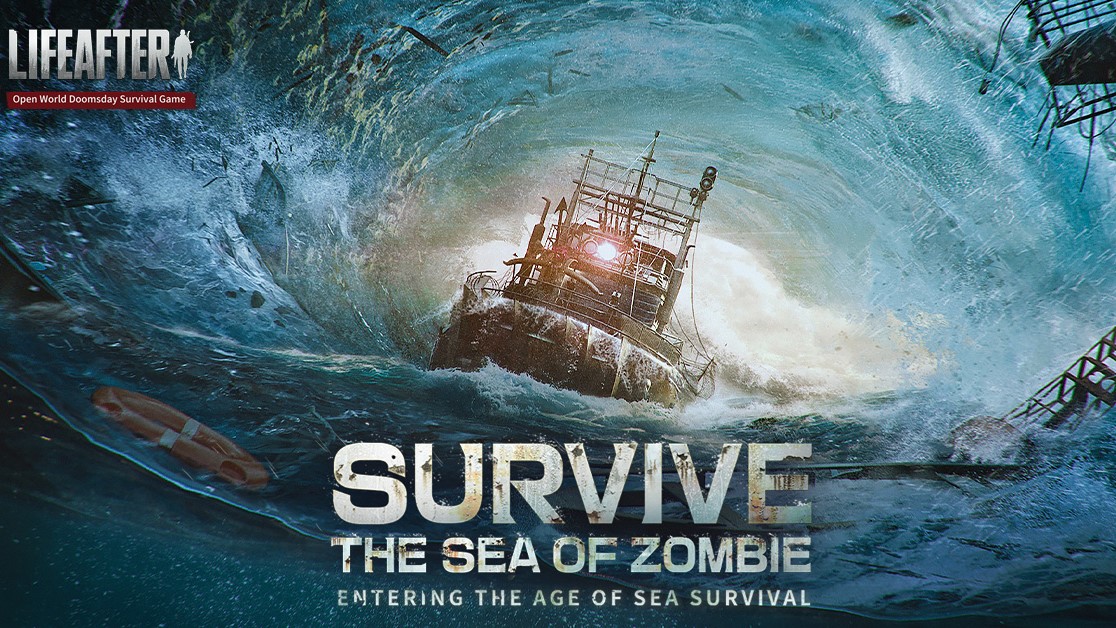
LifeAfter: Sea of Zombie is a post-apocalyptic survival role-playing game that drops players into a world overrun by the undead, where rebuilding civilization from the ashes is just as important as staying alive. With its vast open world, deep crafting systems, and intense survival mechanics, the game challenges you to gather resources, fortify shelters, and fight through relentless zombie hordes in a struggle that tests both strategy and endurance. Playing on PC through MuMuPlayer gives you a smoother, larger-screen experience that does full justice to LifeAfter's expansive environments and detailed world design.
At the heart of LifeAfter: Sea of Zombie is a major content overhaul framed around the concept of reconstruction, bringing a reimagined world with fresh challenges and revitalized gameplay systems. The April 17th Rebirth Day event signals a turning point in the game's story, inviting both returning survivors and new players to experience the fallen world from a transformed perspective. The game blends exploration, base-building, and combat into a cohesive survival loop that keeps the stakes high whether you are scavenging for supplies or defending your camp against waves of infected.
Using MuMuPlayer to run LifeAfter: Sea of Zombie on PC unlocks a range of practical advantages that make the survival experience more manageable and enjoyable. The larger display makes navigating the open world significantly easier, giving you a clearer view of your surroundings during exploration and combat. Keyboard and mouse controls offer greater precision when crafting, building, and engaging enemies, while MuMuPlayer's stable performance ensures the game runs consistently without the battery drain or overheating concerns of mobile play. For a game that demands constant attention and quick decision-making, the PC setup through MuMuPlayer is a genuine upgrade.
Download LifeAfter on PC or Mac with MuMuPlayer, get a PC like gameplay along with smart control and high graphics performance.
MuMuPlayer, the top Android emulator for PC and Apple silicon Mac, delivers an optimal gaming experience with minimal RAM usage and high FPS. It also allows you to create multiple instances of the emulator and run several games simultaneously, thanks to its Multi-instance feature. Its advanced emulator features ensure smooth gameplay, even on low-end PCs.
Download and play LifeAfter on PC or Mac with MuMuPlayer and start enjoying your gaming experience now.
About the Game
The world as it was once known is gone. LifeAfter: Sea of Zombie presents a devastated civilization where the infected have taken over and the few remaining survivors must claw their way back from the edge of extinction. This is not a game about simply enduring the apocalypse. It is about pushing back against it, rebuilding what was lost, and finding a reason to keep going in a world that has turned hostile in every direction.
The game's landmark content overhaul, centered on the concept of reconstruction, marks a significant moment in LifeAfter's ongoing story. Rather than a minor patch or seasonal refresh, this update reframes the entire world, reshaping familiar systems and introducing new layers of depth to the survival experience. The Rebirth Day event on April 17th serves as the narrative anchor for this transformation, representing a collective turning point where survivors across the world begin the long process of reclaiming what was lost.
Survival in LifeAfter operates on multiple fronts:
- Resource gathering forms the foundation of everything, from basic food and medicine to advanced crafting materials needed for construction and combat.
- Base-building allows players to establish shelters, upgrade defenses, and create a home worth protecting in a world full of threats.
- Combat against zombie hordes demands preparation, smart use of weapons, and an understanding of enemy behavior patterns.
- Exploration rewards the bold, with diverse environments hiding valuable supplies and hidden dangers in equal measure.
- Cooperation with other players opens up shared bases, group expeditions, and collective defense strategies that lone survivors cannot manage on their own.
The reconstructed world introduces environments and scenarios that feel genuinely different from earlier stages of the game. Familiar locations carry new meaning, and the systems that once defined survival have been revisited and expanded. Whether you are a long-time player returning after a break or someone stepping into the post-apocalypse for the first time, the world of LifeAfter offers something worth discovering.
Beyond the action and building mechanics, the game carries a distinct emotional tone. Every shelter built, every alliance forged, and every zombie cleared is part of a broader story about what it means to rebuild not just structures but community and purpose. The tension between what humanity has lost and what it might still recover gives the gameplay a weight that goes beyond simple survival loops.
Playing LifeAfter: Sea of Zombie on PC through MuMuPlayer brings meaningful practical benefits to the experience. The expanded screen real estate makes the open world far easier to navigate, turning exploration from a cramped mobile task into an immersive wide-screen journey. Keyboard and mouse input provides the kind of precision that complex crafting menus and fast-paced combat genuinely benefit from. MuMuPlayer's optimized performance also ensures stable frame rates during demanding scenes, so the action never stutters when it matters most. For a game built around constant decision-making under pressure, having the reliability and comfort of a PC setup through MuMuPlayer is a meaningful advantage that carries through every hour of play.
Emulator Features
Highest Android 15 Support Best Compatibility on Mac

With a smart button scheme and image recognition function, provide a more concise UI, and support custom button mapping to meet different needs. With a smart button scheme and image recognition, enjoy a cleaner UI and custom button mapping to fit different gaming needs on Mac.

Run multiple games independently at the same time, easily manage multiple accounts, play games while hanging. Take your Mac gaming further with multiple independent instances, easy account management, and seamless AFK gaming on Apple Silicon Mac.

Break through FPS limit, and enjoy a seamless gaming experience without lag and delay! Break through FPS limits for a seamless, lag-free gaming experience on MacBook, Mac mini, iMac, and Mac Studio.

Get a 3-second startup with 52% less memory usage and 65% more stability. Enjoy 3-second startup, 52% less memory usage, and 65% greater stability on Apple Silicon Mac.
How to Download and Play LifeAfter on PC and Mac
Installation Guide
Download MuMuPlayer
Download MuMuPlayer and install it on your PC or Mac
Sign-in Google Store
Complete Google sign-in to access the Play Store
Search and Install
Search LifeAfter in the Play Store
Enjoy Gaming
Enjoy 120 FPS high-def gameplay with big screen
System Requirements
Windows PC
Vulkan / DirectX supported. 4 cores + 4GB RAM recommended. Up to 240 FPS. VT required.
macOS
Recommended: Apple Silicon Mac with 8GB RAM or above. Up to 240 FPS.