在 PC 和 Mac 上暢玩Tips livestream Video
使用MuMuPlayer在PC或Mac上下載 Tips livestream Video,以獲得類似PC的遊戲體驗以及智能操作和高圖形效能。
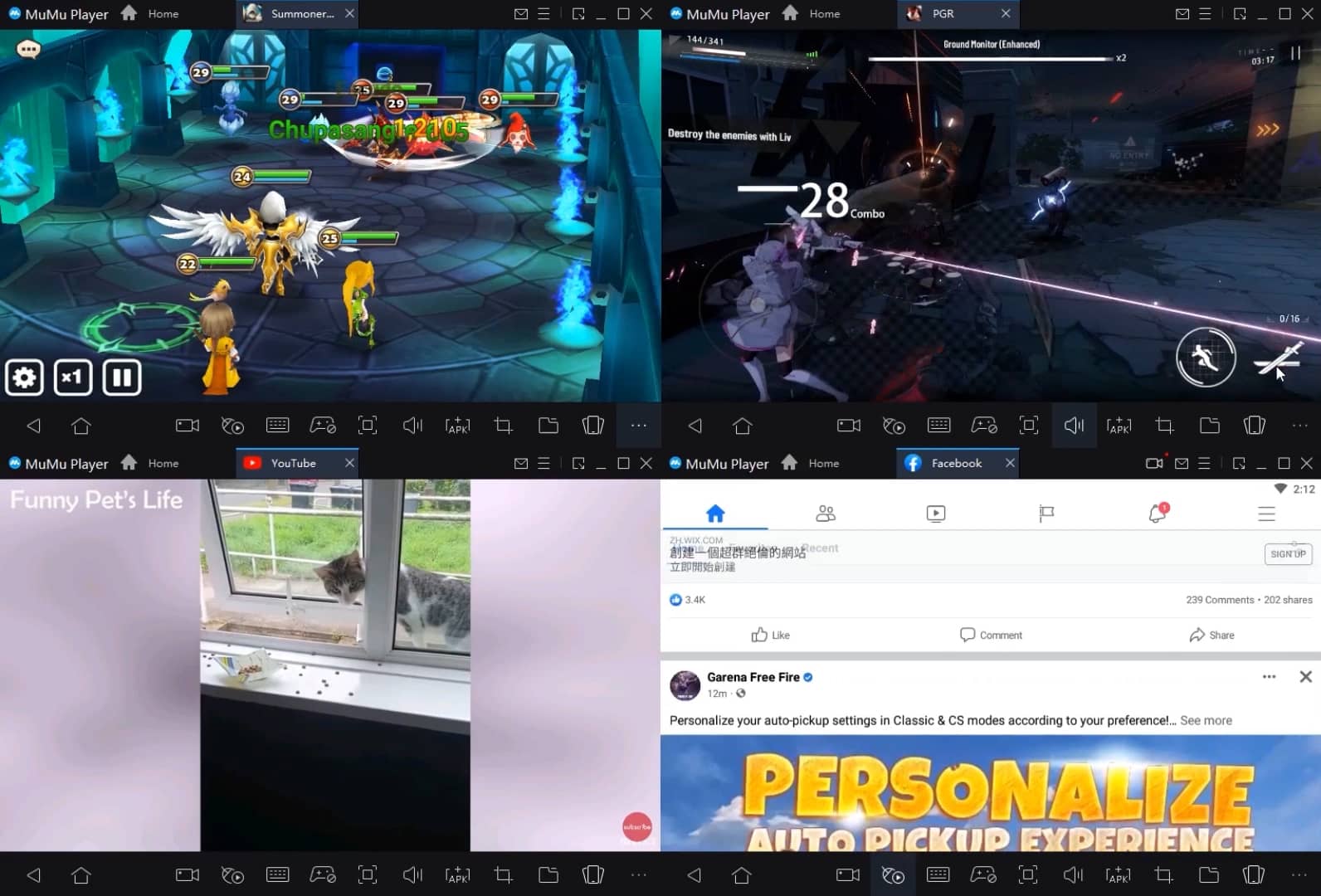
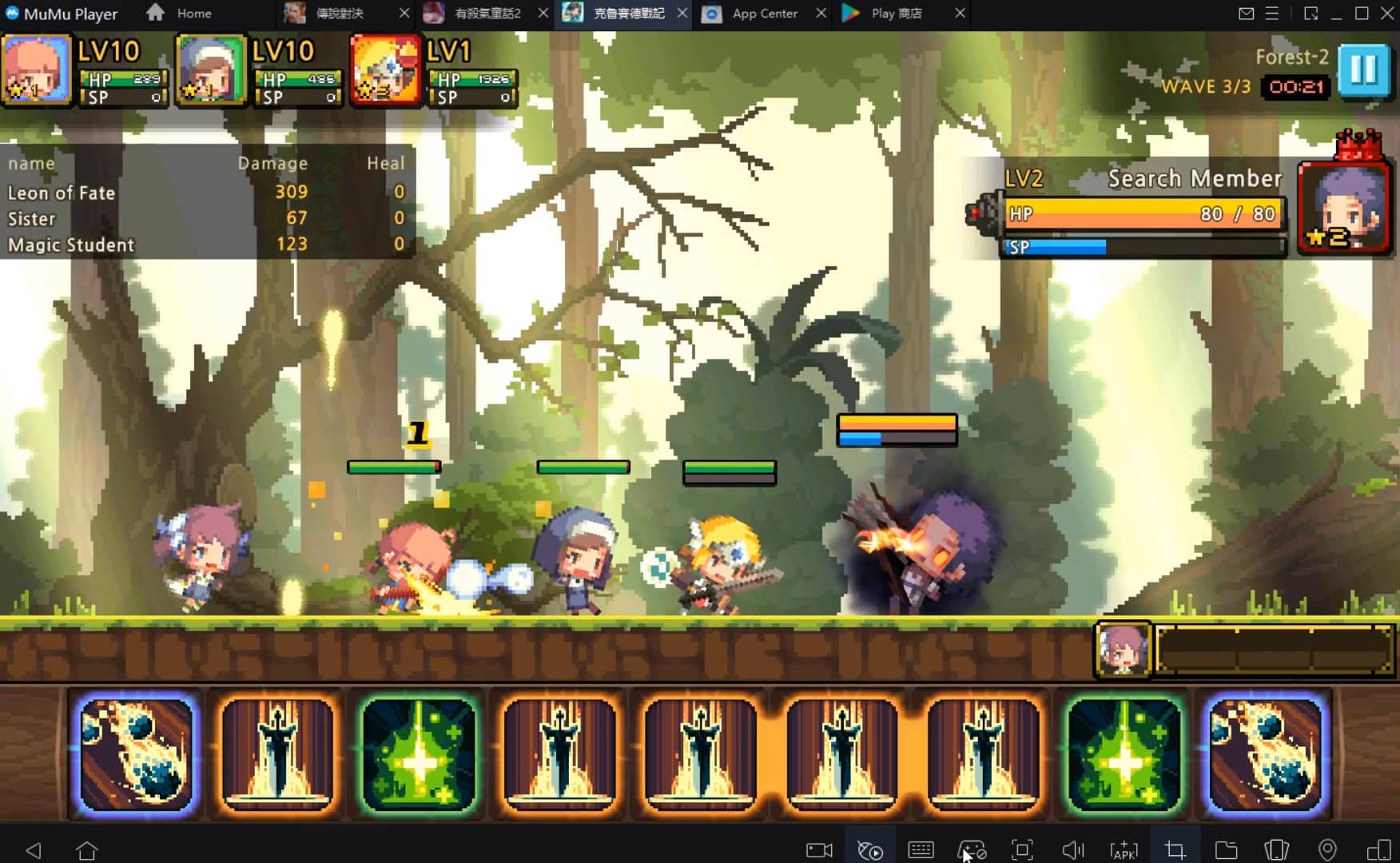
MuMuPlayer是適用於PC和Apple M系列晶片的頂級安卓模擬器,可提供最佳遊戲體驗,同時減少記憶體使用量並提高幀率。支援多開功能,可建立多個模擬器並同時運行多個遊戲。其先進的模擬器功能可確保即便在低階電腦也能流暢運行遊戲。
立即在PC或Mac上使用MuMuPlayer下載並暢玩Tips livestream Video吧。
遊戲簡介
Want to start your own live stream? You are in the right place. Tips  live streaming app lets you broadcast your entire lives live on a daily basis, as well as have Tips  live video chat💬 with your friends.
Tips  live go app provides you with various interesting content, where you will see content according to your interests.
Main features of Tips  live video app are as follow:👇

1.Show your life moments and showcase your talents.
2.Chat while using different Tips  live filters✨and Tips  live chat effects for entertainment.
3.Connect with your favorite broadcasters in your Tips  live stream.
4.Have Tips  live video chat 🗫with your friends.
5.On Tips  live watch various videos.
6.Gain millions of Tips  live followers.👀

With Tips  live social app, show your daily moments, talk with your friends or have a good time with the people you invite to the live show. As well as join Tips  live community to earn gifts, diamonds, and beans from your followers and fans and encash these virtual gifts.
 So, download the app and broadcast videos and connect to anyone anytime, anywhere.
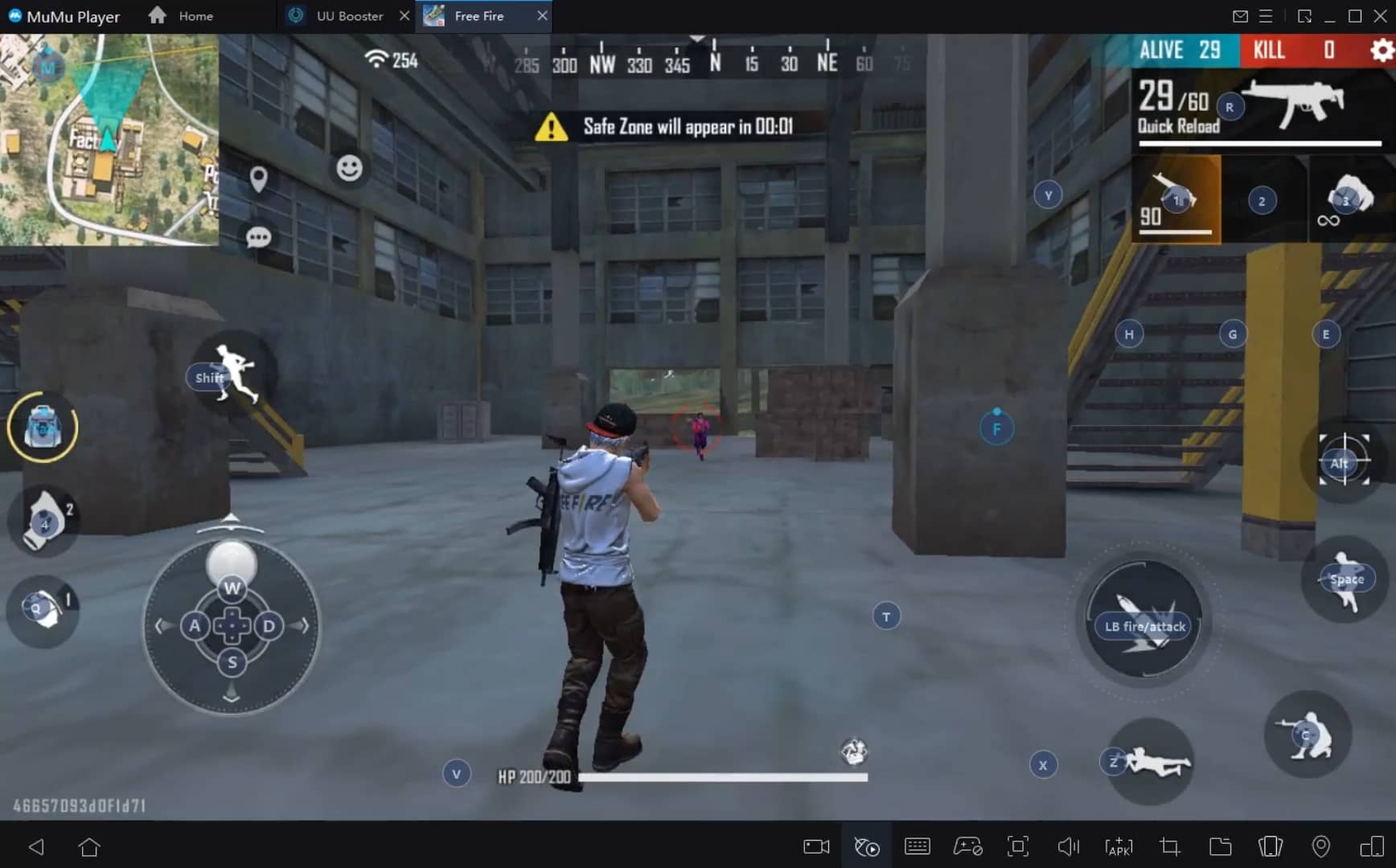
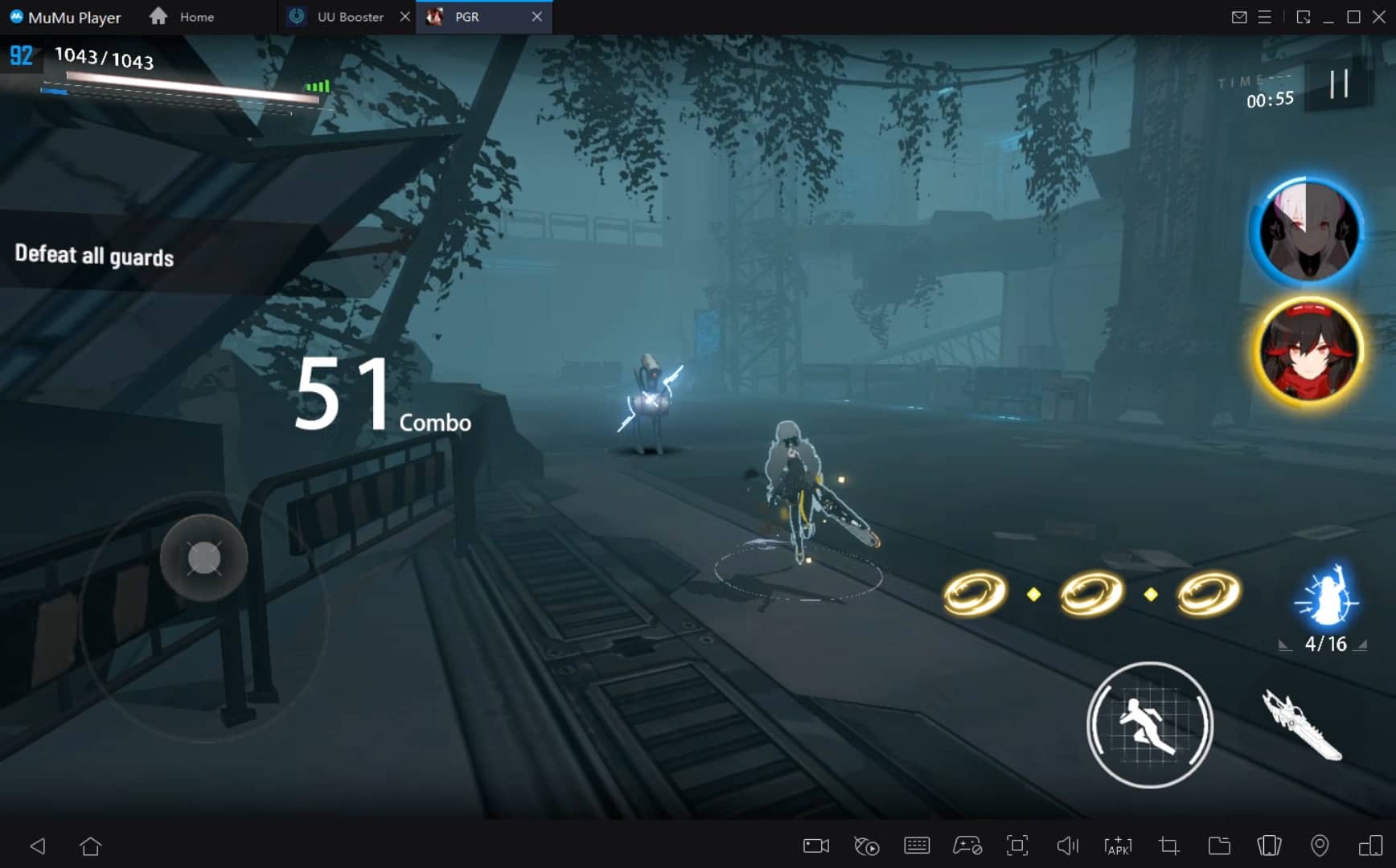
模擬器功能
如何在 PC 和 Mac 上下載暢玩Tips livestream Video
安裝指南
① 在您的PC或Mac上下載並安裝MuMuPlayer。它將自動識別您目前的系統並下載最新版本。
② 啟動MuMuPlayer並完成谷歌登入以存取谷歌商店,或稍後再執行此操作。
③ 在谷歌商店中搜尋Tips livestream Video。
④ 完成谷歌登入 (如果跳過第2步) 以安裝Tips livestream Video。
⑤ 安裝完成後,點選桌面Tips livestream Video圖示即可開始遊戲。
⑥ 使用MuMuPlayer在PC或Mac上暢玩 Tips livestream Video。
MuMuPlayer 推薦配置
推薦電腦配置
Windows 系統:4 核心 CPU、4GB 記憶體、i5 作業系統、GTX950+ 顯示卡
macOS 系統:4 核心 CPU、4GB 內存
推薦 Android 裝置性能設定
圖形渲染模式
同時支援 Vulkan 和 DirectX
性能設定
建議效能設定:2 核心 CPU、2GB 顯存。>>點擊此處了解如何調整效能設定。
推薦 Android 裝置顯示設置
解析度設定
前往“裝置設定”>“顯示”>“解析度設定”,根據需要調整裝置解析度。
FPS 設定
MuMuPlayer 最高支援 240 FPS。>> 按此了解如何啟用高 FPS 模式。
建議啟用 VT
啟用 VT 將顯著提升模擬器效能,減少畫面卡頓,並使遊戲運行更流暢。>> 點擊此處了解如何啟用 VT